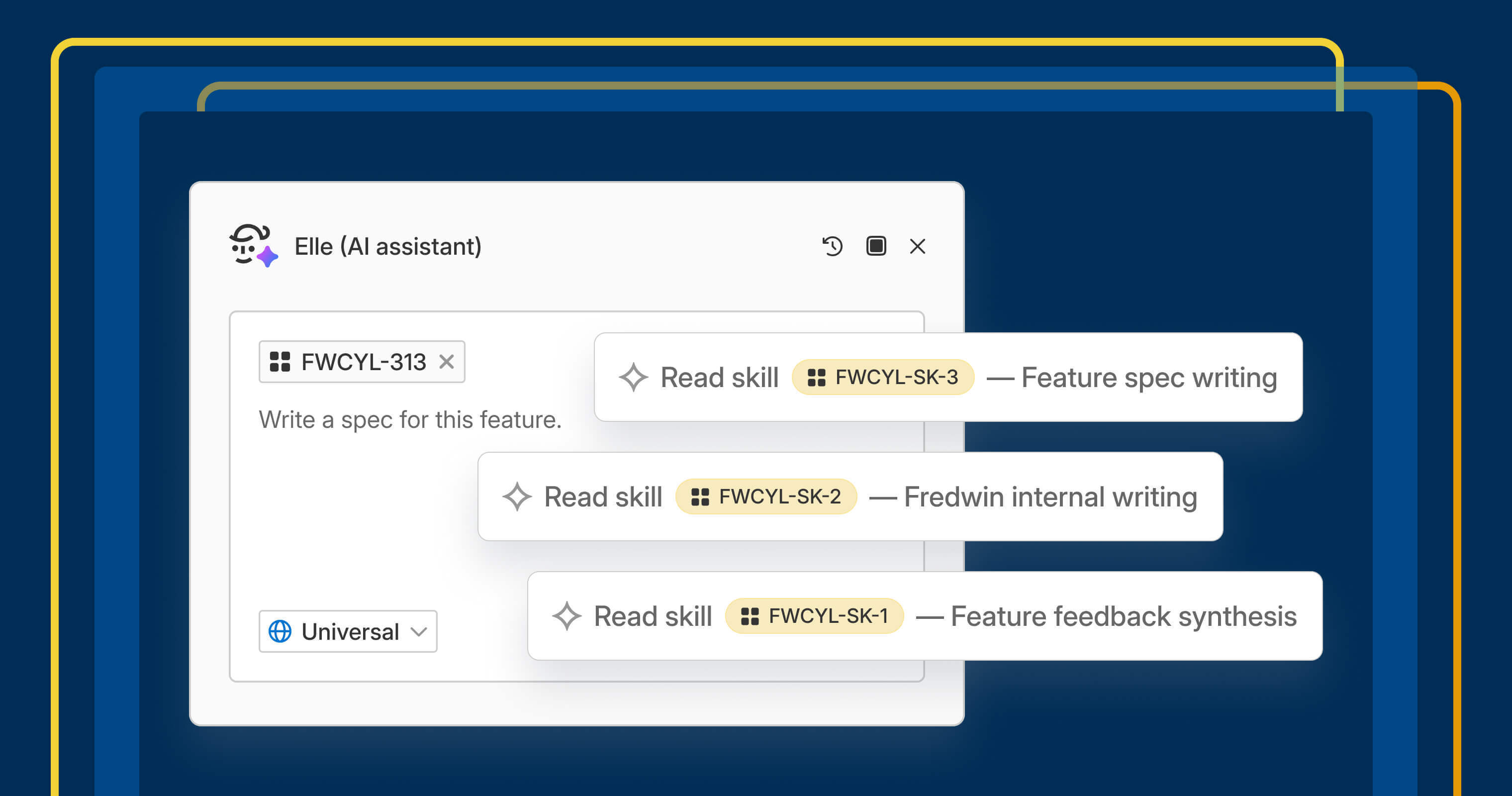
You have a specific way you like release notes structured or a particular tone you want in a stakeholder update. Right now, that knowledge lives with you, and you retype it at the start of a new chat with Elle (the AI assistant). That is real expertise — built up over time.
You can now turn that expertise into a reusable skill for Elle. Save it once, and it applies automatically every time the work comes up.
Tell Elle how you want it done #
You rely on Elle every day to help you research, write, and plan faster. You can already shape its output with personal memory about you. Now, you can also give Elle skills: reusable guidance that captures your expertise and gets applied automatically.
If you have used prompts, custom instructions, or agents with Elle before, those are still here. Skills are a more capable way to do the same kind of thing. They are built to work automatically without you needing to bring them into the conversation. A skill is built from the guidance you want Elle to follow, plus (when it helps) reference material like a style guide or a strong example of work done well. Elle draws on all of it together, the same way a new teammate gets better the more context and examples you give them.
Skills are useful for work you do the same way every time. Think: running a market analysis using your team's framework, summarizing customer feedback into themes, structuring a feature spec in your preferred format, or drafting a stakeholder update with the right tone. Save the guidance once, add reference files when useful, and Elle applies the right skill automatically.
Here is what you can do:
Create a skill by describing it: Tell Elle what the skill should do, and it drafts the instructions for you.Build skills from work you have already done: When Elle completes a task, ask it to turn that conversation into a skill so you do not give the same instructions again.Import from elsewhere: Upload skill and reference files directly from your computer.Prompt Elle as you normally would: Elle automatically finds the skills that fit and shows you which ones it used.
Skills are available wherever you use Elle across the Aha! suite, including Aha! Roadmaps, Aha! Discovery, Aha! Ideas, Aha! Whiteboards, Aha! Develop, Aha! Teamwork, and Aha! Knowledge. Owners and contributors can create skills.
See how to use this new capability in action:
How to get started #
Go to
AI capabilities****Skills in yourorWorkspace settings.Personal settingsSelect
Add skill and ask Elle to draft the guidance, write it yourself, or upload a .md file.Use the
Files tab to add reference material like examples, guides, or screenshots.Select
Edit skill to update a skill, or use theMore options button (...) to enable, disable, or delete it.Use skills anywhere you work with
[Elle](https://support.aha.io/aha-software/elle-ai-assistant/introduction-to-elle-the-ai-assistant~7527381671841853896#access-elle), on a record or from the top navigation bar.

📚 Read the [full support article](https://support.aha.io/aha-software/elle-ai-assistant/create-and-use-skills-with-elle~7671056507266906069) for detailed instructions.
Start with something you already do the same way every time — or a task you keep explaining to Elle. Describe it once, save it, and that is your first skill. Share it as a workspace skill so the rest of your team gets the benefit of saved expertise.
**Start a free trial **
Skills are available to Aha! customers. Our suite of tools includes Aha! Roadmaps, Aha! Discovery, Aha! Ideas, Aha! Whiteboards, Aha! Builder, Aha! Develop, Aha! Teamwork, and Aha! Knowledge. Use each product individually or combined to help teams deliver even greater value. Sign up for a free 30-day trial or join a live demo to see why more than 1 million product builders trust our software to build lovable products and be happy doing it.