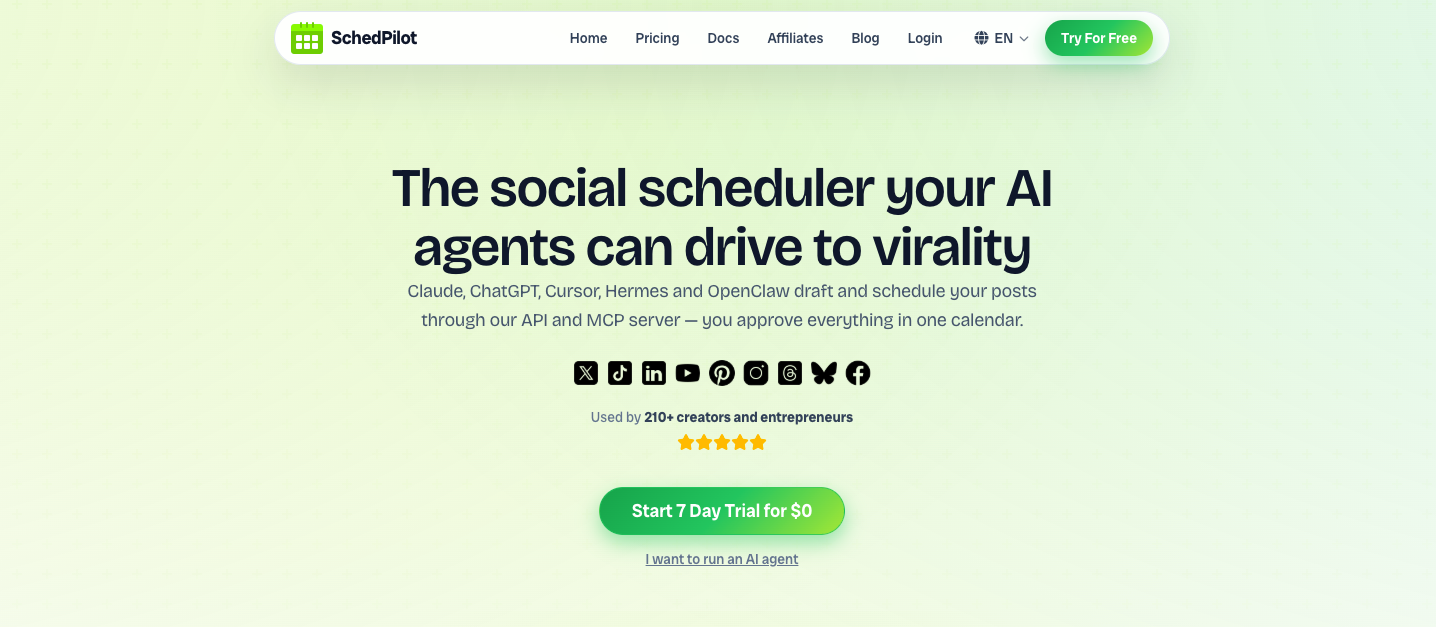
AI agents are changing social media management from a manual, tab-juggling grind into something you can direct in plain language. Unlike rigid schedulers or rule-based bots, an AI agent can reason, decide, and take action — drafting posts, scheduling them, replying to comments, and reporting on results, all while you stay in control. Here are 15 concrete ways to put AI agents to work on your social media, and exactly how to do each one.
The difference between “automation” and an “AI agent” matters. Automation follows a fixed script. An agent understands a goal — “grow our LinkedIn presence this month” — and figures out the steps. The best setups pair that intelligence with a publishing layer like SchedPilot, so the agent can actually act across your accounts instead of just suggesting.
The 15 ways
- Generate content ideas & captions
- Draft & schedule a week in one prompt
- Repurpose one idea into every format
- Publish across every network at once
- Post at the best time per platform
- Turn long videos into clips
- Social listening & brand monitoring
- Draft replies to comments & DMs
- Sentiment & brand-health tracking
- Competitor & trend intelligence
- A/B test hooks and formats
- Pull analytics & write reports
- Community management at scale
- Localize posts into any language
- Human-in-the-loop approvals
1. Generate content ideas and captions on demand #
The hardest part of posting consistently is the blank page. An AI agent trained on your brand voice can brainstorm angles, write captions, draft hooks, and suggest hashtags in seconds. Feed it a topic, a product update, or last week’s blog post and get a batch of platform-specific drafts.
How to do it: Prompt your agent (Claude, ChatGPT, or a custom one) with your voice guidelines and a goal. Ask for 10 caption variations, then keep the best.
2. Draft and schedule a whole week from one prompt #
This is where agents leap past chatbots: they don’t just write the posts, they schedule them. “Plan five LinkedIn posts for next week and queue them for 9am” becomes a single instruction.
How to do it: Connect your agent to SchedPilot via its MCP server or REST API. The agent calls create_post
for each draft, sets the date and time, and everything lands in your calendar ready to review.
3. Repurpose one idea into every format #
One idea should never be one post. An agent can turn a single blog article into an X thread, a LinkedIn post, an Instagram carousel outline, and a short-video script — each written natively for its platform rather than copy-pasted.
How to do it: Give the agent the source content and ask it to adapt tone and length per network, then schedule each variant to the right account.
4. Publish across every network at once #
Cross-posting manually is tedious and error-prone. An agent connected to a multi-network publishing layer sends one approved post to all your accounts simultaneously — X, Instagram, LinkedIn, TikTok, Threads, Facebook, YouTube, Pinterest, and Bluesky.
How to do it: SchedPilot fans a single post out to 9 networks through official APIs, so your agent writes once and publishes everywhere without touching nine dashboards.
5. Post at the best time for each platform #
Timing changes reach. Instead of guessing, an agent can schedule each post into the optimal window for that platform and audience, and shuffle the queue as your data changes.
How to do it: Let the agent set schedule times based on best-time-to-post insights, then queue them automatically across the week.
6. Turn long videos into short-form clips #
Short video drives the most reach, but editing is a bottleneck. Agents (paired with an editor) can pull highlight clips, add captions and text overlays, and format them vertically for Reels, TikTok, and Shorts.
How to do it: Use SchedPilot’s built-in video editor to caption and format clips, then have your agent schedule the finished UGC to every short-form network at once.
7. Social listening and brand monitoring #
Agents can continuously watch for mentions of your brand, product, or competitors across platforms, cluster what they find, and surface only what needs your attention — so nothing important slips by unnoticed.
How to do it: Point a monitoring agent at your keywords and have it summarize mentions daily, flagging anything urgent.
8. Draft replies to comments and DMs #
Engagement wins the algorithm, but replying to everything is exhausting. An agent can read incoming comments and messages, understand context, and draft on-brand replies for you to approve — turning an hour of inbox work into a few minutes of review.
How to do it: Have the agent propose responses; you approve, edit, or skip. Keep a human in the loop for anything sensitive.
9. Sentiment analysis and brand-health tracking #
Beyond counting mentions, agents can gauge how people feel — spotting a shift from positive to negative before it becomes a problem. That early signal is the difference between managing a moment and cleaning up a crisis.
How to do it: Ask your agent to score sentiment on recent mentions weekly and alert you when it trends down.
10. Competitor and trend intelligence #
An agent can track what competitors post, which formats are working in your niche, and which trends are rising — then translate that into concrete content suggestions instead of raw data dumps.
How to do it: Task the agent with a weekly “what’s working in our space” brief and feed its ideas straight into your content queue.
11. A/B test hooks and formats automatically #
Agents can generate variations of a post, schedule them, watch performance, and learn which hooks, lengths, and formats win — compounding your results over time instead of relying on gut feel.
How to do it: Have the agent publish variants, then read back engagement data and double down on the winners.
12. Pull analytics and write plain-language reports #
Reporting is where hours disappear. An agent can fetch your metrics and answer questions conversationally — “How did last week’s posts do?” — then produce a clean summary for you or a client.
How to do it: SchedPilot’s get_analytics
tool lets your agent read post performance directly, so it can report on reach and engagement without you exporting a single spreadsheet.
13. Community management at scale #
Growing communities generate more interactions than any person can track. Agents can triage conversations, surface questions that need a human, and keep routine replies moving — so the community stays warm even when you’re heads-down.
How to do it: Let the agent handle first-pass triage and route anything nuanced to you.
14. Localize posts into any language #
Reaching global audiences means posting in their language and cultural context — not just running text through translation. Agents can adapt tone, idioms, and references per region while keeping your brand voice intact.
How to do it: Ask the agent to localize each post per target market, then schedule to region-specific accounts.
15. Human-in-the-loop approval workflows #
The smartest way to use AI agents isn’t to let them post unchecked — it’s to let them do 90% of the work and stop for your sign-off. That’s how you get the speed of automation without the risk of an off-brand or ill-timed post going live.
How to do it: With SchedPilot, every post an agent creates waits in your calendar for approval before publishing. Agents draft and schedule; you keep the final say.
How to actually connect an AI agent to your social accounts #
Most articles stop at “AI agents can do this.” Here’s the part they skip — how the agent reaches your accounts. There are two standard paths:
MCP server— the Model Context Protocol lets agents like Claude and ChatGPT call tools directly. Connect SchedPilot’s MCP server and your agent gets tools likecreate_post
,get_accounts
,upload_media
, andget_analytics
in plain language.REST API— for custom agents, automation platforms (n8n, Make, Zapier), or your own code, a single authenticated call schedules a post:
curl -X POST https://api.schedpilot.com/developers/v1/post \
  -H "Authorization: Bearer smm_your_key" \
  -d '{"content":"Launch day is here 🚀","date":"2026-07-15","time":"09:00"}'
Both paths connect once and publish everywhere — no per-network integrations to build or maintain.
How SchedPilot turns your AI agent into a social media manager #
SchedPilot is the publishing layer agents plug into. It gives your AI the ability to actually run your social media, safely:
MCP server & REST API— connect Claude, ChatGPT, Cursor, Hermes, OpenClaw, or n8n in minutes.** 9 networks from one call**— Instagram, X, LinkedIn, TikTok, Threads, Facebook, YouTube, Pinterest, Bluesky.** Human approval built in**— every agent-created post waits in your calendar until you approve it.** Built-in video editor**— caption and format short-form clips before publishing.** Analytics your agent can read**— so it reports on results, not just schedules posts.
Best practices and guardrails #
AI agents are powerful, which is exactly why you should deploy them with rules:
Keep a human in the loop. Default agents to “draft and schedule,” never “publish unreviewed,” until you trust the output.Use official APIs. Publishing through platform-approved APIs (as SchedPilot does) protects your reach and keeps you compliant — unofficial automation risks account bans.Disclose where required. Follow each platform’s rules on automation and AI-generated content.Protect your brand voice. Give the agent clear voice guidelines and review edge cases.Start narrow. Automate one workflow (say, scheduling) well before handing over engagement or replies.
AI agents vs. traditional schedulers #
| Traditional scheduler | AI agent + SchedPilot | |
|---|---|---|
| Writes the content | You do | Agent drafts, you approve |
| Decides timing | Manual | Agent optimizes |
| Cross-posts to all networks | Manual per post | One instruction |
| Reports on results | You export | Ask in plain language |
| How you drive it | Clicking | Prompting |
Frequently asked questions #
What is an AI agent for social media management? #
An AI agent is software that can reason about a goal and take actions to achieve it — drafting posts, scheduling them, replying to comments, and reporting on results — rather than just following a fixed automation script.
Can AI agents post to social media automatically? #
Yes. Connected to a publishing platform like SchedPilot via MCP or API, an agent can schedule and publish across networks. Best practice is to keep a human approval step so nothing goes live unreviewed.
Is it safe to let an AI agent manage my social media? #
It’s safe when you use official platform APIs and a human-in-the-loop workflow. SchedPilot publishes through approved APIs and holds every agent-created post in your calendar for approval.
Do AI agents replace social media managers? #
No — they augment them. Agents remove the repetitive work (drafting, cross-posting, reporting) so managers focus on strategy, creativity, and community.
What tools do I need to get started? #
An AI agent (like Claude or ChatGPT) and a publishing layer it can control. SchedPilot provides the MCP server and REST API that let your agent post across 9 networks.
Give your AI agent the keys to your social media
Connect Claude, ChatGPT, or any agent to SchedPilot and let it draft, schedule, and publish across every network — with you in control.