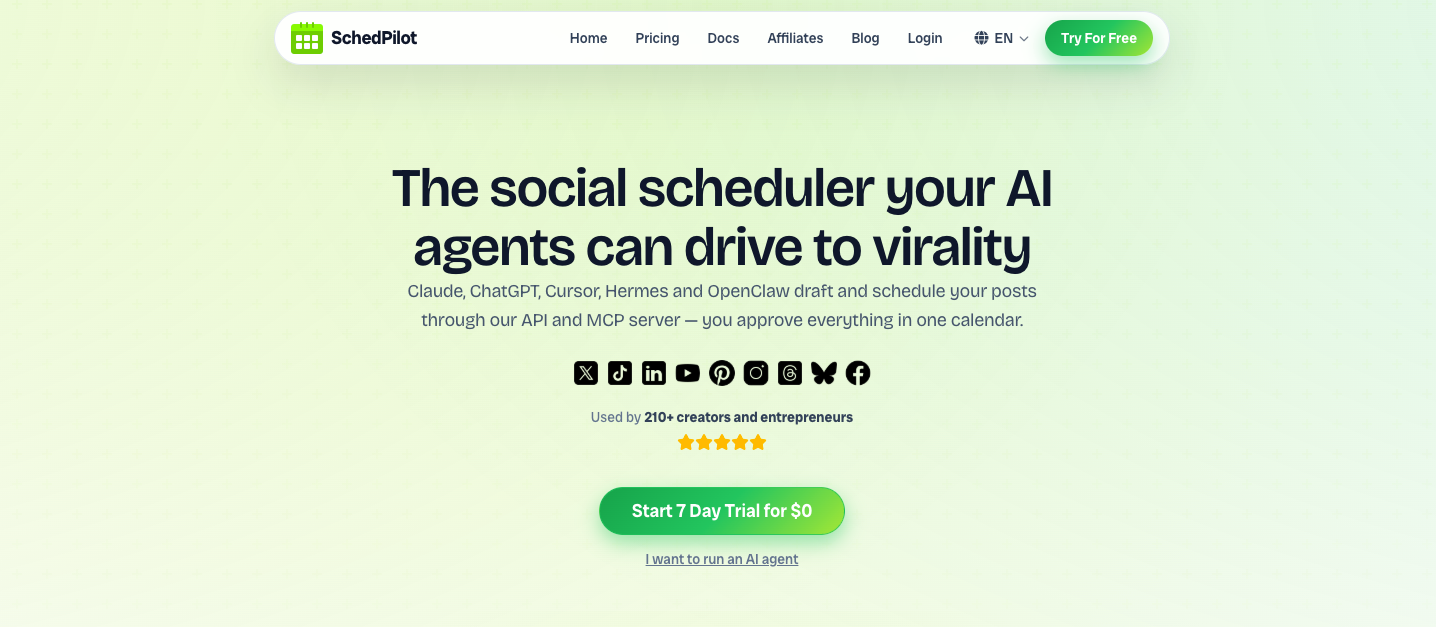
Claude is great at writing posts — but with one quick setup, it can actually schedule and publish them across your social accounts too. This guide shows you exactly how to connect Claude to your social media in about two minutes, using SchedPilot’s MCP server.
How it works: You add SchedPilot’s MCP server to Claude. Claude then gets tools like “create a post” and “read analytics,” so you can say
*“schedule this to X and LinkedIn for 9am tomorrow”*and Claude does it — with every post held in your calendar for approval.
In this guide
What you’ll need #
| Requirement | Notes |
|---|---|
| Claude Desktop or Claude Code | Also works with Cursor, Windsurf, Hermes, and any MCP client. |
| Node.js v18 or later | The MCP server runs via npx . Check with node -v . |
| A SchedPilot account with API access | API & MCP access is on the |
Step 1: Get your SchedPilot token #
app.schedpilot.comand open
API Access.
smm_xxxxxxxxxxxx
. You’ll paste it into Claude’s config next.## Step 2: Add SchedPilot to Claude
Pick the app you use.
Claude Desktop
Settings → Developer → Edit Config(this opens
claude_desktop_config.json
).
{
  "mcpServers": {
    "schedpilot": {
      "command": "npx",
      "args": ["-y", "schedpilot-mcp"],
      "env": { "SCHEDPILOT_TOKEN": "smm_your_key" }
    }
  }
}
The config file lives here if you’d rather open it directly:
macOS:~/Library/Application Support/Claude/claude_desktop_config.json
Windows:%APPDATA%\Claude\claude_desktop_config.json
Fully quit and reopen Claude Desktop. Then look for the
🔧 tools icon in the chat input bar — click it and you should see the SchedPilot tools listed.
Claude Code
One command adds it:
claude mcp add schedpilot \
  --env SCHEDPILOT_TOKEN=smm_your_key \
  -- npx -y schedpilot-mcp
Then run /mcp
inside Claude Code to confirm the SchedPilot server is connected.
Step 3: Test it #
Ask Claude to do something real:
List my connected social accounts, then schedule this post to X
for tomorrow at 9am: "Big update dropping this week 👀"
Claude will call SchedPilot’s tools, schedule the post, and it’ll appear in your SchedPilot calendar ready for approval. That’s it — Claude is now connected to your social media.
What Claude can now do #
Connecting SchedPilot gives Claude six tools:
get_accounts
— list your connected social accounts.create_post
— draft and schedule a post to one or many networks.upload_media
— attach an image or video from a URL.list_posts
— review scheduled and published posts.delete_post
— remove a scheduled post.get_analytics
— read a post’s impressions, likes, and engagement.
Example prompts to try #
- “Plan a week of LinkedIn posts about our launch and schedule them for 9am each weekday.”
- “Turn this blog post into an X thread and schedule it for Thursday at 2pm.” (paste the post) - “What were my best-performing posts last week?”
- “Schedule the same announcement to X, LinkedIn, and Threads for tomorrow morning.”
Is it safe to let Claude post for you? #
Yes, for two reasons. SchedPilot publishes through each platform’s official API, so your reach is never at risk. And every post Claude creates lands in your calendar for approval before it goes live — Claude drafts and schedules, but you keep the final say. Learn more about using AI agents for social media safely.
Troubleshooting #
No 🔧 tools icon? Make sure youfully quitClaude Desktop (not just closed the window) and reopened it. Double-check the JSON is valid — a stray comma will stop it .“Command not found” / server won’t start? Confirm Node.js 18+ is installed (node -v
). The server runs throughnpx
.Auth errors? Re-copy yoursmm_
token from API Access — a truncated key is the usual cause.Tools appear but nothing schedules? Make sure you’ve connected at least one social account in SchedPilot first.
Frequently asked questions #
Can Claude post to social media? #
Yes — once you connect SchedPilot’s MCP server, Claude can draft, schedule, and manage posts across your connected social accounts, with a human approval step before anything publishes.
Which Claude apps support this? #
Claude Desktop and Claude Code, plus other MCP clients like Cursor, Windsurf, and Hermes. The same SchedPilot MCP server works with all of them.
Do I need to know how to code? #
No. Setup is pasting a small config block (or running one command in Claude Code). After that, you just talk to Claude in plain language.
What platforms can Claude post to? #
All 9 SchedPilot networks: Instagram, X (Twitter), LinkedIn, TikTok, Threads, Facebook, YouTube, Pinterest, and Bluesky.
Is my token safe? #
Your token stays in your local Claude config and is sent only to SchedPilot’s API over HTTPS. You can revoke it anytime from API Access.
Which SchedPilot plan do I need? #
MCP and API access are available on the Platinum plan. See pricing.
Connect Claude to your social media
Add SchedPilot’s MCP server and let Claude schedule across 9 networks in plain language — with a human approval step built in.