Dev blog · Guides · 2026-11-28
Short answer: add @modelcontextprotocol/server-memory to your agent and set MEMORY_FILE_PATH to a file in your home folder, like ~/memory.jsonl. Without that variable the graph is saved next to the server’s code, inside the npx cache, and clearing or updating that cache can delete everything your agent remembered.
That second half is in the server’s README, well below the setup section. Most install guides skip it.
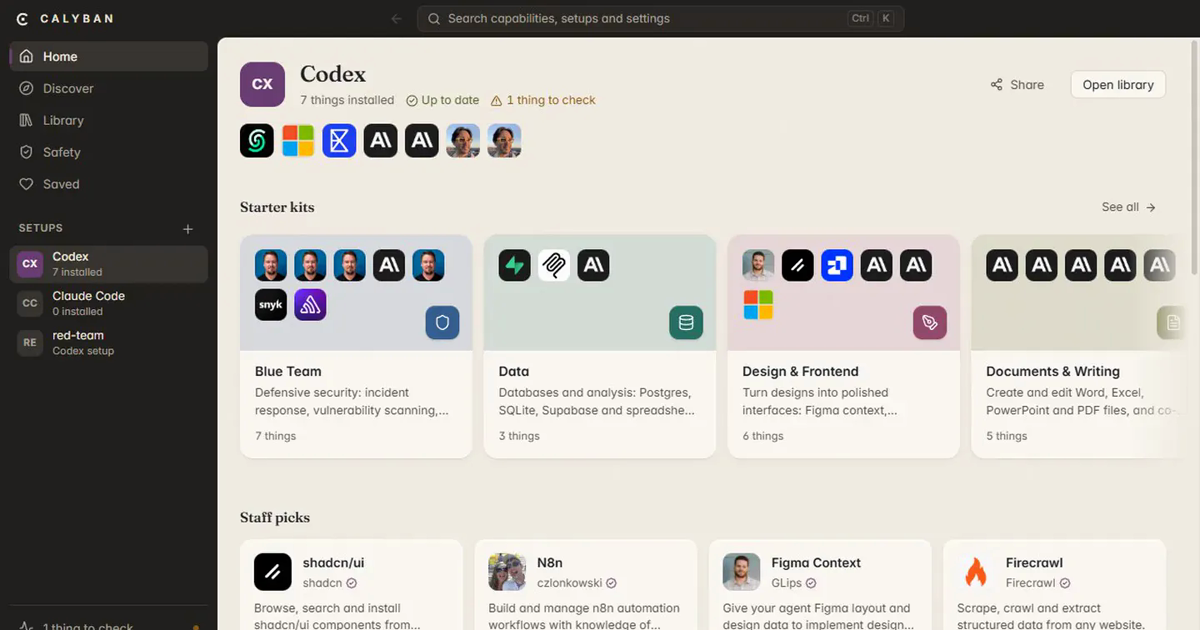
Calyban installs the memory server into Claude Code, Codex, Cursor, GitHub Copilot, Gemini CLI and Claude Desktop in one click, so every agent shares one memory without six config edits. Free, no account.
What it does #
The memory server keeps a small knowledge graph in one JSONL file:
- Entities are things with a name and a type (
John_Smith,person). - Relations connect them, in active voice (
John_Smith works_at Anthropic). - Observations are single facts attached to an entity (
Prefers morning meetings).
Your agent gets tools to create, search, read and delete all three. Tell it “remember that the staging database is read-only” in one session, and a later session can find it with search_nodes.
Claude Code #
claude mcp add --scope user memory \
  -e MEMORY_FILE_PATH="$HOME/memory.jsonl" \
  -- npx -y @modelcontextprotocol/server-memory
--scope user makes it available in every project, which is usually what you want from memory.
Codex #
[mcp_servers.memory]
command = "npx"
args = ["-y", "@modelcontextprotocol/server-memory"]

[mcp_servers.memory.env]
MEMORY_FILE_PATH = "/home/you/memory.jsonl"
Use an absolute path. A relative one resolves against the server’s own folder, which puts you back in the npx cache.
Cursor, Gemini CLI, Claude Desktop #
Same shape in JSON:
"memory": {
  "command": "npx",
  "args": ["-y", "@modelcontextprotocol/server-memory"],
  "env": { "MEMORY_FILE_PATH": "/home/you/memory.jsonl" }
}
On Windows, "command": "cmd" with "/c", "npx" at the front of args, and a path like C:\\Users\\you\\memory.jsonl.
Can two agents share one memory? #
Yes. Point both at the same MEMORY_FILE_PATH. Each agent starts its own server process, and every write takes a lock file (memory.jsonl.lock) while it saves, so writes take turns and none is lost. The folder has to be writable for that lock.
That’s the easy way to give Claude Code and Codex the same long-term memory about you and your projects.
Memory for code, specifically #
The memory server remembers facts you tell it. If what you want is an agent that remembers the structure of a big codebase, that’s a different tool: Codebase Memory builds a knowledge graph of the code itself, across 162 languages, so the agent can ask “who calls this” without reading half the repo.
The Calyban way #
Open Memory in Calyban, press Install, and tick every agent that should remember: Claude Code, Codex, Cursor, GitHub Copilot, Gemini CLI, Claude Desktop. Calyban writes each config in that agent’s format, wraps npx in cmd /c on Windows, and checks the package against the OpenSSF malicious-packages list first. Capabilities then shows how often your agents actually call the memory tools, so you can tell whether it’s earning its place in every request.
Calyban is free for Windows and Linux at /#download. Tell us on Discord what you’ve taught yours to remember.