Dev blog · Guides · 2026-11-28
Short answer: Blender MCP has two halves. The MCP server runs with uvx mcp-for-blender and plugs into your agent. The Blender add-on runs inside Blender and takes the agent’s commands. You need both, and the add-on starts its listener when Blender opens, so Blender has to be running before you ask for a scene.
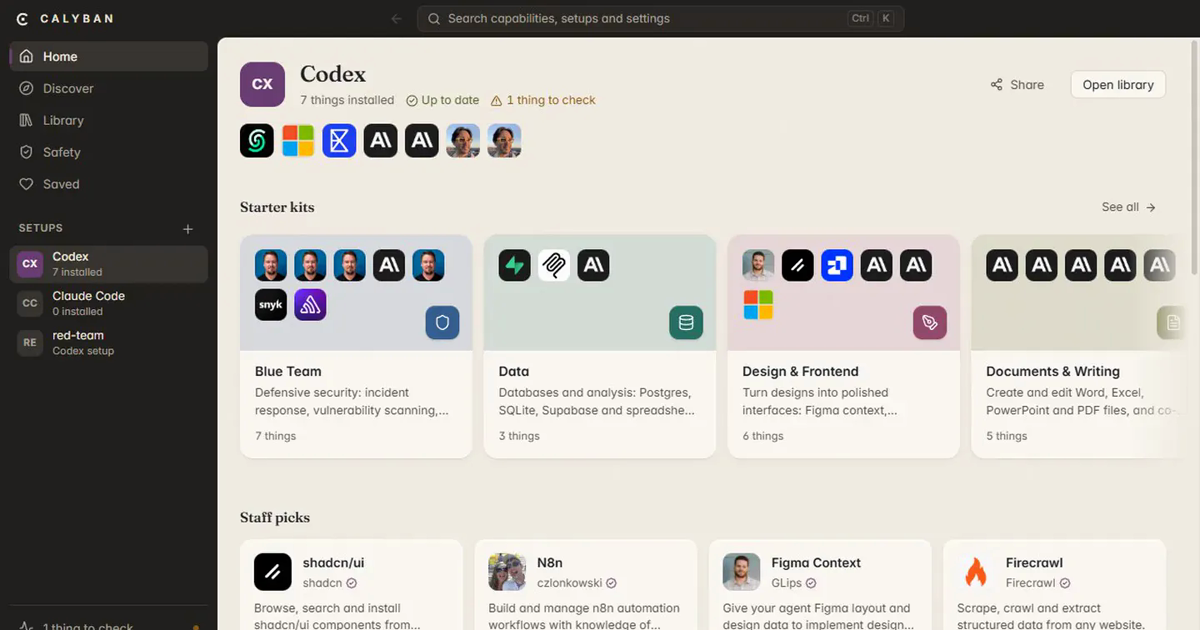
Or add the server half in one click: Calyban puts Blender MCP into every agent you pick, with a backup of each config and Undo. Free, no account.
It’s one of the most popular MCP servers there is (the ahujasid/blender-mcp repo is past 36,000 stars), mostly because watching an agent build a 3D scene from a sentence never gets old.
The one-command setup #
The project ships a setup command that finds your agents, adds the server, and installs and enables the add-on:
uvx mcp-for-blender setup
It needs uv. On Windows, winget install --id=astral-sh.uv -e installs it; open a new terminal afterwards. The setup only adds a blender entry to each config and keeps a .bak of every file it changes.
The project page also offers a curl | sh and a PowerShell irm | iex installer. Those download and run a script in one step. uvx mcp-for-blender setup does the same job without piping anything from the internet into your shell.
The manual setup #
- Install
uv. - Add the server to your agent:
claude mcp add blender -- uvx mcp-for-blender
For Codex, a[mcp_servers.blender] table withcommand = "uvx" andargs = ["mcp-for-blender"] .
3. Install the add-on in Blender from the file on the project page (Edit → Preferences → Add-ons → Install from Disk ) and enable it.
uvx runs a Python package directly, so this one doesn’t need the cmd /c wrapper that npx servers need on Windows.
The restart people forget #
After setup, fully quit your agent app and reopen it. On Windows, closing Claude Desktop’s window leaves it running in the system tray; quit it from there. Then open Blender, and only then ask for something.
Things to try #
- “Make a low-poly forest clearing at sunset with a campfire.”
- “Add three-point lighting to the selected object and render a preview.”
- “Turn this scene into a turntable animation.”
Save first. The agent edits the open scene directly.
The Calyban way #
Blender is in Calyban’s catalog. Install adds the uvx mcp-for-blender server to every agent you tick (Claude Code, Codex, Cursor, GitHub Copilot, Gemini CLI, Claude Desktop) with a backup of each config first, and Undo removes it again cleanly. You still add the Blender add-on yourself, since that lives in Blender.
Calyban is free for Windows and Linux at /#download. Post your agent’s best render on Discord.