Dev blog · Guides · 2026-11-28
Short answer:
| Install | Path |
|---|---|
| Windows (installer from claude.ai) | %APPDATA%\Claude\claude_desktop_config.json |
| Windows (Microsoft Store) | %LOCALAPPDATA%\Claude-Data\claude_<package id>\claude_desktop_config.json |
| macOS | ~/Library/Application Support/Claude/claude_desktop_config.json |
The quickest way there on any platform: Claude Desktop, Settings → Developer → Edit Config. It opens the file the app is actually reading, which matters for the second row.
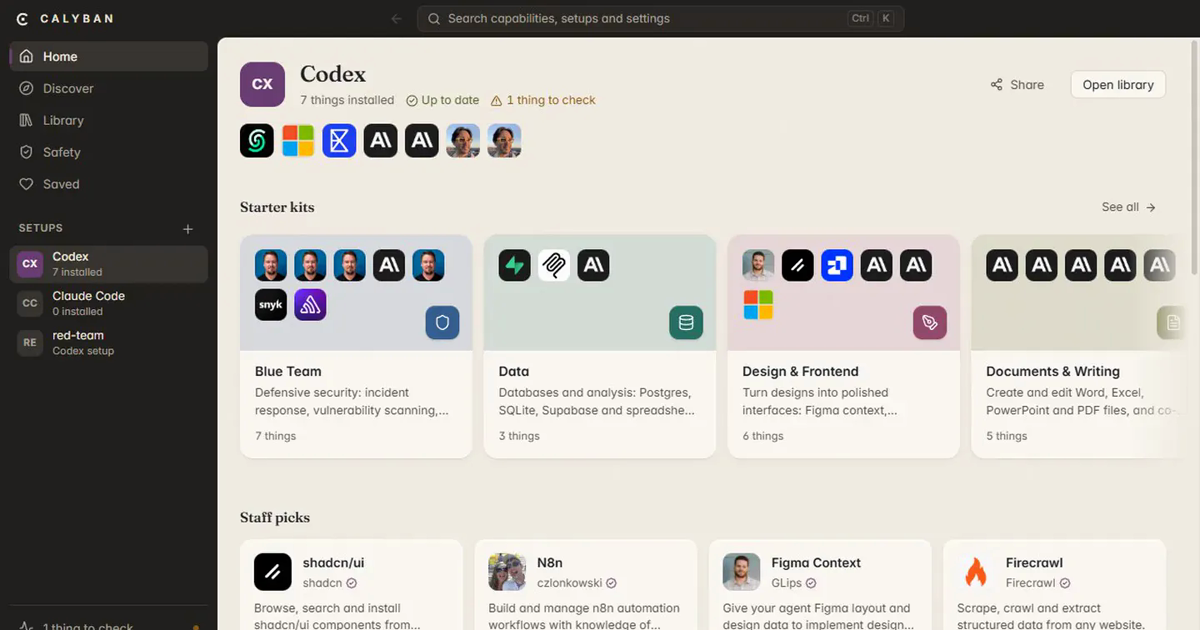
Or don’t edit it at all: Calyban finds the right file (Store build included) and adds MCP servers to it in one click, with a backup first and Undo after. Free, no account.
The Microsoft Store trap #
The Store build of Claude Desktop keeps its data in %LOCALAPPDATA%\Claude-Data\, in a folder named claude_ plus a package id, and leaves %APPDATA%\Claude empty. Most guides only know the first path. So you create %APPDATA%\Claude\claude_desktop_config.json, add a server, restart, and nothing happens, because the app never opens that file.
If your edits do nothing, open File Explorer, paste %LOCALAPPDATA%\Claude-Data into the address bar, and look for the claude_... folder. If there’s more than one, the most recently changed one is the live one. (This is undocumented. We found it the slow way, while making Calyban’s installs land in the right file.)
What goes in it #
MCP servers that run on your computer go under mcpServers:
{
  "mcpServers": {
    "memory": {
      "command": "npx",
      "args": ["-y", "@modelcontextprotocol/server-memory"]
    }
  }
}
On Windows, use "command": "cmd" and put "/c", "npx" at the front of args. Our Windows guide explains why.
Hosted servers (a URL instead of a command) don’t go in this file. Claude Desktop adds those under Settings → Connectors.
Why the server still doesn’t show up #
- The app is still running. Closing the window isn’t quitting. On Windows, quit from the system tray; on macOS, press Cmd+Q. Then reopen.
- The JSON is invalid. One trailing comma breaks the whole file. Paste it into any JSON validator before you blame the server.
- Backslashes. A Windows path in JSON needs doubled backslashes:
"C:\\Users\\you\\notes". - Wrong file. See the Store section above.
The Calyban way #
Calyban finds the right file for you, Store build included, and writes local servers into it in Claude Desktop’s own format. Pick a server in the catalog, press Install, tick Claude Desktop, and it’s added with the cmd /c wrapper on Windows and a backup of the file taken first.
Undo puts the file back byte for byte. The Claude Desktop guide has the full walkthrough.
Calyban is free for Windows and Linux at /#download. If your Claude Desktop keeps its config somewhere we haven’t listed, tell us on Discord.