Dev blog · Guides · 2026-11-28
Short answer: the 1Password MCP server (onepassword-mcp-server, from PulseMCP) lets your agent look up items in a 1Password vault through the op CLI, using a service account token. Install the 1Password CLI, create a service account that can see only one vault, set OP_SERVICE_ACCOUNT_TOKEN, and set ENABLED_TOOLGROUPS="readonly". Revealing a credential asks for your approval each time.
The alternative most people use today is pasting API keys into chat or into a .env the agent reads freely. Both put the key in a transcript.
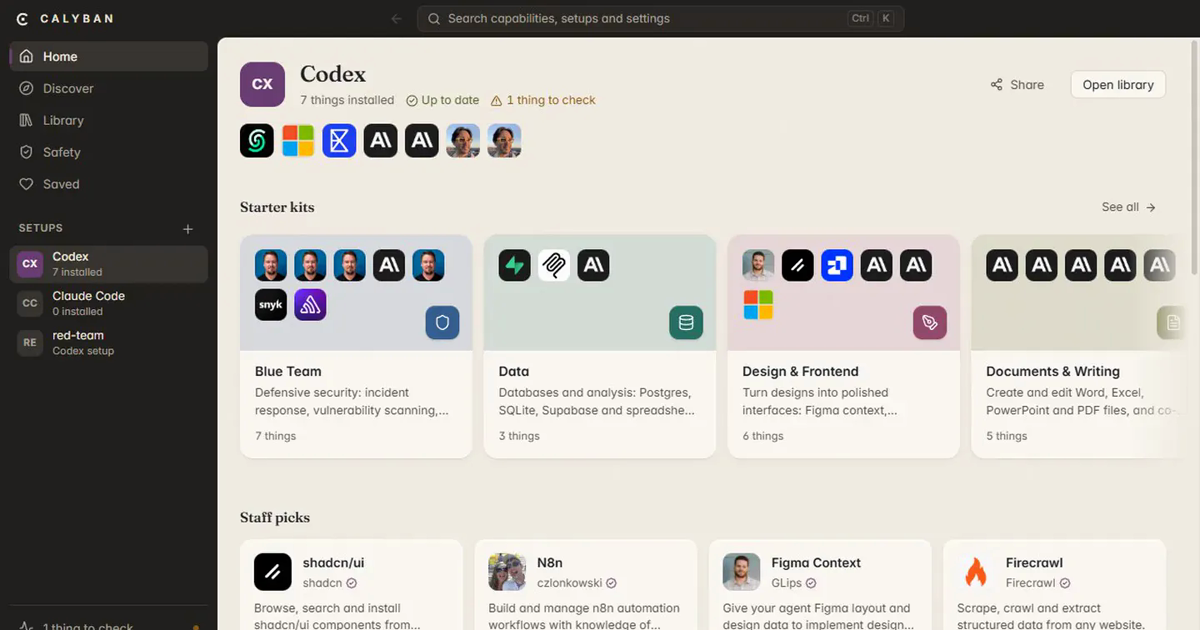
Or let Calyban install it: one click into every agent you pick, with the token written only into your own config files and kept when you update. Free, no account.
Before you start #
- Install the 1Password CLI and check
op --versionworks in a new terminal. - Create a service account and give it access toone vault made for this, say “Agent”. Put only what the agent should be able to reach in it.
That second step is the real security boundary. The agent can never see more than the service account can.
Claude Code #
claude mcp add onepassword \
  -e OP_SERVICE_ACCOUNT_TOKEN="ops_..." \
  -e ENABLED_TOOLGROUPS="readonly" \
  -- npx -y onepassword-mcp-server
Codex #
[mcp_servers.onepassword]
command = "npx"
args = ["-y", "onepassword-mcp-server"]

[mcp_servers.onepassword.env]
OP_SERVICE_ACCOUNT_TOKEN = "ops_..."
ENABLED_TOOLGROUPS = "readonly"
What the agent can do #
With readonly, it can list vaults and items, find items by tag, read an item’s metadata (title, fields, tags) without the secret values, and get an item’s details, where revealing the credential pops an approval prompt first.
With readonly,write it can also create logins, secure notes and API credentials, and mint share links. Those ask for approval too. Leave write off unless you have a reason.
Some items you’ll use constantly, like a staging API key. The server lets you pre-approve specific items so those don’t prompt every time.
A habit worth more than any server #
Keep production credentials out of the agent’s vault entirely. Give it a staging key, a read-only database user, a test Stripe key. If something does leak through a transcript or a log, it’s a key you can rotate in a minute.
The Calyban way #
Open onepassword in Calyban and press Install. It asks for the service account token and writes it only into your agents’ own config files on your computer, never anywhere else. Updating the server later keeps the token. And when you Mirror a setup from one agent to another, Calyban deliberately skips items that hold secrets like this one, so a token never gets copied somewhere you didn’t put it yourself.
Calyban is free for Windows and Linux at /#download. Questions about keeping keys out of transcripts go to Discord.