Dev blog · Guides · 2026-11-28
Short answer: Supabase hosts its official MCP server at https://mcp.supabase.com/mcp. Add that URL to your agent and sign in through the browser. For anything near production, use https://mcp.supabase.com/mcp?project_ref=<your-project-ref>&read_only=true instead, which limits the agent to one project and removes every tool that writes.
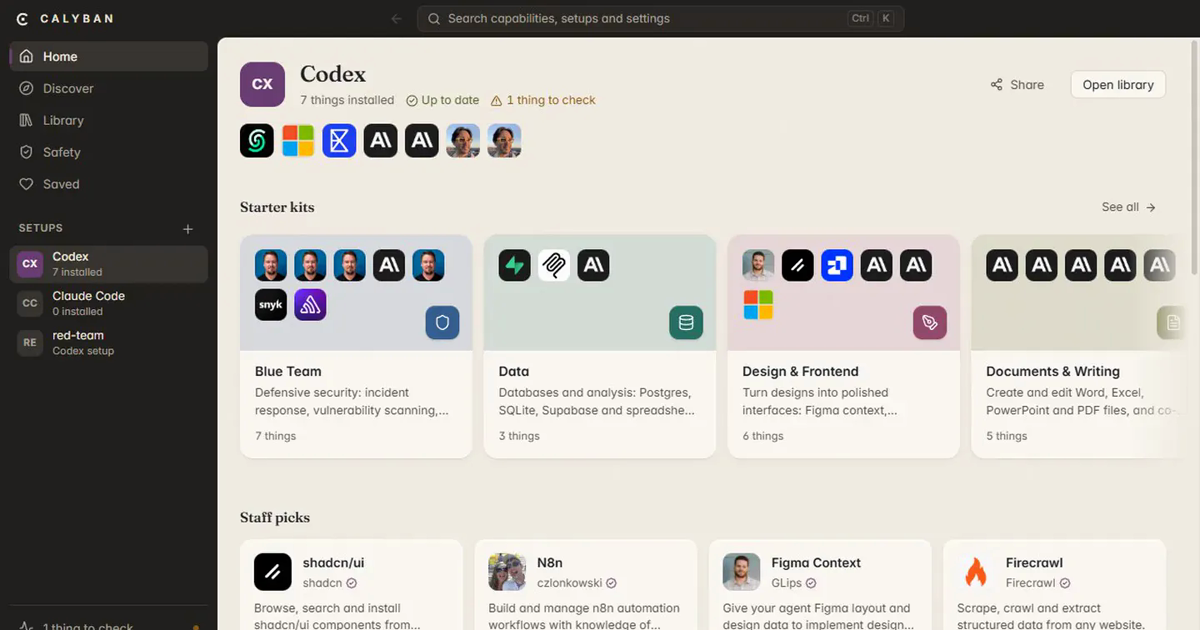
Or let Calyban add it: one click puts Supabase’s hosted server into Claude Code, Codex, Cursor and the rest, each in its own format. Free, no account.
Claude Code #
claude mcp add --transport http supabase "https://mcp.supabase.com/mcp?project_ref=abcdefghijklmnop&read_only=true"
The first call opens a browser window to sign in to Supabase. There’s no access token to paste.
Codex #
[mcp_servers.supabase]
url = "https://mcp.supabase.com/mcp?project_ref=abcdefghijklmnop&read_only=true"
Cursor #
{
  "mcpServers": {
    "supabase": { "url": "https://mcp.supabase.com/mcp?project_ref=abcdefghijklmnop&read_only=true" }
  }
}
Your project ref is the random string in your dashboard URL: supabase.com/dashboard/project/<ref>.
Why scope it #
Without options, the server can see every project in your account and use every tool, including ones that run SQL, apply migrations and deploy edge functions. That’s the right power for a throwaway dev project and the wrong one for the database your customers use.
project_ref=...scopes it to one project and drops the account-level tools.read_only=truedrops every tool that changes anything. The agent can still list tables, read schemas, run select queries and search the docs.features=database,docsnarrows it further to just those tool groups.
A good pattern is two entries: a read-only one for production, and a full one for a dev branch or a local stack.
Running Supabase locally #
If you use the Supabase CLI, your local stack serves MCP at http://localhost:54321/mcp. It has fewer tools than the hosted one and no OAuth, which is fine on your own machine.
Skills that pair well #
The server gives the agent access. Skills give it judgment. The catalog has Supabase’s own Postgres Best Practices plugin, the official Supabase plugin for Claude Code, and a set of community commands for migrations and performance.
The Calyban way #
Open Supabase in Calyban and press Install. Calyban writes the hosted URL into each agent’s config in that agent’s format, and your agent handles the Supabase sign-in on first use. For a project-specific setup, choose One folder and the server goes into that repo alone, where it belongs.
(Claude Desktop takes hosted servers through its own Settings → Connectors, so paste the same URL there.)
Calyban is free for Windows and Linux at /#download. Tell us on Discord what you’d like Calyban to set up next.