cd /news/ai-agents/lattices-0-15-2-workspace-controls-t… · home › topics › ai-agents › article
[ARTICLE · art-164729] src=lattices.dev ↗ pub= topic=ai-agents verified=true sentiment=↑ positive

Lattices 0.15.2: workspace controls through MCP

Lattices released version 0.15.2, adding window search, placement, focus, workspace layers and undo to its packaged `lats mcp` server, which now ships 29 tools: six for windows, 14 for the browser and nine for local or paired hosts. The release also makes a viewport set with `browser_resize` persist across later actions, including in background tabs, until reset or until the tab or session closes, and bundles the browser profile and cookie helpers in the npm package so they no longer depend on a development checkout. Lattices instructs users to install the 0.15.2 app and CLI together and restart the MCP connection in their agent harness, with remote access remaining opt-in through a paired gateway with approved permissions.

key takeaway

The `lats mcp` server in Lattices 0.15.2 exposes 29 tools (six window, 14 browser, nine host), and a viewport set via `browser_resize` now persists across later actions, including background tabs, until reset or session close.

by read1 min views47 publishedOct 25, 2026
Lattices 0.15.2: workspace controls through MCP
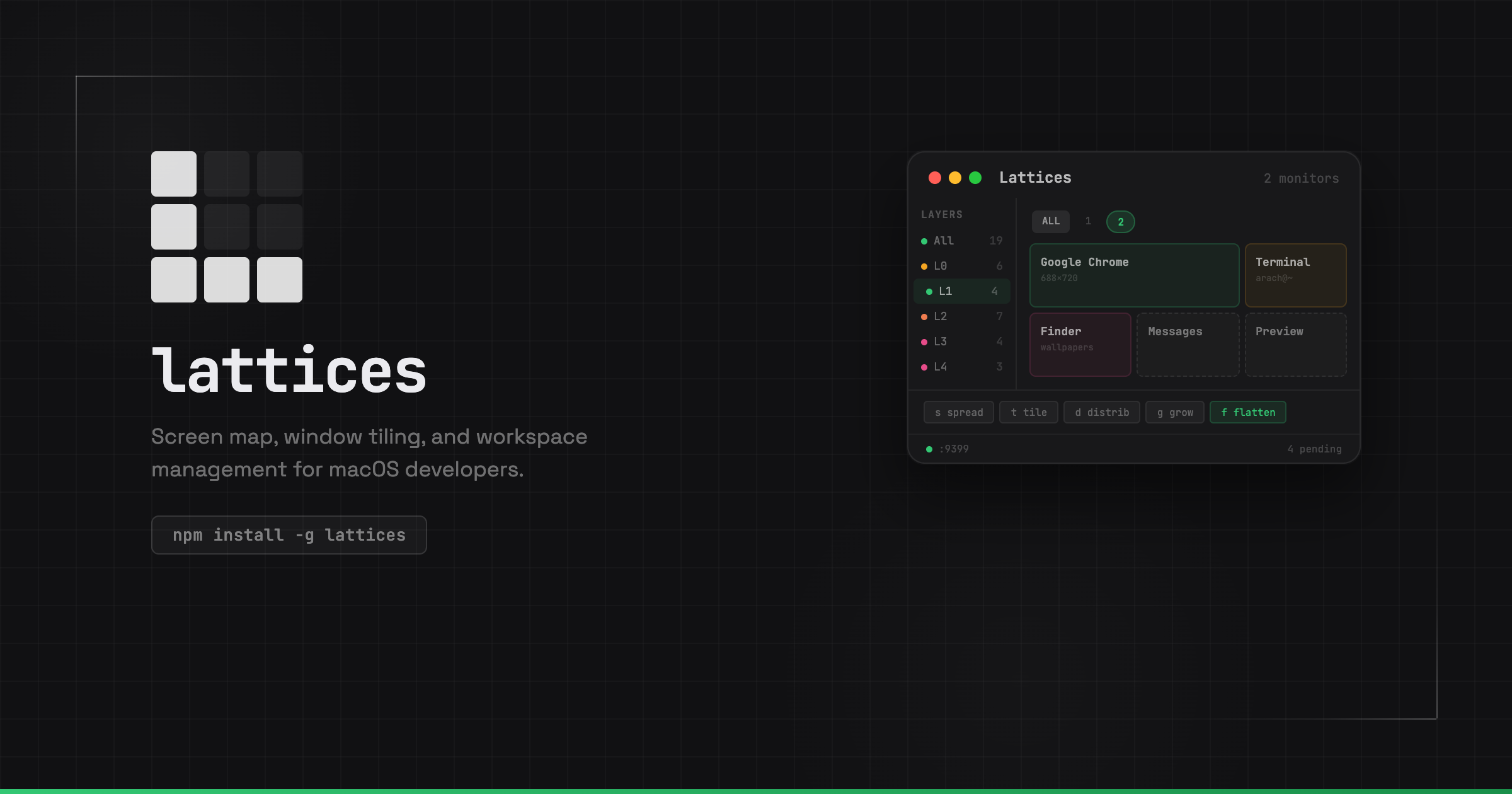
Image: Lattices (auto-discovered)

← all posts Lattices blog

Window controls join the browser and host tools in the packaged MCP server, with stable browser viewports and matching app and CLI downloads.

Lattices 0.15.2 brings window search, placement, focus, workspace layers, and undo directly to MCP clients. These are the same workspace controls available through the app and CLI. Agents can now call them as named tools.

The packaged lats mcp server includes 29 tools: six for windows, 14 for the browser, and nine for local or paired hosts.

  • Find, place, and restore windows. Search for a window, focus it, place it, and use the returned receipt to undo that placement. List and switch workspace layers through the same connection.
  • Keep browser sizes consistent. A viewport set withbrowser_resize now stays in effect across later actions, including in background tabs, until it is reset or the tab or session closes.
  • Use the installed package. The browser profile and cookie helpers are included in the npm package. They no longer depend on a development checkout.

Install the 0.15.2 app and CLI together, then restart the MCP connection in your agent harness. Quickstart covers the installation, and the MCP guide lists the tools and setup.

Remote access remains opt-in through a paired gateway with approved permissions. Action, Canvas, and Voice keep their own apps and release cycles.

Download the [Mac app](https://github.com/lattices-dev/lattices/releases/download/v0.15.2/Lattices.dmg)
or read the [release details](https://github.com/lattices-dev/lattices/releases/tag/v0.15.2).
── more in #ai-agents 4 stories · sorted by recency
── more on @lattices 3 stories trending now
sponsored brought to you by zahid.host 4,200+ EU-deployed projects
reading about agents? ship yours in a single git push.

Run your AI side-project on zahid.host

EU-based hosting, git-push deploys, automatic HTTPS, no cold starts. Free tier with a custom domain — perfect for shipping the agent you just read about.

$git push zahid main
→ Live at https://your-agent.zahid.host ✓
Get free account → Pricing
from €0/mo · no card required
LIVE [news/lattices-0-15-2-work…] indexed:0 read:1min 2026-10-25 · —