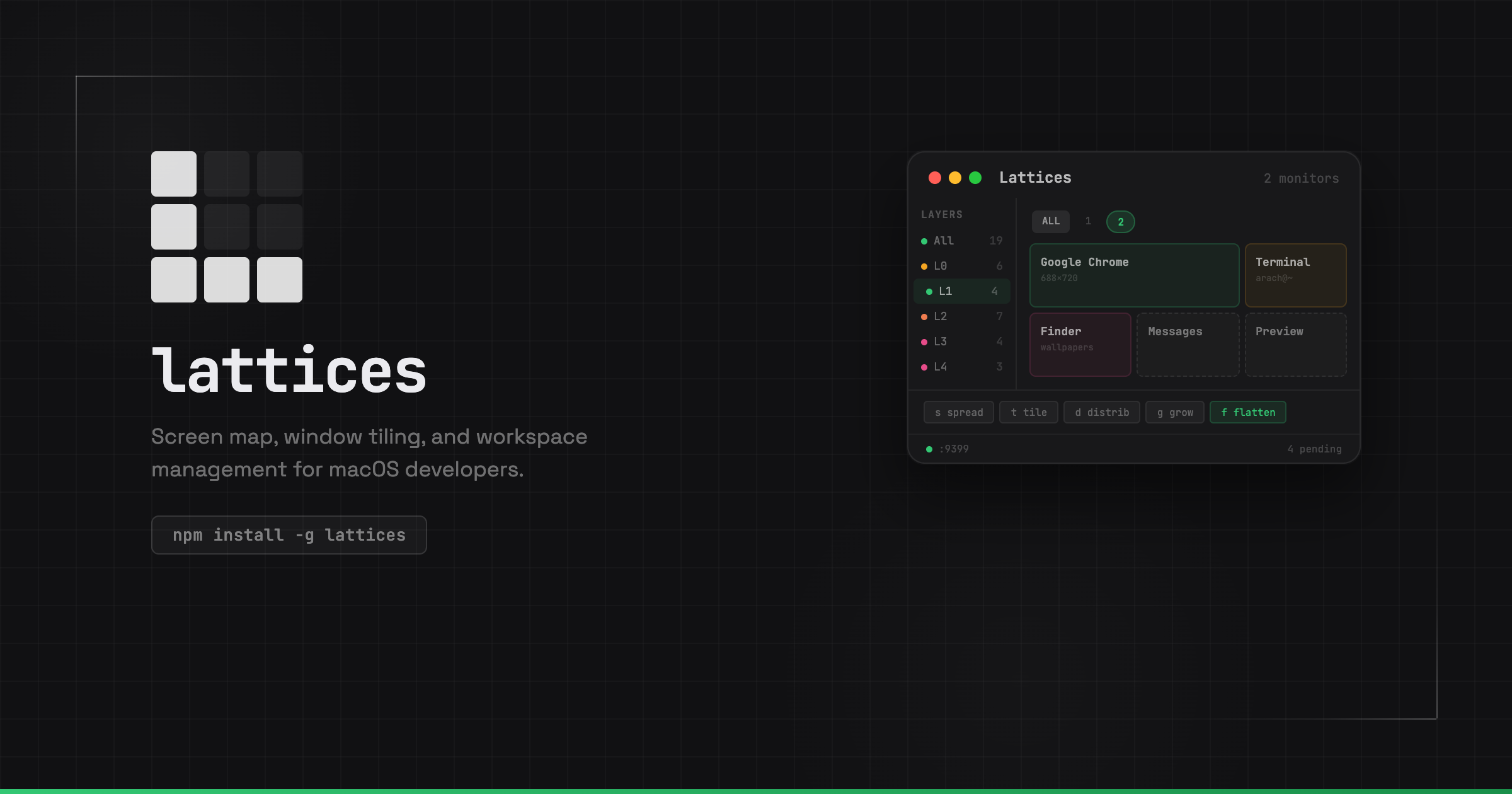
Window manager
Organize around the work. #
Arrange windows, group them into project layers, and move between contexts without rebuilding your desktop each time. Keep the tools for the task together.
“Put my project’s windows side by side.”
With the Lattices skill, Claude Code can find and arrange your project’s windows.
Same controls. With access you choose. “Find the terminal running my dev server.”
With the Lattices skill, Codex can search your terminal sessions and bring the right one into focus.
Same controls. With access you choose. “Open a terminal for this project.”
With the Lattices skill, Gemini CLI can start a project session and place its terminal window.
Same controls. With access you choose. “Stack my notes beside the browser.”
Connect Lattices through MCP, or run Lattices commands from Hermes’s local terminal, to arrange your windows.
Same controls. With access you choose. “Bring my workspace back into place.”
With the Lattices skill, OpenCode can apply a saved layer to arrange your workspace.
Same controls. With access you choose. Arrange your windows, terminals, and projects. Give your agents the same workspace controls, across every computer you connect.
Homebrew or the Bun CLIAlso on Linux, with Hyprland and Omarchy
1.4 ft falling · 9:41 AM
On macOS, tile halves with ⌃⌥ and an arrow, use Caps Lock as Hyper, or hold a mouse button, draw a gesture, and release. Explore the paths in the 3×3 gesture matrix below.
Hold Caps Lock for Hyper. These are defaults; change them in Settings.
Hold middle, draw up, release.
Keep the windows for each project together in a named layer. See what’s running, find what you need, and switch the whole workspace when it’s time to change focus.
Launch your editor, browser, and terminal commands together. Keep your development server, tests, and coding agents running in their own panes, ready when you return.
Define tools and layouts in a config file. Connect scripts and agents to the same workspace controls you use by hand. Turn a repeated setup into something you can run.
Give each project a repeatable setup: named panes, startup commands, and a layout that fits the task. Define it once in .lattices.json, then launch or reattach with a command.
{
  "ensure": true,
  "panes": [
    { "name": "claude", "cmd": "claude", "size": 60 },
    { "name": "dev",    "cmd": "bun dev" }
  ]
}
Give agents the same workspace capabilities you use yourself: find windows, arrange layouts, activate project layers, and inspect the result. Use the API locally, or enable remote access on a connected computer with the permissions you choose. For clicking and typing inside apps, use Action.
lattices.search: title, app, session, or cwd window.place: tile by session, app, or window id layer.activate: launch or focus a workspace space.optimize: rebalance visible windows history.list: receipts for recent placements history.undo: put the last placement back states.restore: return to a saved desktop map
import { daemonCall } from '@lattices/lattices'

// Find a window by title, app, session, or cwd
const [match] = await daemonCall('lattices.search', {
  query: 'tideline'
})
await daemonCall('window.focus', {
  wid: match.wid
})

// Bring up the project's layer
await daemonCall('layer.activate', {
  name: 'tideline',
  mode: 'launch',
})

// Or move one window, by app and title
await daemonCall('window.place', {
  app: 'Safari',
  title: 'Tideline',
  placement: 'right',
})
Workspace control and action history stay on your computers. Remote access is opt-in, with permissions you approve. Screen text reading is off until you turn it on. Optional vision-model features may send screen context to the provider you choose. Lattices is open source, so you can inspect how it works.
Omarchy is a Linux desktop built on Arch and Hyprland, with tiling windows at its heart.
Lattices brings your windows into named layers, helps you find what’s open, and gives your tools and agents an API to work with. Keep each project together, then switch focus when you’re ready.
Run in your Omarchy desktop. Installs the app, CLI, host, and tray.
curl -fsSL https://raw.githubusercontent.com/lattices-dev/lattices/main/install.sh | bash
Arch/Omarchy · Hyprland · systemd user session · x86-64 or ARM64
Download the Mac app, or install on Linux.
Your windows, projects, and tools, ready to work together.
Open the download. Drag Lattices into Applications.
The same Mac app, installed from your terminal.
brew tap arach/tap
brew trust arach/tap
brew install --cask arach/tap/lattices
The command line for your workspace.
bun install -g @lattices/lattices
For you and your agents, across the computers you connect. Free and open source.