Dev blog · Guides · 2026-11-28
Short answer: in Claude Code, run /plugin marketplace add DietrichGebert/ponytail, then /plugin install ponytail@ponytail. In Codex, run codex plugin marketplace add DietrichGebert/ponytail and codex plugin add ponytail@ponytail, then trust its two hooks under /hooks. Other agents take the skill file or the AGENTS.md ruleset.
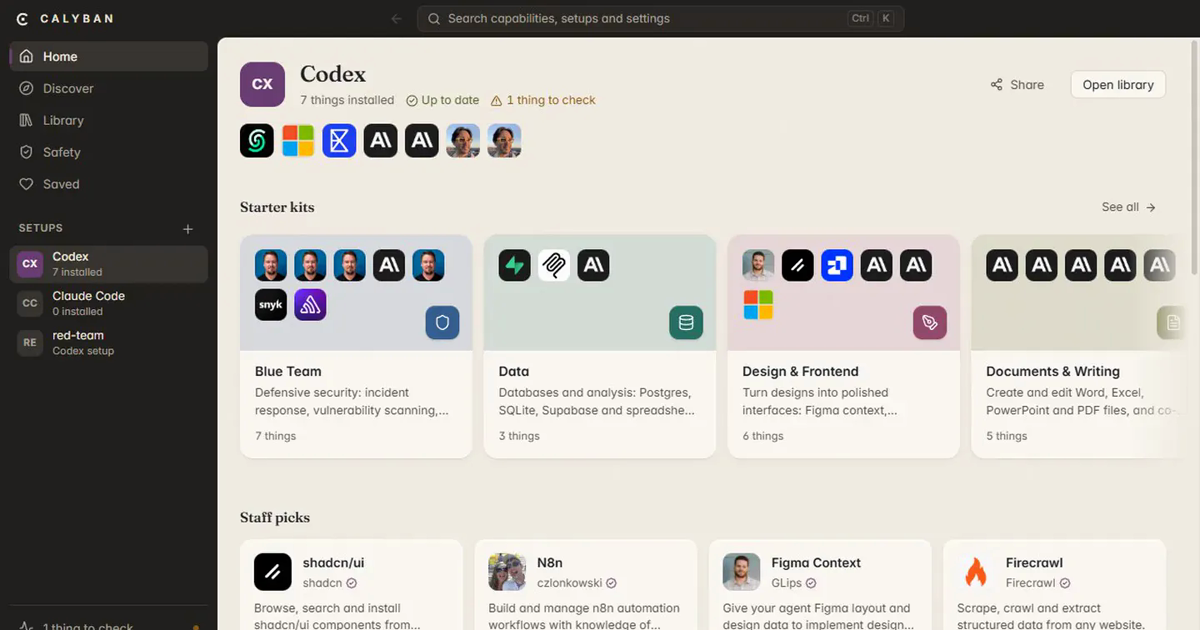
Or do it in one click for every agent at once: Calyban installs Ponytail into Claude Code, Codex, Cursor, GitHub Copilot and Gemini CLI from the real DietrichGebert/ponytail repo, safety-checked first. Free, no account.
Ponytail is one prompt that turns your agent into a lazy senior developer: reuse what’s already in the codebase, prefer the standard library, write one line instead of fifty, and never cut validation, error handling or security to get there. It’s one of the most-starred skill repos on GitHub (about 200,000 stars as we write this).
What does it change? #
The author benchmarked it in Claude Code on 39 tasks, five runs each, with and without the skill. Against the no-skill baseline, Ponytail 5 wrote 47% of the code, used 55% of the output tokens, cost 74% as much and took 59% of the time. Risky logic shipped with a test 98% of the time, against 68% without it. The full method is in the repo’s benchmark write-up.
In practice: fewer new helper files, fewer abstractions nobody asked for, and replies short enough to read in one pass.
Claude Code #
Two separate prompts inside a session:
/plugin marketplace add DietrichGebert/ponytail
/plugin install ponytail@ponytail
It’s on for every session after that. /ponytail lite, /ponytail full and /ponytail ultra change how hard it pushes, and /ponytail off turns it off. In Claude Code 2.1.290 and later it also shows a small band above the prompt with the task’s cost, tokens and test status; /ponytail band hides it.
Codex #
codex plugin marketplace add DietrichGebert/ponytail
codex plugin add ponytail@ponytail
Open /hooks in Codex, trust the plugin’s two lifecycle hooks, and start a new thread. Commands are namespaced there, so the review is $ponytail:ponytail-review.
Cursor, Copilot, Gemini CLI and the rest #
Copy the repo’s AGENTS.md into your project, or install skills/ponytail/SKILL.md as a skill in the agent’s skills folder. Cursor and Copilot get the always-on rules without the slash commands.
The commands worth knowing #
/ponytail-reviewreviews your current change like the person who gets paged when it breaks: bugs, security, load, untested risky code and what to cut./ponytail-auditdoes the same for the whole repo and ranks what to fix first./ponytail-debtcollects theshortcut:comments you left so “later” doesn’t turn into “never”.
One safety note from the author #
Only install Ponytail from DietrichGebert/ponytail on GitHub or @dietrichgebert/ponytail on npm. The README says it never ships .exe or .dll files, and a copy that does isn’t real. Popular repos attract lookalikes; this one is popular.
The Calyban way #
Calyban has Ponytail three ways. The plugin installs through Claude Code’s and Codex’s own plugin commands. The skill copies the prompt into any skill-capable agent’s folder. And the full collection kit puts the skill and its companion skills (review, audit, debt, gain and help) into Claude Code, Codex, Cursor, Copilot and Gemini CLI in one go. Each one is downloaded from DietrichGebert/ponytail at a pinned commit and safety-checked first, which settles the lookalike question for you.
Calyban is free for Windows and Linux at /#download. Show us your before and after diffs on Discord.