Dev blog · Guides · 2026-11-28
Short answer: install discord@claude-plugins-official, give it a Discord bot token with /discord:configure, start Claude Code with claude --channels plugin:discord@claude-plugins-official, then DM your bot and pair with /discord:access pair <code>. After that, your Discord messages reach the running Claude Code session, and it replies in Discord.
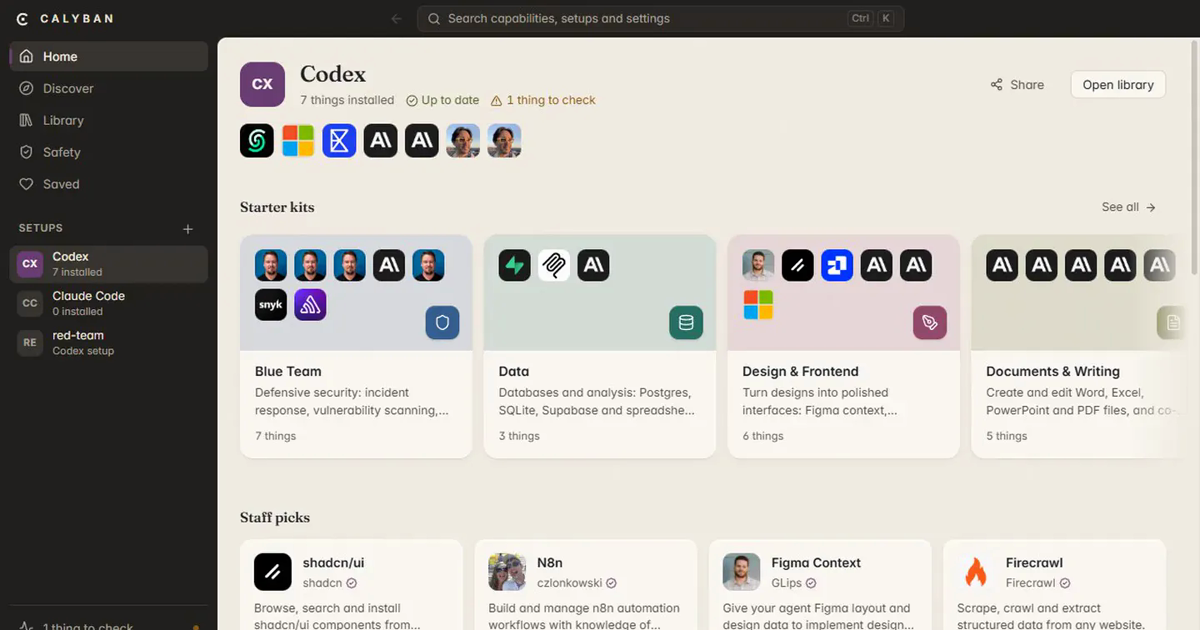
Calyban installs the Discord plugin for you in one click and checks its files before Claude Code loads it, so you can go straight to the bot setup below. Free, no account.
It’s a bridge, not a chatbot product: the session on your machine does the work, Discord is the window. Handy when a long task is running and you’re away from the desk.
What you need first #
- Bun. The plugin’s MCP server runs on Bun:
curl -fsSL https://bun.sh/install | bash. - A Discord bot. In theDiscord Developer Portal , pressNew Application , openBot , and turn onMessage Content Intent . Without that intent the bot receives messages with empty text, which is a confusing way to spend an hour.
- A shared server. Discord won’t let you DM a bot you don’t share a server with. UnderOAuth2 → URL Generator , pick the
botscope, give it View Channels, Send Messages, Read Message History, Add Reactions and Attach Files, and open the generated link to add it to any server of yours.
Press Reset Token on the Bot page and copy the token. Discord shows it once.
Setup in Claude Code #
- Install the plugin inside a Claude Code session:
/plugin install discord@claude-plugins-official
- Hand it the token:
/discord:configure MTIz...
This writesDISCORD_BOT_TOKEN to~/.claude/channels/discord/.env . A variable set in your shell wins over the file.
3. Quit and start a new session with the channel flag. The bridge doesn’t connect without it:
claude --channels plugin:discord@claude-plugins-official
- DM your bot. It answers with a pairing code. Back in Claude Code:
/discord:access pair <code>
- Lock it down:
/discord:access policy allowlist. Pairing mode answers anyone who DMs the bot with a code; allowlist mode ignores strangers.
What can it do from Discord? #
The plugin gives the session four tools: reply (with up to 10 file attachments, 25 MB each), react, edit_message (good for “working…” then the result) and list_emojis. Guild channels are opt-in per channel ID, so the bot doesn’t read your whole server unless you tell it to.
When it doesn’t answer #
- No pairing code: the session isn’t running with
--channels. - Empty messages: Message Content Intent is off.
- Can’t DM the bot: you don’t share a server with it yet.
The Calyban way #
Discord is in Calyban’s catalog with the rest of Anthropic’s official plugins. Install runs Claude Code’s plugin command for you and checks the plugin’s files as they land, before your next session loads them. The bot, token and pairing steps above stay the same, because they live on Discord’s side.
If you’d rather have your agent post to a channel than chat through one, search “discord” in Calyban for the MCP servers and skills that do that instead.
Calyban is free for Windows and Linux at /#download. Our own Discord is where to tell us what you’ve wired up.