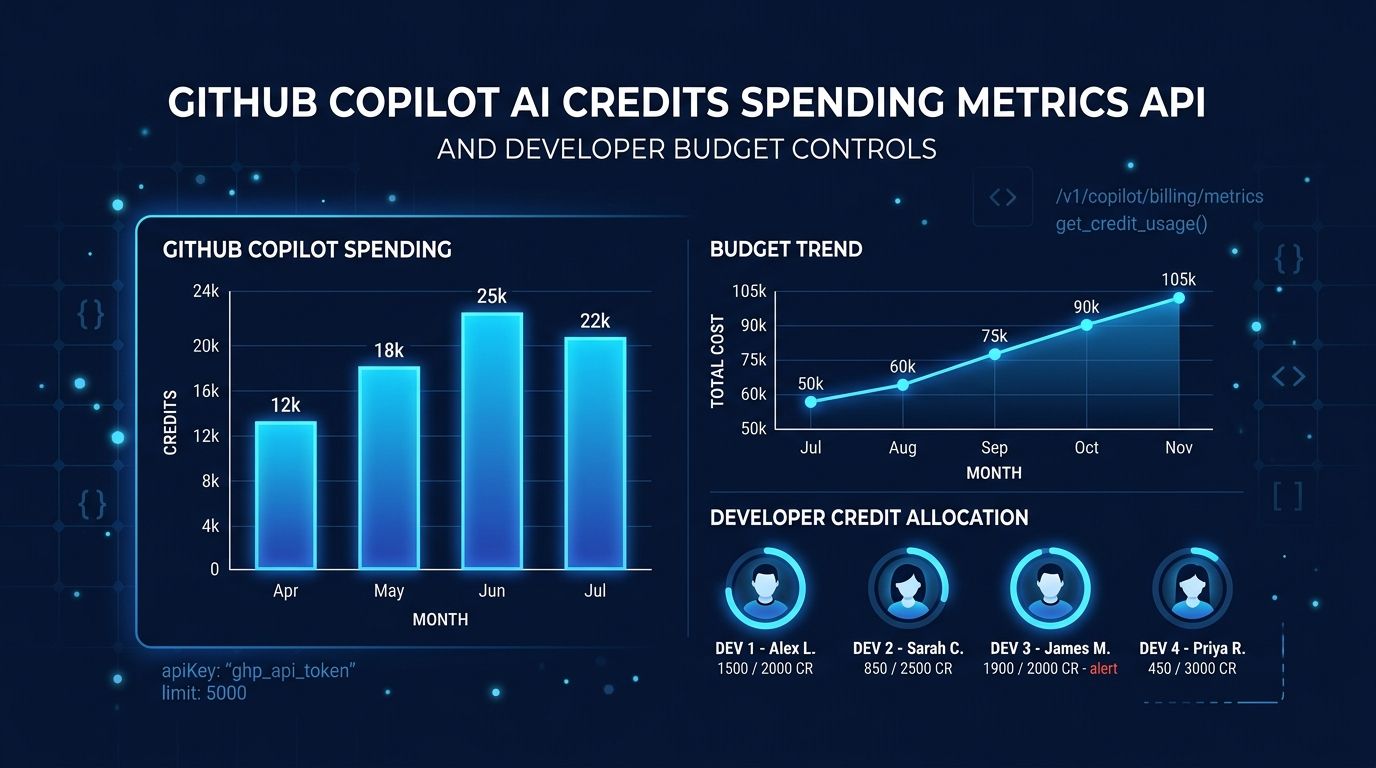
GitHub updated its Copilot usage metrics REST API on June 19 with a new field — ai_credits_used
— that shows exactly how many AI credits each developer consumed per day. Three weeks into usage-based billing, this is the visibility tool org admins should have had on June 1. Now you can see who is burning through your credit pool before the invoice does.
Why This Matters Now #
On June 1, GitHub switched every Copilot plan from flat-fee Premium Request Units to token-based GitHub AI Credits. One credit equals $0.01. Each plan includes a monthly pool — $19 worth for Business, $39 for Enterprise — and once that pool runs out, metered charges begin. Agentic sessions are the cost driver: developers running multi-step Copilot Workspace or Copilot App automations are reporting single-session costs of $30 to $40. Those figures are not outliers. They are the default behavior for any developer who treats Copilot as an autonomous coding partner.
Before June 19, org admins could see aggregate usage at the organization level but had no programmatic way to identify which individuals were responsible for cost spikes. The billing API showed invoices after the fact. The metrics API gave adoption data — active users, completions accepted, chat interactions — but no dollar figure per person. The ai_credits_used
field closes that gap.
What the New Field Covers #
The ai_credits_used
field appears in user-level reports in both the single-day (users-1-day
) and 28-day (users-28-day
) formats. It is available at the organization and enterprise levels. The number reflects total daily consumption per user across all credit-consuming surfaces: chat, Copilot CLI, Copilot Workspace, and background automations. Code completions and Next Edit Suggestions do not consume credits — those remain unlimited in all paid plans.
One important limitation: the field gives you a total, not a breakdown. You will see that a user spent 400 credits on a given day, but the API does not yet tell you whether that came from a long chat session, a Copilot Workspace run, or an hour in the Copilot App. Feature-level and model-level granularity are presumably on the roadmap. For now, you know who is spending but not what they spent it on.
How to Query the API #
To access the endpoint, the Copilot usage metrics policy must be enabled for your organization, and your token needs the manage_billing:copilot
, read:org
, or read:enterprise
scope. Only organization owners and enterprise billing managers have access.
curl -L \
  -H "Accept: application/vnd.github+json" \
  -H "Authorization: Bearer YOUR_TOKEN" \
  -H "X-GitHub-Api-Version: 2026-03-10" \
  "https://api.github.com/orgs/YOUR_ORG/copilot/metrics/reports/organization-1-day?day=2026-06-19"
Look for ai_credits_used
in each user object in the response. If you want a visualization layer rather than raw JSON, GitHub’s open-source copilot-metrics-viewer renders the same data with charts and filtering.
What to Do With the Data #
The practical play is straightforward: identify your highest spenders, then decide whether that usage is intentional and valuable or uncontrolled and wasteful. An engineer running end-to-end Copilot Workspace automations for a release sprint may legitimately consume 3,000 credits in a week. Someone who left a background automation running overnight by accident should not.
Once you know who is spending, use budget controls to set guardrails. GitHub’s universal user-level budget (ULB) caps how much any individual can consume per billing cycle. It enforces a hard stop — when a user hits the limit, access to all credit-consuming Copilot features is blocked until the next cycle. You can set a universal budget for all users or override it for specific individuals. Set the threshold above the per-seat allowance to give developers room to work, but low enough to prevent runaway sessions. Setting a budget at $0 blocks credit consumption entirely — useful for users who only need code completions.
The September Cliff #
There is a time-sensitive reason to act now. From June 1 through September 1, 2026, GitHub is running promotional credit allocations: Business plans get 3,000 credits per user instead of the standard 1,900, and Enterprise gets 7,000 instead of 3,900. After September 1, those allowances revert. Teams that have not hit budget ceilings this summer may discover a problem in September when the pool shrinks by 37 to 44 percent overnight.
Run the metrics API query today. Sort by ai_credits_used
. Find your top spenders. Then decide whether the credits they are consuming justify the budget controls you are not yet running. The answer might be yes for your most productive engineers. It is almost certainly no for the background automation nobody has checked since it was configured.
The full changelog for the June 19 update is on the GitHub Changelog.