Dev blog · Guides · 2026-11-28
Short answer: for editable diagrams, add the draw.io server (npx -y @next-ai-drawio/mcp-server), which draws on a live canvas in your browser that you can also edit by hand. For a quick whiteboard, add tldraw’s hosted server at https://tldraw-mcp-app.tldraw.workers.dev/mcp. If you only want a diagram file in your repo, a diagram skill does it without any server.
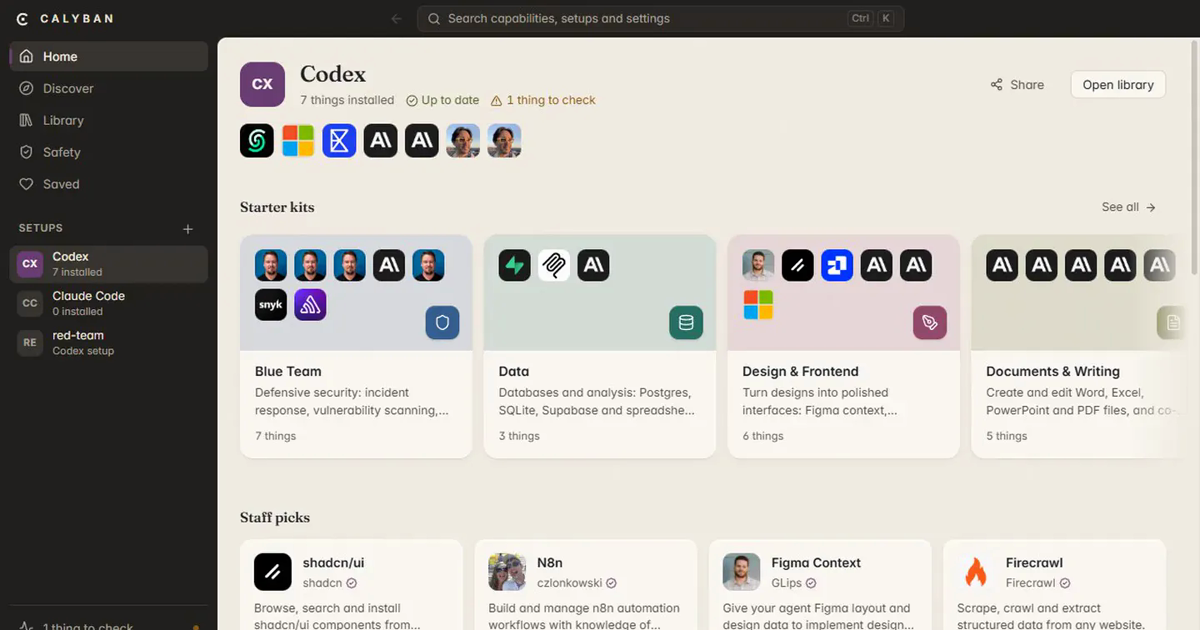
Or search “diagram” in Calyban and install any of these into your agents in one click, servers and skills alike. Free, no account.
Agents are good at diagrams now. Mostly they need somewhere to draw.
draw.io #
Next AI Draw.io opens a draw.io canvas in your browser and your agent draws on it while you watch. You can grab a box and fix it by hand at any point. When it looks right, export it from draw.io like any other diagram.
claude mcp add drawio -- npx -y @next-ai-drawio/mcp-server
On Windows, cmd /c goes before npx.
Ask: “Draw the architecture of this repo: services, the database, the queue, and which service calls which.” The agent reads the code, then draws.
tldraw #
tldraw is published by the tldraw team and hosted, so there’s nothing to run locally:
claude mcp add --transport http tldraw https://tldraw-mcp-app.tldraw.workers.dev/mcp
It suits sketches, flows and brainstorms more than tidy architecture charts. The hand-drawn look is a feature when the diagram is a draft.
No server at all: diagram skills #
If the diagram belongs in your docs as code, skip the canvas:
- Draw Io andExcalidraw skills teach the agent to write those formats directly into files in your repo.
- Cathryn Lavery’s diagram-design collection has
import-drawioandimport-excalidrawcommands for bringing existing diagrams in. Thediagram design kit installs the set.
A file in the repo gets reviewed in pull requests like everything else, which a canvas in a browser tab doesn’t.
Which one? #
- A diagram you’ll keep editing: draw.io.
- A quick shared sketch: tldraw.
- A diagram that lives next to the code: a skill.
The Calyban way #
Search “diagram” in Calyban and all of these show up together. Install puts the servers into Claude Code, Codex, Cursor, GitHub Copilot, Gemini CLI or Claude Desktop in each one’s own format, and copies the skills into each agent’s skills folder from GitHub at a pinned commit, safety-checked first.
Calyban is free for Windows and Linux at /#download. Share the best diagram your agent has drawn on Discord.