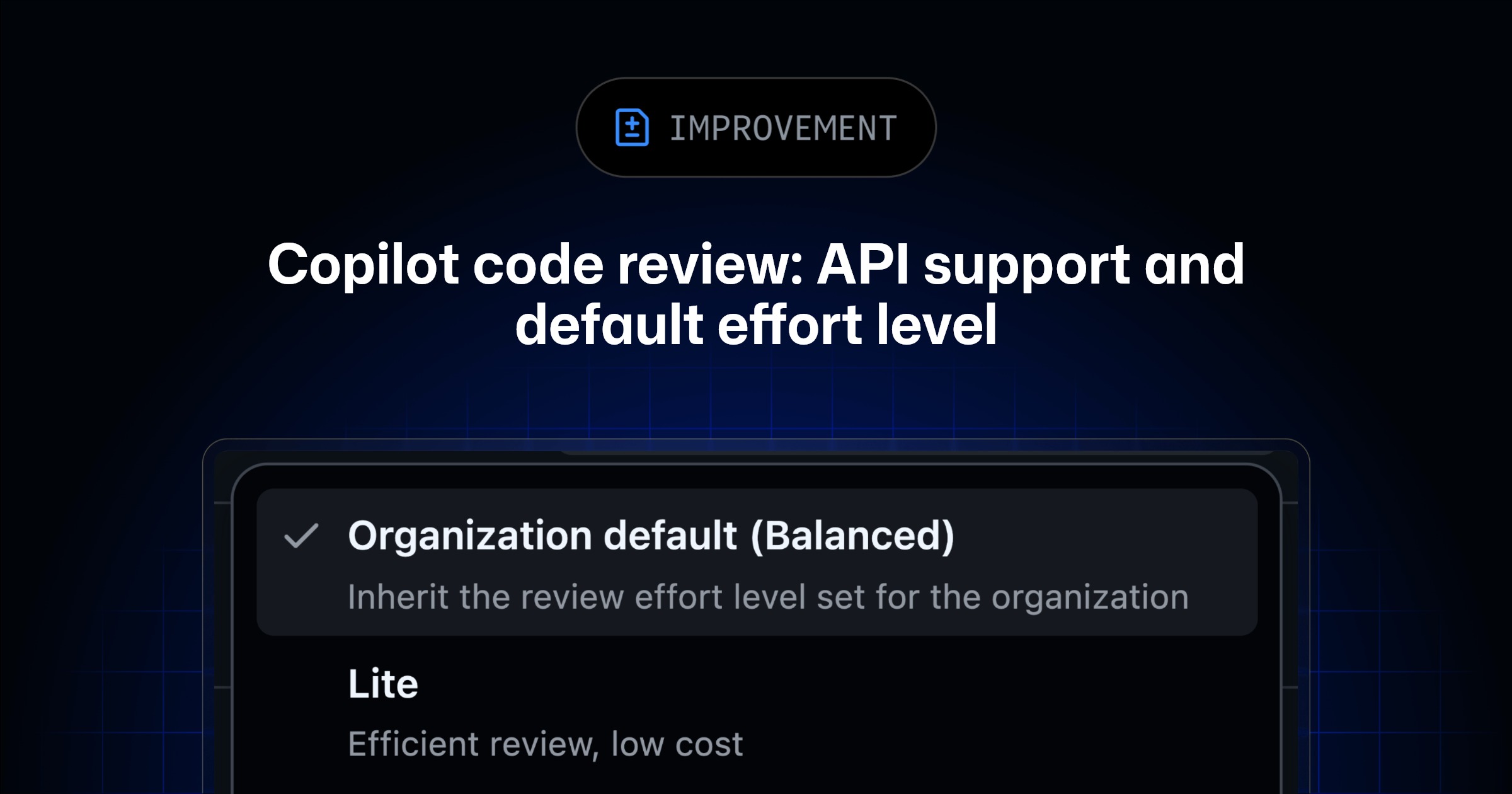
You can now request a GitHub Copilot code review through the REST and GraphQL APIs and set the review effort level for each request. Balanced is also now the default review effort level. These changes are generally available to Copilot Pro, Pro+, Max, Business, and Enterprise plans.
🔌 Request Copilot code review with the API #
You can now request a review from Copilot using the supported REST and GraphQL APIs. When you make a request, you can optionally set the review effort level for that review.
This lets you bring Copilot code review into your own scripts, workflows, and internal tools, so reviews can start from the systems your team already uses.
⚖️ Balanced is now the default review effort level #
As announced on August 28, 2026, the Default review effort level now uses Balanced for new and existing repositories and organizations using Copilot code review. If you explicitly selected Lite in your settings, that selection was respected. This change took effect September 28, 2026.
### [⚙️ Configure your review effort level](#%e2%9a%99%ef%b8%8f-configure-your-review-effort-level)

If you prefer **Lite** or want to try out the options available to you, you can change the review effort level from **Default** to **Lite** at the level you manage:
- Enterprise: In your enterprise settings, go toAI controls →Agents →Copilot code review .
- Organization: In your organization settings, go toCopilot →Code review .
- Repository: In your repository settings, go toCopilot →Code review .
- Personal: Click your profile picture, then go toCopilot settings →Copilot →Code review .
Each level can override the one above it. For step-by-step instructions, see Configuring code review by GitHub Copilot.