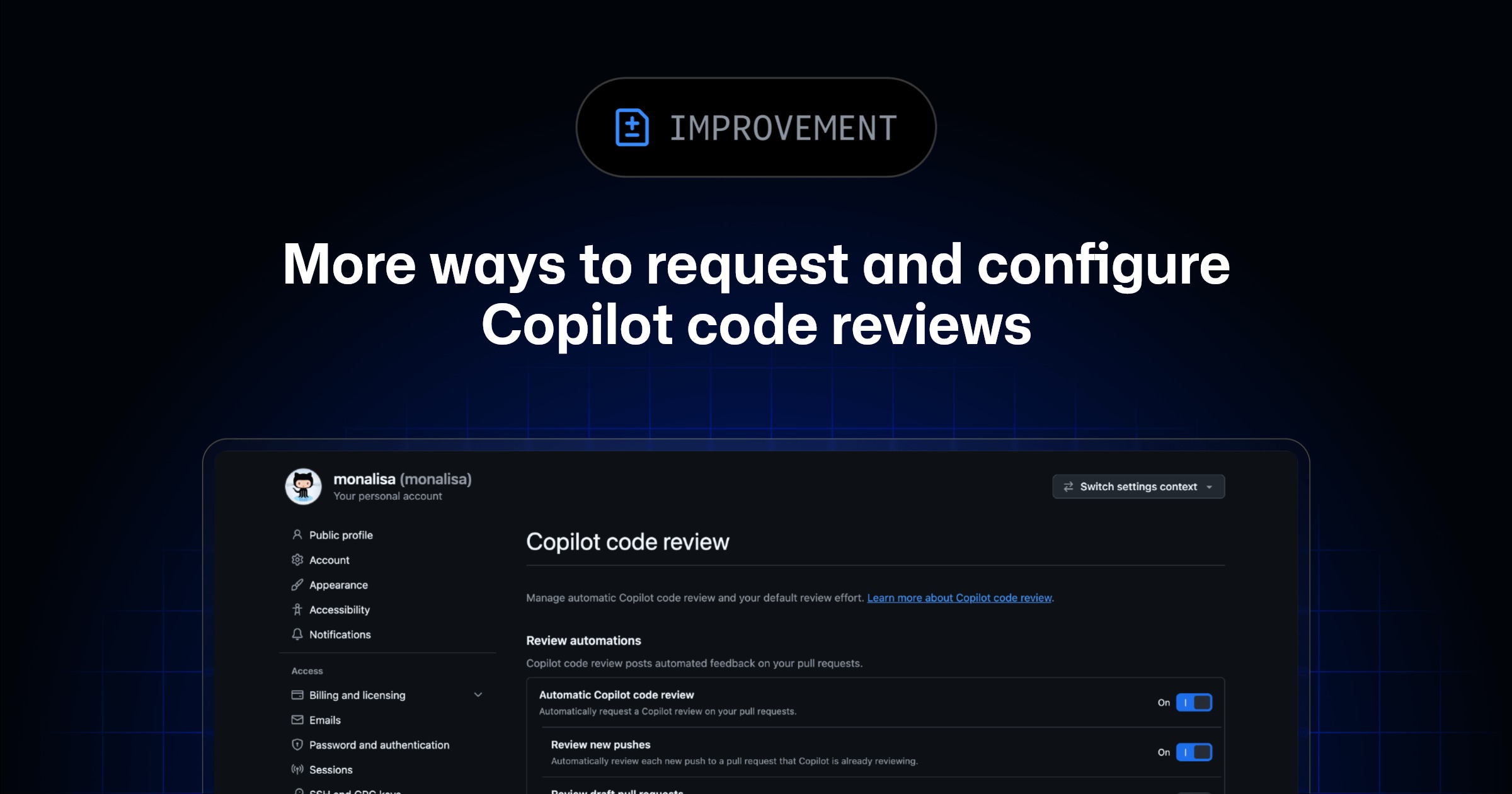
GitHub Copilot code review now offers additional personal configurations to an expanded set of Copilot plans and an enterprise-level default setting. These improvements are now generally available:
- A dedicated personal settings page for automatic review and your default review effort
- An enterprise-wide default review effort setting for organization-owned repositories
⚙️ Manage your personal review settings #
Previously, personal Copilot code review settings were available only with Copilot Pro, Pro+, and Max on the “Copilot policies” page. They covered a single automatic review setting without separate controls for draft pull requests or new pushes.
Under your profile → Copilot settings, a dedicated “Copilot code review” page is now available on every Copilot plan, including Copilot Business and Copilot Enterprise. From this page you can:
- Turn on automatic reviews from Copilot, which will trigger when you create a pull request, coauthor a pull request, or move a pull request out of draft state.
- Turn on automatic review for new pushes and for draft pull requests you create or coauthor.
- Set your default review effort, shown today as Lite orBalanced .
Your default effort applies to reviews you request, including reviews configured to automatically review your pull request. When manually requesting a review from Copilot via the pull request page under “Reviewers”, you can still select a different review effort before requesting.
🏢 Set an enterprise default review effort #
Authorized enterprise administrators can now set one default review effort (i.e., Lite, Balanced, or the GitHub default) for the whole enterprise. The default applies to organization-owned repositories through inheritance. Organizations and repositories can still set their own overrides.