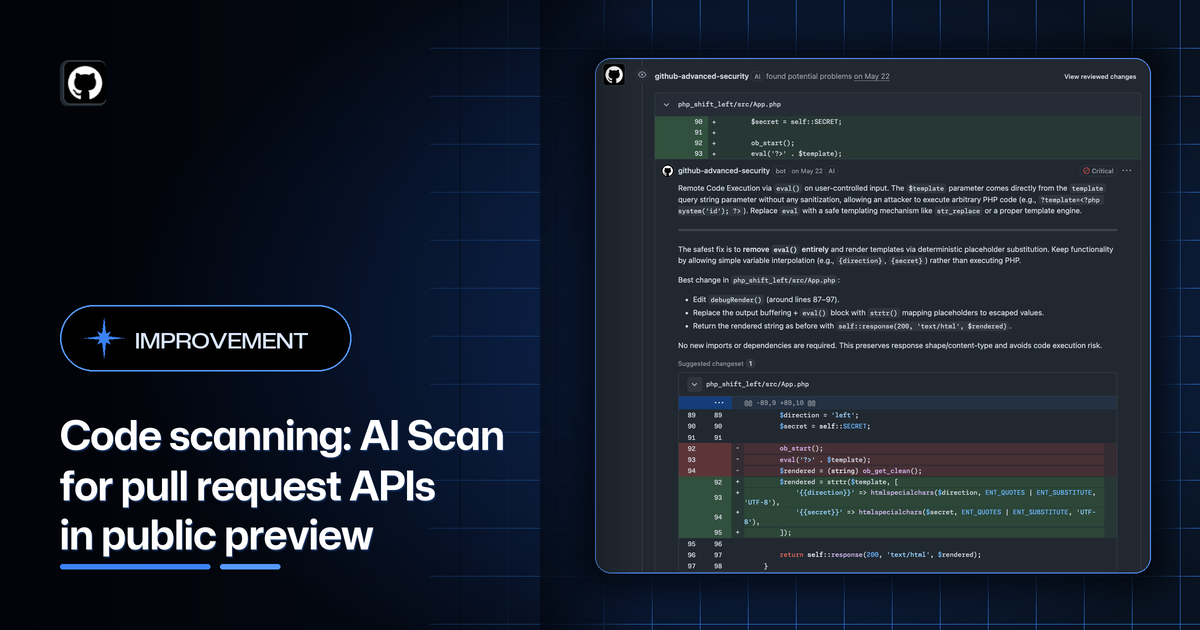
You can now manage GitHub code scanning’s AI Scan for pull request enablement with REST API endpoints at the organization and repository levels. This public preview gives teams a programmatic way to roll out AI-powered security detections for pull requests across select repositories without manually configuring each setting in the GitHub UI.
## [Manage AI Scan for pull requests at scale](#manage-ai-scan-for-pull-requests-at-scale)

Use [the new organization and repository APIs](https://docs.github.com/rest/code-scanning/code-scanning?apiVersion=2026-03-10) to read and update whether AI Scan for pull requests is enabled. Organization settings control whether pull request scans can run across the organization, and repository settings let you turn scans on or off for individual repositories. Repository settings do not override an organization-level disabled state.

To view and update the status of AI Scan for selected repositories, users can use the `/orgs/{org}/code-scanning/ai-scan` and `/repos/{owner}/{repo}/code-scanning/ai-scan` endpoints.
This public preview is available on github.com for GitHub Advanced Security customers. GitHub Enterprise Server is not supported for this release. For more information, see AI Scan security detections.
Join the discussion and leave feedback on the announcement in GitHub Community.
source & further reading
github.blog — original article
GPT-6.1 Terra in GitHub Copilot
Usage metrics API adds usage from tools like OpenCode
Turn notifications into code with the GitHub app in Teams