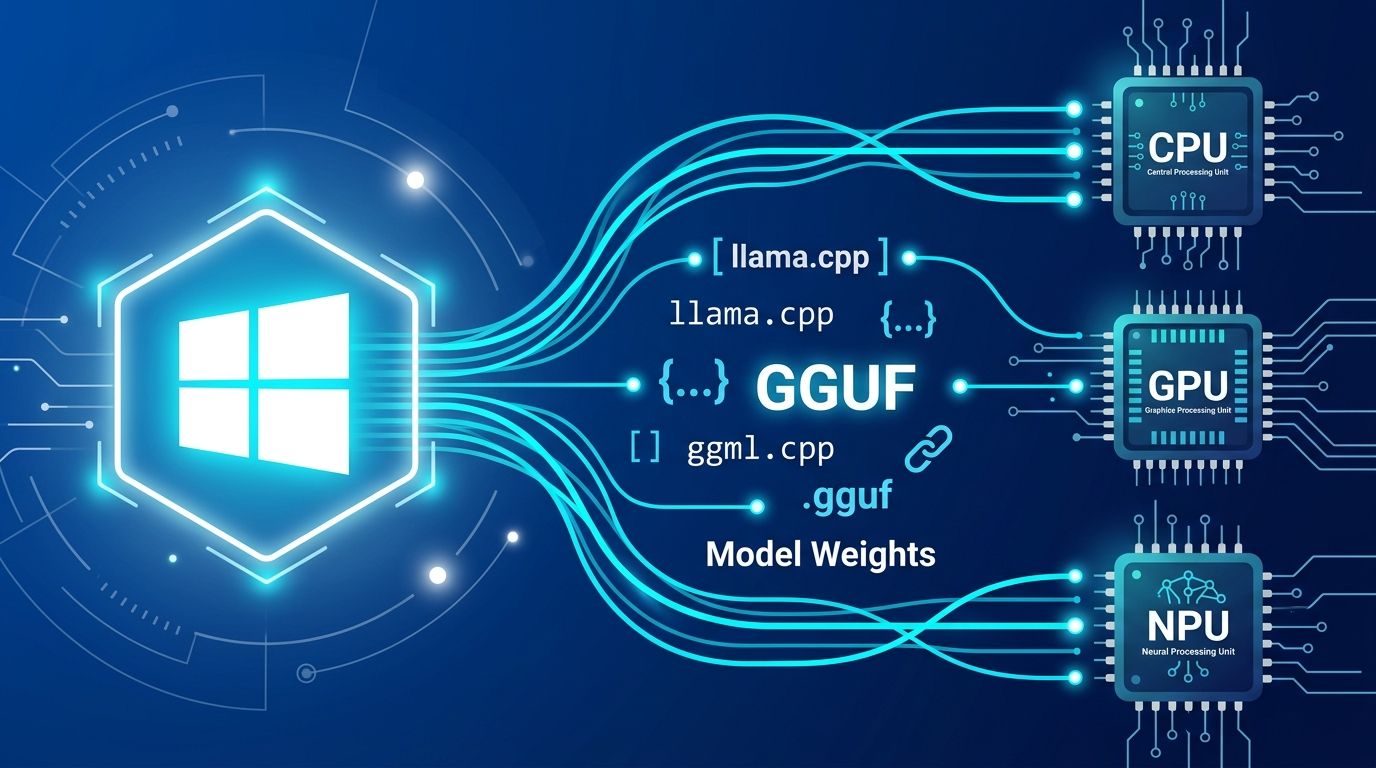
Microsoft just turned Windows into a first-class local AI runtime. On October 7, the company announced llama.cpp support in Windows ML — developers can now point any GGUF model at a single executable and get an OpenAI-compatible endpoint back, with the OS handling hardware routing across GPU, NPU, or CPU automatically. No separate server setup. No manual CUDA configuration. One command.
What Changed in Windows ML #
Windows ML has been Microsoft’s ONNX inference runtime for Windows since 2018 — solid, but limited to ONNX models. That changed today. The new experimental Text Generation API accepts both ONNX and GGUF through the same surface, automatically routing GGUF through llama.cpp and ONNX through the existing runtime. From the developer’s perspective: one API, two model formats.
The practical entry point is WinMLServer.exe, a new command-line server that spins up an OpenAI-compatible endpoint from any GGUF file:
WinMLServer.exe model.gguf --model-id qwen2.5-0.5b --target gpu --port 8080
Point the standard OpenAI Python SDK at http://localhost:8080/v1 and your existing inference code runs locally without modification:
from openai import OpenAI

client = OpenAI(base_url="http://localhost:8080/v1", api_key="not-needed")
response = client.chat.completions.create(
    model="qwen2.5-0.5b",
    messages=[{"role": "user", "content": "Summarize this code"}]
)
The --target flag accepts gpu, npu, or cpu. If the target is unavailable, Windows ML falls back gracefully rather than failing.
NPU Routing Is the Real Differentiator #
The comparison with existing tools is where this gets interesting. Ollama and LM Studio both run on Windows and both expose OpenAI-compatible endpoints — but neither routes inference to the NPU. Windows ML does.
| Tool | NPU Support | OpenAI Endpoint | OS-Managed |
|---|---|---|---|
| Ollama (Windows) | No | Yes | No |
| LM Studio | No | Yes | No |
| Windows ML + llama.cpp | Yes | Yes | Yes |
Windows ML auto-selects the right execution provider based on available hardware: QNN for Qualcomm NPUs, OpenVINO for Intel NPUs, NvTensorRtRtx for NVIDIA GPUs, and CPU as fallback. According to the official announcement, the platform targets sustained, battery-efficient inference on NPU-equipped devices — which matters for developers running agent workflows that need to stay on all day without saturating the GPU. Copilot+ PC owners sitting on idle NPU silicon now have a practical inference target.
Microsoft also contributed CUDA kernel optimizations, speculative decoding, and multi-GPU execution back to the upstream llama.cpp project alongside NVIDIA. The integration isn’t a fork; it’s committed code in the main project.
Models You Can Run Today #
Any GGUF file from Hugging Face works with WinMLServer. Microsoft highlighted two flagship models tuned for local Windows inference:
- DeepSeek V4 Flash — 284B parameters, 1.6-bit quantized to fit in roughly 60GB. Targets the RTX Spark platform for high-end local inference.
- NVIDIA Nemotron 70B+ — 2-bit quantized, under 20GB, launching October 15. The practical choice for most Windows machines with a modern NVIDIA GPU.
For developers not on cutting-edge hardware, smaller GGUF models — Qwen 2.5, Phi-4, Llama 3.2 — run fine on standard GPUs and the path is identical. Download the GGUF, run WinMLServer, point your SDK at localhost.
What’s Coming: HydraFusion Goes Local #
GitHub’s HydraFusion — the multi-model routing engine that splits tasks by complexity and cost — is being extended to Windows to route between local and cloud models. It’s arriving in VS Code, the GitHub Copilot app, and Copilot CLI in experimental preview later this month.
When it lands, the workflow changes: instead of manually deciding which model to call, the router assesses each task and sends routine work to local Windows ML inference while complex tasks go to cloud APIs. For developers paying per-token, this is worth tracking. The execution providers documentation already covers the hardware targeting that HydraFusion will use for the local leg.
What Developers Should Do Now #
Windows ML’s llama.cpp support is experimental — available to test but not production-ready. For developers on Windows 11:
- Check the Windows ML GitHub for the latest experimental release
- Download a small GGUF model (Qwen 2.5 0.5B is ~400MB — reasonable for first tests)
- Run
WinMLServer.exeand point your existing OpenAI SDK code at the local endpoint - On a Copilot+ PC, try
--target npuand compare throughput against--target gpu
The Microsoft Execution Containers (MXC) sandbox also shipped today — if you’re building agent workflows that run locally, it’s worth understanding before deploying autonomous code on Windows.