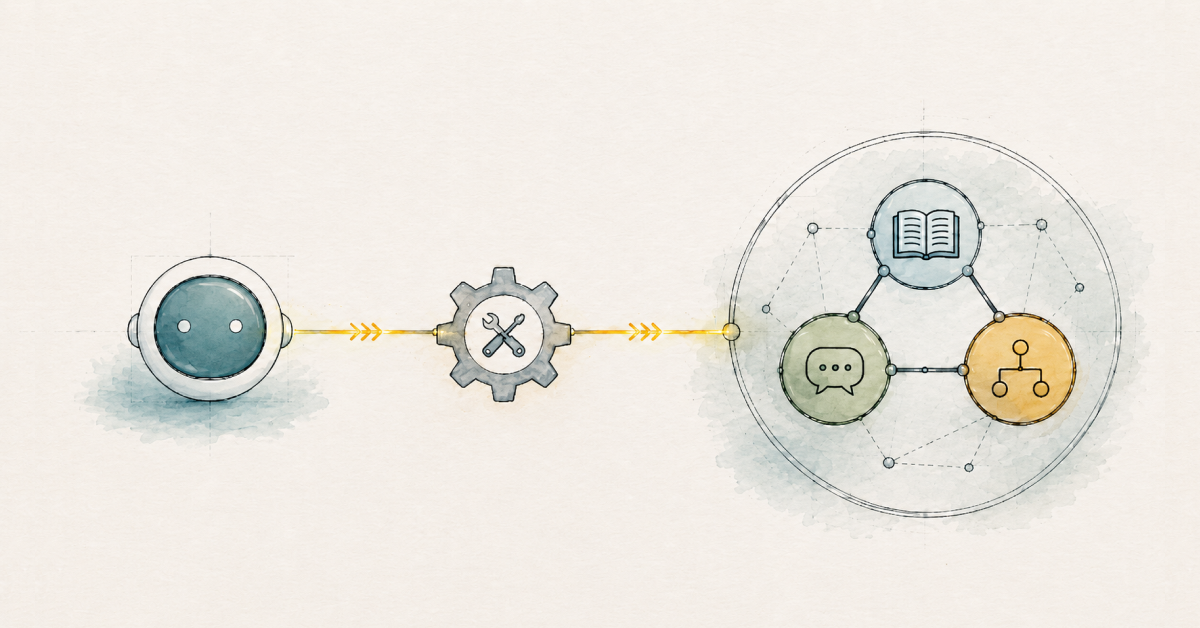
If you ask an AI agent the same question twice and get a different answer, that’s a major issue. Without durable memory, context may not carry over between sessions. A customer support agent can approve a refund, lose the evidence behind that decision, and treat the next interaction as a brand-new case. Without context, agents can’t make decisions consistently or learn from past cases. A context graph solves this by acting as a persistent memory system for AI agents, linking long-term enterprise knowledge, short-term conversation history, and reasoning memory. Because it’s a graph, the connections between memories are preserved and traversable, allowing the agent to easily gather the full context. The graph stores the relationships between what the organization knows, what happened during the interaction, which tools returned evidence, and why a decision was made.
Equipped with this holistic memory, agents can reason over relevant context, produce accurate answers, explain their decisions, learn from past decisions, and leave the audit trail that teams need as workflows move into production.
By the end of this guide, you’ll understand how context graphs work, how they differ from knowledge graphs, and how they provide agents with memory of the full context.
More in this guide:
Why AI agents need a context graph #
An AI agent uses a model to reason, tools to act, and an execution loop to make progress toward a goal. Agentic AI systems extend that pattern across more complex workflows, where agents plan steps, call tools, observe results, and iterate until they reach a defined outcome. Even sophisticated models can make the wrong call when they lack the context needed to reason and act correctly.
Once an agent has to carry context across turns, sessions, tools, and decisions, durable memory becomes essential. Prompt instructions can guide one interaction, retrieval can surface supporting documents, and logs can show activity after the fact, but a production agent needs all those pieces connected in a queryable structure so the agent can piece them together easily.
Without the durable memory that a context graph provides, the agent must keep rebuilding the world around the task. That rebuild isn’t just inefficient; it makes it more likely for an agent to lose track of crucial context, including which issue was already handled, which policy version applies, or why a previous agent chose one action over another.
Take a customer support agent handling a return. To resolve the matter correctly, the agent needs to refer to different kinds of context or memory all at once: the return policy and the customer’s entitlements, the conversation it is currently having, and the record of similar past claim decisions. These are the three types of memory a context graph provides (long-term, short-term, and reasoning). If the agent were to, for example, lose track of the return policy during the conversation, it could grant a refund for an item long past the company’s deadline. Alternatively, if it loses track of the conversation history, it forces the customer to repeat themselves, reducing customer satisfaction. Neither is an acceptable outcome, which is why a context graph has become so clearly critical.
Three types of memory in a context graph #
A context graph keeps the three kinds of memory distinct while connecting them around the task at hand. Those connections are what give the agent a coherent view of the situation rather than a pile of disconnected records.
Long-term memory stores enterprise knowledge
The long-term enterprise knowledge contains the facts that an agent should know before a conversation starts. In an enterprise setting, that includes policies, products, customers, accounts, suppliers, contracts, systems, permissions, business rules, and other organizational knowledge.
In essence, this is a knowledge graph that defines entities, relationships, and business meaning within the context graph. For a return request, the context graph can connect the return policy to the product category, customer status, exception workflow, and the team that owns the policy.
These facts change more slowly than a live conversation, but they do change. Policies get revised. Products are added. Business rules shift. The flexible graph model helps teams add new entities and relationships without rebuilding the entire memory structure.
Short-term memory stores conversation history
The interaction layer carries the task forward across messages and sessions. It captures user requests, messages, intermediate state, previous sessions, and actions the agent has already taken.
For a return request, the agent needs the customer’s most recent message, details of the damaged item, the order number, the requested outcome, and the actions already taken during the conversation. Without that memory, the agent can force the customer to repeat information they already provided. Multi-agent workflows add another reason to keep shared conversation state. One agent gathers information, another checks policy, and another decides on the next action; each one needs to know what has already been done and what remains unresolved.
Reasoning memory stores decision traces
The trace layer records how the agent moved from evidence to action. It captures the decision, the reasoning path, the tool calls, the evidence returned, and the outcome.
In the same return case, the trace can show that the agent checked the order record, compared the request against policy, confirmed eligibility, approved the refund, and logged the reason.
Because the trace is queryable, teams can ask which facts influenced the decision. They can also ask which tools the agent used, where its actions diverged from policy, and whether similar cases produced consistent outcomes.
Together, these three layers create a memory loop. When the customer contacts support again, the agent can retrieve the policy, the earlier conversation, and the prior refund decision. New interactions and outcomes become context for future work.
Seven benefits of a context graph #
Reliable agent workflows need context that persists beyond a single prompt. A context graph lets the agent retrieve relevant memory as work begins, preserve new context as the workflow develops, and leave a queryable record for later use.
1. More accurate answers
Stored facts, relationships, and prior decisions give the model stronger evidence before it responds. When these items are connected in the graph, the agent can ground its answer in the retrieved context and reduce unsupported assumptions.
2. More relevant context
Large context windows do not solve context quality on their own, while irrelevant information can reduce response precision, increase inference cost, and make the workflow harder to debug. Graph-backed memory lets the agent retrieve what’s needed for the current task while leaving unrelated context out of the prompt.
3. Persistent context beyond prompts
Prompts are useful for instructions and current input, but they’re a poor place to manage memory. (You don’t want application code to rebuild everything each time the agent runs.) Graph-backed memory gives that context a place to live, so the agent can retrieve the right pieces for the task at hand.
4. Stronger explainability and governance
Decision traces make agent behavior easier to inspect. A team can follow the path back to the facts, conversation turns, tool calls, evidence, and reasoning steps behind the decision, including the points where policy or human approval applied.
5. Supports long-running workflows
Complex agent workflows span turns, tools, approvals, handoffs, and updates. A context graph helps the agent sustain the task across those steps because the work state persists beyond a single prompt or session.
6. Shared memory for multi-agent systems
Multi-agent systems need a common view of the work. Shared graph-backed memory provides agents with a shared space to read and write state, so each agent can build on the same facts, conversation history, tool outputs, and prior decisions.
7. Lower token cost
Conversation histories grow quickly in agent workflows. Passing the full history, along with every related document and prior tool result back to the model on each turn, adds cost and latency. Selective graph retrieval lets the agent pull the context needed for the next step without carrying everything into the prompt.
Context graphs vs. knowledge graphs #
Before we go further, it helps to understand the distinction between a graph, a knowledge graph, and a context graph. Think of these concepts as building on each other.
| Concept | What it does | What it helps answer |
|---|---|---|
| Graph | Represents entities and relationships | What is connected? |
| Knowledge graph | Adds semantic structure and business meaning | What do the connections mean? |
| Context graph | Connects enterprise knowledge, conversation history, and decision traces around an agent task | Which context is relevant now, and why? |
A graph represents data as entities and relationships. A knowledge graph adds semantic structure and business meaning, defining what the entities represent and how they relate. A context graph uses that meaning within an agent workflow, connecting the domain knowledge the agent needs to the conversation state and reasoning trace for the current task.
In an agent memory architecture, a knowledge graph is equivalent to the agent’s long-term memory. A context graph connects that knowledge to conversational and reasoning memory, so the agent can retrieve relevant facts, conversations, and decision traces together to see the full context.
Go deeper on GraphRAG #
Learn how GraphRAG helps AI applications use connected context, reason across relationships, and ground answers in your data.
How to build a context graph with Neo4j Agent Memory #
Now that you’re ready to build a context graph, the easiest way to do it is using Neo4j Agent Memory. It connects what makes up an agent’s memory – the conversations, entities, preferences, facts, tool usage, and reasoning traces – in a Neo4j graph, so that memory becomes queryable through the graph rather than scattered across prompts, logs, and separate stores.
Choose a setup that aligns with your infrastructure and application workflow. There are five paths:
Use the hosted Neo4j Agent Memory Service (NAMS). This managed REST service requires an API key and handles embedding, extraction, and deduplication on the server, so developers do not need to operate their own database.Connect to an existing Neo4j deployment. Python developers can run the memory client againstNeo4j Aura, Desktop, or Docker over Bolt when they need more control over deployment, data locality, graph operations, or air-gapped use.Expose memory through the Model Context Protocol (MCP). The included MCP server allows compatible assistants and development environments to access graph-backed memory via a set of memory tools.Start with a full-stack application scaffold. Thecreate-context-graph
tool generates a project with a FastAPI backend, Next.js frontend, Neo4j knowledge graph, and conversation memory already connected.Build on a managed agent platform.Neo4j Aura Agent(currently in early access) lets teams build and deploy GraphRAG agents grounded in a knowledge graph with low-code tooling, when they want a hosted path rather than assembling their own.
For a concrete implementation, this hands-on context graph walkthrough shows how a Neo4j database, an agent application, and MCP tools work together to capture and query decision traces.
How an AI agent uses the context graph #
Context graphs are used and maintained by AI agents throughout the agent loop. Before acting, the agent uses GraphRAG to traverse and retrieve all relevant context for the task, including facts, conversation history, and similar past reasoning. This way, it doesn’t have to solve the same problem from scratch.
For example, an agent handling a damaged-item return can retrieve the customer’s order, product, warranty, policy, and recent support history, then connect that information to the conversation so far and any relevant prior decisions. If a similar claim was resolved before, the agent can traverse all the relevant context and inspect which evidence supported the decision and whether the same policy still applies. As the agent works, the graph changes with it. The agent stores new user and agent messages to short-term memory and writes durable knowledge into long-term memory. It captures its own traversal path from evidence to outcome as a reasoning trace, which logs every reasoning step and action, records tool use, and closes once the agent reaches an outcome.
The next run starts from a connected record instead of a blank slate. The agent makes better decisions over time.
In multi-agent systems, a shared context graph gives every agent the same connected record to read from and write to, so each handoff carries the full picture of what was done, what was decided, and what remains unresolved.
Context graphs activate the knowledge layer for reliable AI #
For agentic AI systems, model capability is only part of the equation. Agents also need a connected, current, and queryable context that reflects the task, the organization, and the decisions already made. A knowledge layer provides the graph foundation that connects enterprise data and structures it for AI context, memory, and reasoning. The context graph is the memory component of that layer, bringing together the organizational knowledge, conversation state, task history, and decision records that an agent needs to reason and act.
When those elements remain spread across prompts, documents, logs, and application stores, each workflow has to reconstruct context. A context graph preserves the relationships between them, giving agents and developers a shared record they can retrieve, extend, and examine as work continues.
Build context graph with Neo4j #
Take the free GraphAcademy course to learn how context graphs give AI agents short-term memory, long-term memory, and reasoning memory with Neo4j.
FAQs #
A context graph is a connected representation of the knowledge, state, history, and decision records an AI agent needs to complete a task. It lets the agent retrieve relevant context and understand how facts, conversations, tool activity, and prior decisions relate.
The three memory layers are long-term memory for durable knowledge, short-term memory for conversations and state, and reasoning memory for decision traces and tool activity.
A knowledge graph represents entities, relationships, and meaning within a domain. A context graph connects that domain knowledge with the conversation, task state, tool activity, and prior decisions relevant to a particular agent workflow.
A context graph helps AI agents produce more accurate answers, retrieve more relevant context, persist context as memory, explain decisions, support long-running workflows, share memory across agents, and save on tokens.
You can build a context graph by modeling durable domain knowledge, conversation and task state, tool activity, and decision traces as connected data. With Neo4j Agent Memory, teams can build one through the hosted service, a self-hosted Neo4j instance, an MCP server, or a full-stack AI application.
An agent retrieves relevant context from the graph before it acts, writes new facts and messages back as it works, and stores decision traces once it reaches an outcome. Later, the agent or a human can query the graph to understand what happened and why.