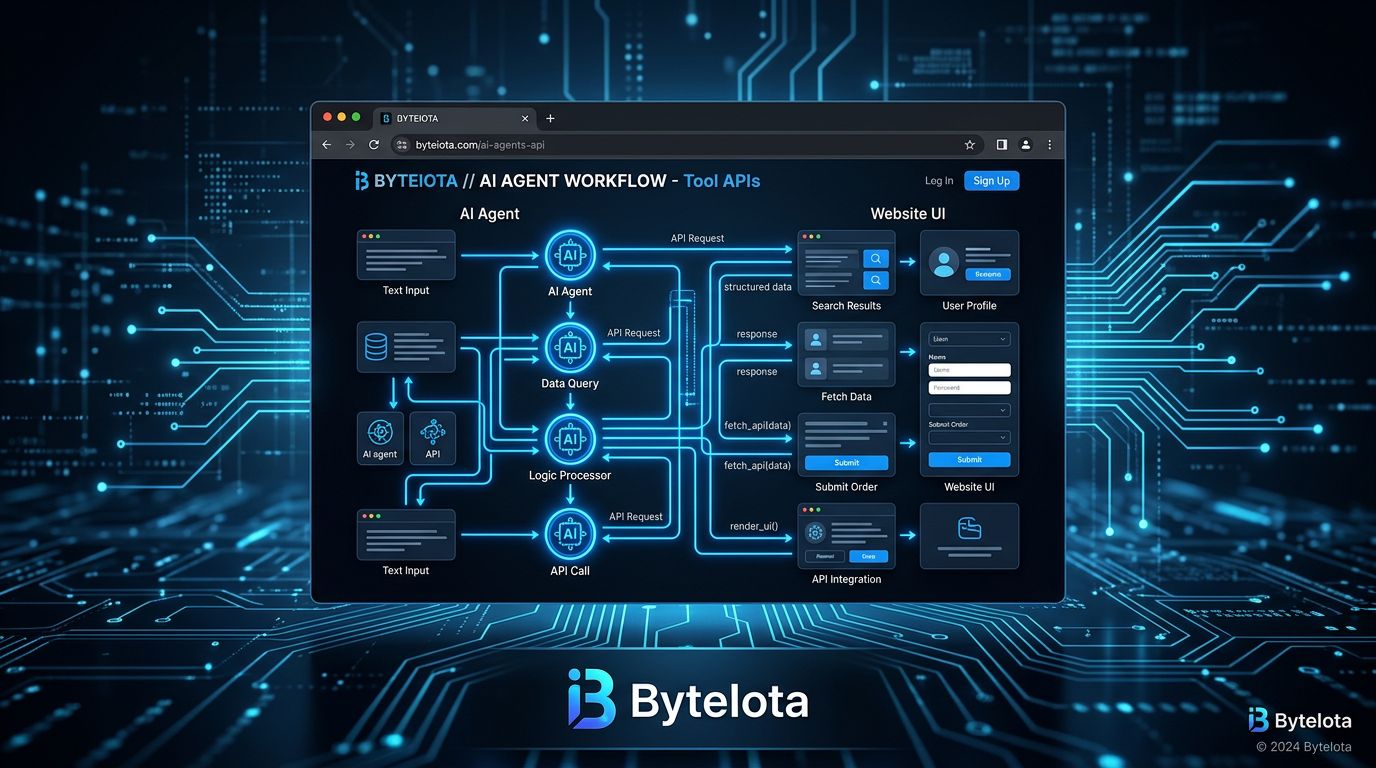
AI agents are already visiting your website. They’re doing it by taking screenshots, parsing walls of nested DOM nodes, and making expensive guesses about your UI. It’s slow, brittle, and breaks every time you ship a redesign. Google’s WebMCP — now in public Origin Trial in Chrome 149 — gives developers a clean exit from that mess. Early adopters report a 90% drop in token usage compared to screenshot-based automation. That number alone is worth paying attention to.
What WebMCP Actually Is #
WebMCP is a proposed open web standard that lets developers expose structured tools — JavaScript functions and annotated HTML forms — directly to in-browser AI agents. Instead of an agent squinting at your DOM and guessing what your “Add to Cart” button does, it calls a named function with a typed schema and gets a structured response. Google announced it at I/O 2026, and it’s co-developed with Microsoft and incubated in the W3C Web Machine Learning Community Group. This isn’t a weekend experiment. It’s on a real standardization track.
Current status: Chrome 149 Origin Trial is open for registration. Microsoft Edge 147 ships it natively. Firefox and Safari have not committed. Keep that in mind.
Two APIs, One Minimum-Viable Entry Point #
WebMCP gives developers two implementation paths. Start with the declarative API if you want the lowest possible lift.
Declarative API: Three HTML Attributes
Annotate an existing HTML form with toolname
, tooldescription
, and optionally toolautosubmit
. The browser auto-generates the JSON Schema from your existing inputs. No JavaScript changes required.
<form toolname="search_products"
      tooldescription="Search products by keyword"
      toolautosubmit>
  <input type="text" name="query" />
  <button type="submit">Search</button>
</form>
That’s it. An agent can now call your search form without parsing a single DOM node.
Imperative API: Full Control
For complex workflows — dynamic toolsets, multi-step operations, state-dependent logic — use navigator.modelContext.registerTool()
:
navigator.modelContext.registerTool({
  name: "addToCart",
  description: "Add a product to the shopping cart",
  inputSchema: {
    type: "object",
    properties: {
      sku: { type: "string" },
      quantity: { type: "number" }
    },
    required: ["sku"]
  },
  execute: async (params) => {
    const res = await fetch("/api/cart", {
      method: "POST",
      body: JSON.stringify(params)
    });
    return { type: "text", text: JSON.stringify(await res.json()) };
  }
});
The imperative API also exposes provideContext()
for surfacing state-dependent toolsets — useful when your available actions change based on what the user is currently doing on the page.
The Security Model Is Worth Understanding #
WebMCP doesn’t ask agents to authenticate separately. Tools inherit the user’s existing browser session — no additional OAuth complexity, and agents operate only within the permissions that user already has. Tool invocation goes through a user consent manager. A SubmitEvent.agentInvoked
flag lets you distinguish human actions from agent actions and apply different validation logic if needed. Registration is HTTPS-only and same-origin enforced. Add readOnlyHint
and untrustedContentHint
annotations to guide agent behavior on sensitive tools.
Who Is Actually Behind This #
The backing list matters: Google, Microsoft (Edge 147 ships native support), W3C formal incubation. At I/O 2026, Google named companies already in testing: Expedia, Booking.com, Shopify, Credit Karma, TurboTax, Redfin, Etsy, Instacart, and Target. Angular has experimental WebMCP support. Gemini in Chrome is getting WebMCP API integration. This has the pattern of a standard that will ship.
WebMCP vs MCP: Know When to Use Which #
These are complementary, not competing. Anthropic’s Model Context Protocol (MCP) handles communication between AI agents and backend services — databases, file systems, external APIs. WebMCP handles in-browser, live-page interactions where a human user is in the loop and actions are visible in the UI. If you’re building an agent that fills out a checkout form on behalf of a user, that’s WebMCP. If you’re building an agent that queries your internal database, that’s MCP. You’ll likely need both.
How to Start Today #
The Origin Trial is open in Chrome 149. Register at the Chrome Origin Trials page to get a token for production testing. For local development, enable chrome://flags/#enable-webmcp-testing
and install the Model Context Tool Inspector from the Chrome Web Store. Full technical documentation lives at developer.chrome.com/docs/ai/webmcp. The spec source is on GitHub (webmachinelearning/webmcp).
The honest caveat: Firefox and Safari haven’t committed. Breaking changes are expected during the origin trial period. Don’t bet production traffic on this yet. But start prototyping now. If your web app serves users who will interact with AI agents — which is increasingly everyone — WebMCP is where the web is going. Getting familiar now isn’t optional, it’s just early.