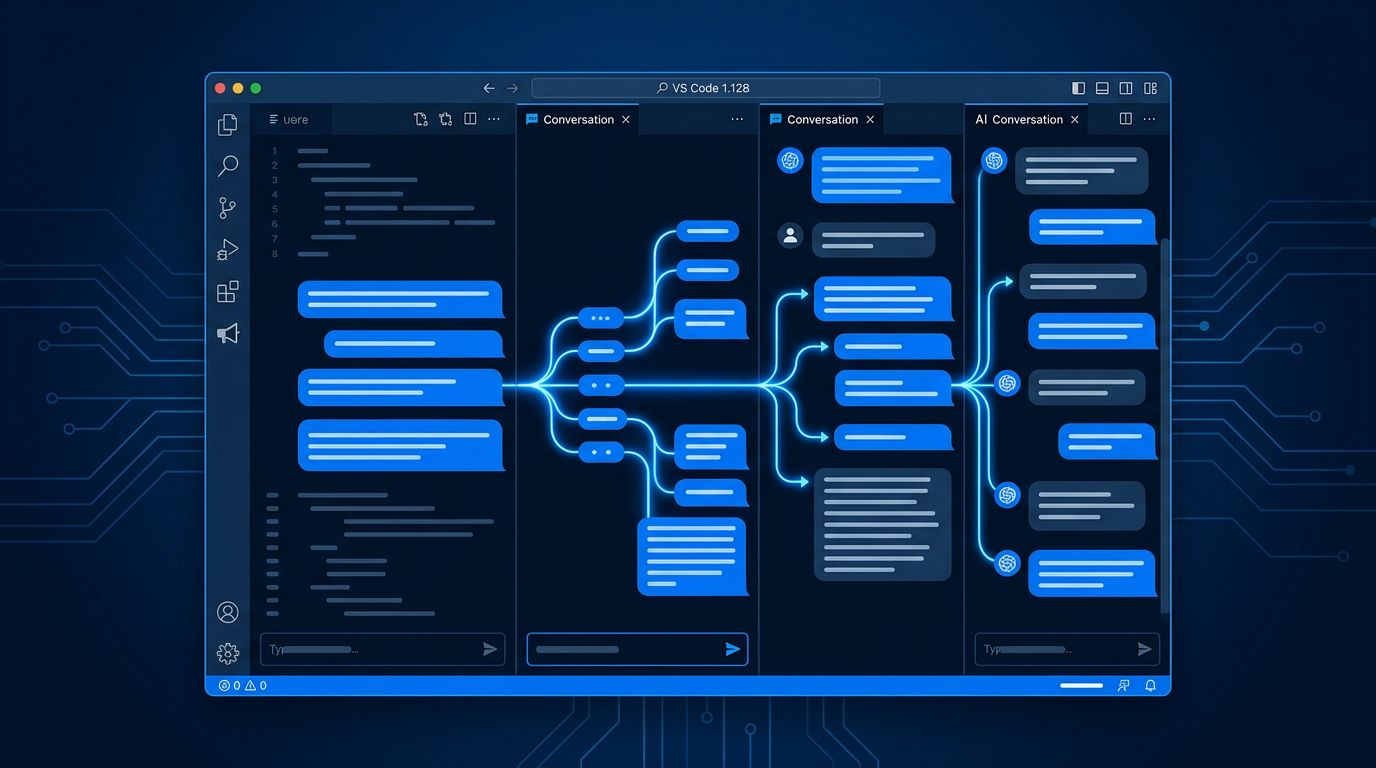
VS Code 1.128, released July 8, closes a gap that has been quietly wasting developer time for months. If you have used Claude or Copilot for serious project work, you know the drill: five disconnected chat windows, each with a sliver of context, none of them talking to each other. Multi-chat agent sessions in 1.128 fix that directly — parallel conversations, shared workspace, each chat with its own model and history. Meanwhile, Copilot Vision moves out of preview and becomes a baseline feature for every subscriber with no admin policy to fight through. These are not minor additions. This release reflects how Microsoft thinks the next phase of development actually works.
Multi-Chat Agent Sessions: The Part That Changes Your Workflow #
The new multi-chat feature lives inside the Agents window and requires chat.agentHost.enabled
in your settings. Once active, a single Claude agent session can hold multiple parallel chats — each with a separate history, model selection, and title — while all of them share the same workspace and worktree. You can fork from any previous turn to explore an alternative approach without starting over, and you can send prompts to multiple chats concurrently.
The practical shape of this is cleaner than it sounds. Consider a feature build: one chat handles the API layer, a peer chat writes the integration tests, a forked chat tries an alternative implementation. All three live under one session. No jumping between top-level windows. No rebuilding context. The keyboard mechanics are straightforward: .
opens a new chat, left and right arrows navigate between them, and right-clicking any completed turn gives you the option to fork from that point.
Community developers experimenting with the feature report 4 to 6 concurrent chats as the productive ceiling. Beyond that, the cognitive overhead of tracking threads starts to erode the time savings. The practical advice: assign models by task complexity. Use Sonnet for routine work, Opus for decisions that require real judgment, Haiku for quick questions you would normally open a new window for. Name your chats immediately — “Backend auth refactor” rather than “Chat 3” — because the session list gets unmanageable fast otherwise.
One honest cost note: each concurrent chat bills independently. There is no bundle discount for parallel usage. Teams adopting this workflow should model their token costs before scaling it across a large engineering org.
Copilot Vision GA: No Admin Gates, No Excuses #
Copilot Vision went generally available on July 1 and ships fully enabled in 1.128 for every Copilot subscriber — Free, Pro, Pro+, Business, and Enterprise. No admin policy toggle required. Supports JPEG, PNG, GIF, WebP, and PDF, all attachable by paste, drag-and-drop, or context menu.
The use case that matters most is the one developers have been working around: you have a screenshot of a broken UI, a production error dialog, or a hand-drawn architecture diagram. Previously, you translated that into text. Now you hand it directly to the agent. The quality difference is significant — a screenshot carries detail that a verbal description consistently loses.
The “no admin friction” decision deserves mention. Enterprise Vision rollouts typically stall in policy review. Microsoft chose to default it on and restrict data retention to 24 hours for Business and Enterprise users rather than gate the feature. That tradeoff favors adoption over caution.
Two Features Worth Noting Quickly #
OS-level keyboard shortcuts are now configurable via systemWide: true
in keybindings.json
. You can summon the Agents window from anywhere on your machine, regardless of whether VS Code has focus. This is a small change with an outsized implication: VS Code is treating itself as ambient infrastructure, not a modal tool you switch into and out of.
Subagent monitoring is in preview but worth tracking. When your main chat delegates work to a subagent, that agent’s transcript appears as a read-only peer chat. You are not steering it — you are watching it work. That is a different relationship with code than most developers have operated under. The preview label matters; this feature is not production-ready. But it signals clearly where the Agents window is headed.
What to Do Right Now #
Update to 1.128, enable chat.agentHost.enabled
, and spend twenty minutes running a real task through parallel chats before forming an opinion. The multi-chat workflow is not intuitive on first use — it requires a small mental remap of how you structure AI-assisted work. That remap is worth making. The alternative is continuing to manage five disconnected windows and pretending that is fine. Check the official chat sessions documentation and the Agents window setup guide to get started.