cd /news/ai-tools/two-ways-to-install-codeyam-claude-d… · home topics ai-tools article
[ARTICLE · art-129492] src=blog.codeyam.com ↗ pub= topic=ai-tools verified=true sentiment=· neutral

Two Ways to Install CodeYam: Claude Desktop or CLI

CodeYam CEO and cofounder Nadia Eldeib outlined two installation paths for CodeYam: a CodeYam MCPB (Model Context Protocol Bundle) desktop extension for Claude Desktop aimed at newer or non-technical builders, and a CodeYam CLI for terminal users that works with Claude Code and other AI agents. Eldeib also pointed users to CodeYam's debugging prompts and team contact channels for installation help.

read1 min views6 publishedSep 2, 2026
Two Ways to Install CodeYam: Claude Desktop or CLI
Image: Blog (auto-discovered)

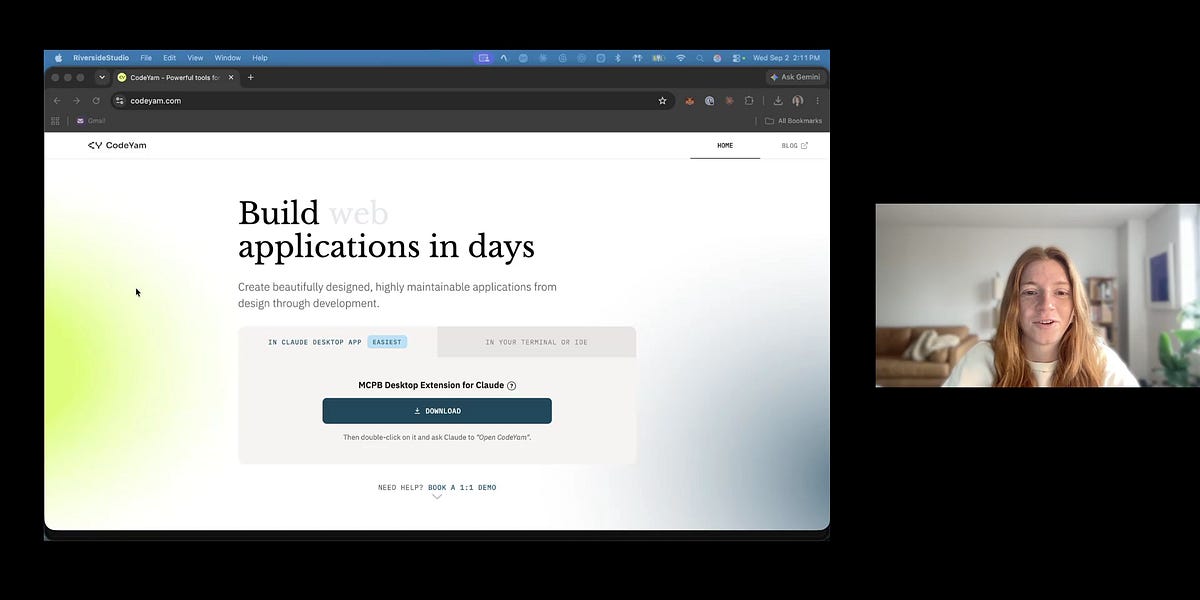
In this quick tutorial, CodeYam CEO & Cofounder Nadia Eldeib walks through the two ways to install and start using CodeYam.

For newer or non-technical builders, she shows how to get started with the CodeYam MCPB (Model Context Protocol Bundle), a desktop extension that works directly with Claude Desktop.

For users who are comfortable working in the terminal, she also covers installing the CodeYam CLI, which can be used with Claude Code and other AI agents.

Nadia also shares where to find help if you run into issues during installation, including CodeYam’s debugging prompts and ways to reach the team.

── more in #ai-tools 4 stories · sorted by recency
── more on @codeyam 3 stories trending now
sponsored brought to you by zahid.host 4,200+ EU-deployed projects
reading about agents? ship yours in a single git push.

Run your AI side-project on zahid.host

EU-based hosting, git-push deploys, automatic HTTPS, no cold starts. Free tier with a custom domain — perfect for shipping the agent you just read about.

$git push zahid main
Live at https://your-agent.zahid.host
Get free account → Pricing
from €0/mo · no card required
LIVE [news/two-ways-to-install-…] indexed:0 read:1min 2026-09-02 ·