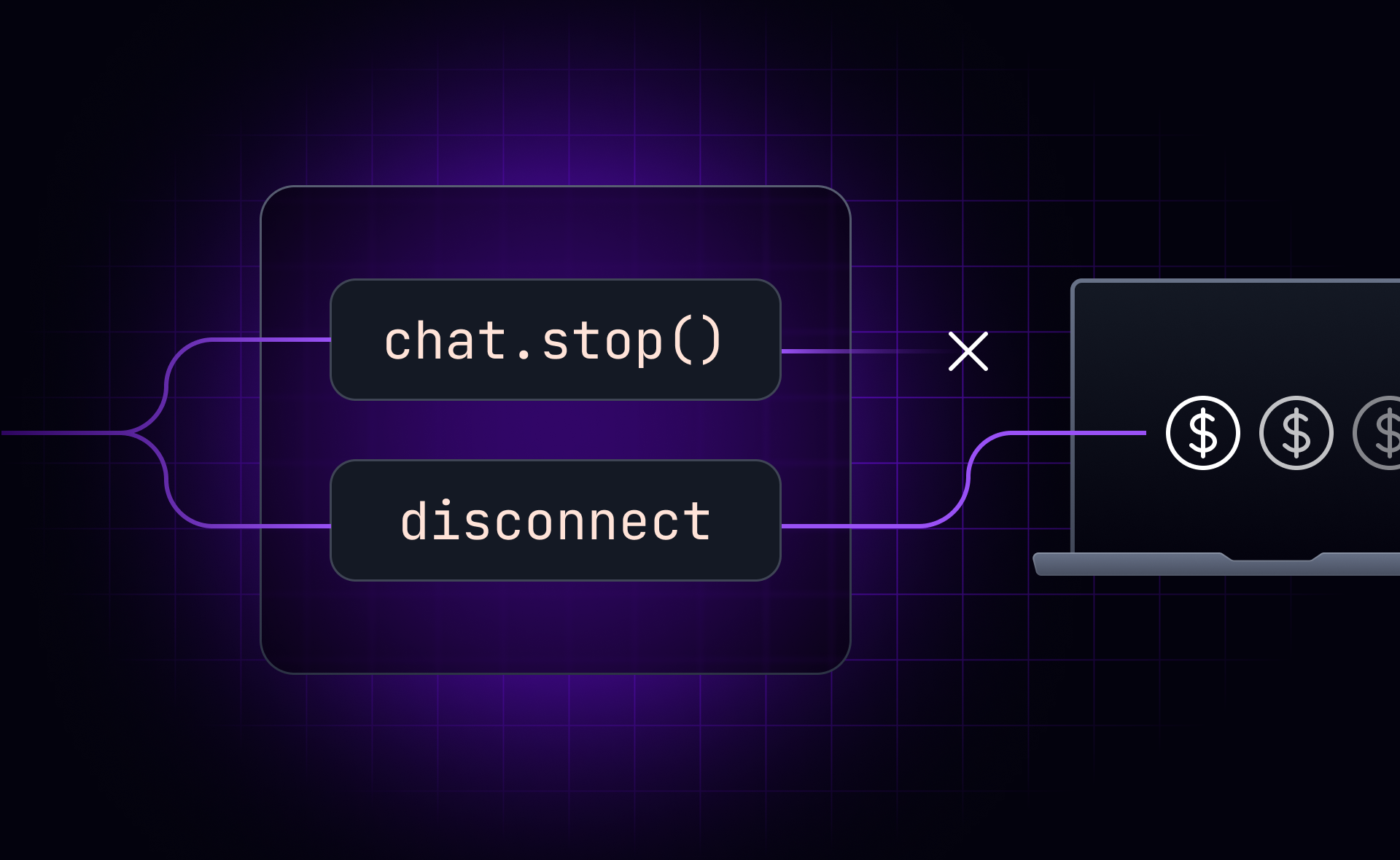
You add a stop button to your AI chat app: a customer support agent, a coding assistant, a research tool the user can steer mid-task. A user clicks it mid-response. The frontend stops rendering. Then you check your backend logs and realize the underlying generation is still running, and you’re still paying for every token.
This is not a bug. The Vercel AI SDK docs document it explicitly: in a resumable stream setup, calling stop()
only closes the current HTTP connection and should not cancel the underlying generation. The same applies to closing a tab or refreshing the page. The client disconnects; the server keeps running.
Key takeaways #
- Calling
chat.stop()
in the Vercel AI SDK closes the client connection but does not cancel server-side generation. The underlying generation keeps running, and billing continues. - Fixing this requires a dedicated stop endpoint with idempotency checking, partial assistant snapshot persistence, and backend-specific cancellation logic. None of which the SDK provides.
- HTTP streaming is one-way. The server cannot distinguish an intentional stop from a network drop without an explicit signal sent separately from the stream.
- On an Ably session, cancel is an explicitly named signal. The server knows immediately whether to stop, wait, or redirect, with no additional endpoint required.
Why stop() and disconnect mean different things #
When you call chat.stop()
in useChat
, or when a user closes their browser tab, one thing happens: the HTTP connection closes. HTTP streaming is one-way: the server sends, the client receives. There is no signal in a closed connection that tells the server why it closed. A deliberate stop and a network drop look identical.
This is intentional in resumable stream architectures. They are designed to survive disconnects: if the connection drops, the client should be able to reconnect and pick up where it left off. Keeping generation running through a connection loss is the correct behavior. But a user clicking stop triggers exactly the same response.
The Vercel AI SDK docs are explicit about this: "a client-side abort (e.g. closing the page or refreshing) only closes the current HTTP connection. It is not a request to cancel the underlying work." If your stop button only calls stop()
, the model request, background job, workflow, or stream writer keeps running, and the client can reconnect to the same active stream.
The same constraint applies to every other form of user control over a running agent. Say a user is running a research agent and wants to redirect mid-response: "actually, focus on flights only." There is no way to deliver that instruction over the existing stream. You need a separate endpoint, or some other mechanism alongside the stream. Server-Sent Events (SSE), the default transport for most AI SDK setups, cannot carry a signal back to the server. The stream flows one way.
What a correct stop implementation actually requires #
The Vercel AI SDK documents the correct approach: build a dedicated stop endpoint. And that endpoint needs to do four things.
Persist the partial assistant snapshot. Before canceling, the client sends its current partial assistant message to the stop endpoint. This preserves what the user has already seen. Without this step, the assistant message disappears from the conversation when the stream closes.Check the Your application tracks which stream is active for each chat. The stop endpoint reads this value and compares it against the stream ID the client sent with the request. If a newer stream has started because the user sent a new message while the stop request was in flight, the stop request is stale and should be ignored.activeStreamId
.Cancel the active work. This is the backend-specific step. In a Redis-backed resumable stream setup, you close the stored stream and abort the model request writing to it. In a workflow setup, you cancel the workflow run. In a job queue setup, you cancel the job or write a cancellation flag the job polls. The SDK cannot do this for you because it does not know your backend architecture.Clear the Once cancellation is confirmed, clear the stored stream reference, but only if it still matches the stream you intended to cancel. A newer stream may have started between the cancellation request and the completion of the cancel logic.activeStreamId
.
Each step exists to address a specific race condition. Between the moment a user clicks stop and the moment the server processes the request, a new message can be sent, a new stream can start, or the partial assistant message can be overwritten by a server-side completion. The stop endpoint handles all of these correctly only if it checks every condition in sequence.
This is buildable. The AI SDK docs provide a full implementation. But consider what you are actually shipping: a dedicated HTTP endpoint, a stream ID tracking layer, a partial message persistence mechanism, and backend-specific cancellation logic. The SDK provides none of it. All of it has to stay in sync with the rest of your streaming infrastructure. Most developers discover this after they ship their first stop button.
Three questions to ask about your stop button before shipping #
Before you ship, answering these three questions will tell you whether your stop button actually does what it looks like it does.
Does clicking stop actually stop backend generation, or does it only stop the client from receiving tokens? If you have not built a stop endpoint, the answer is the latter.What happens to the partial assistant message when stop is called? If you are not persisting a snapshot server-side, the message may disappear or be overwritten when the stream closes.What happens if a new message is sent while a stop request is in flight? If your stop endpoint does not check theactiveStreamId
, it may cancel a stream the user has already moved past.
If all three have clean answers, your stop button works. If not, the gap will show up in production, usually after a user notices their coding assistant or support agent kept billing them for a response they clicked stop on.
All three problems trace back to the same root cause: HTTP streaming gives the server no way to distinguish intent from a connection event. There is an approach that removes the problem at the transport level rather than working around it.
How a bidirectional session changes the stop vs disconnect distinction #
Ably AI Transport is built on a different model. Instead of HTTP streaming, it uses a persistent bidirectional session. The client and server can both send signals at any time, over the same connection. That means cancel, stop, and redirect are first-class signals, not workarounds built on top.
On an Ably session, cancel is a named signal rather than an inference from a dropped connection. The client publishes a cancel signal on the session: session.cancel(runId)
. The server receives it on the corresponding run, and its abortSignal
fires. Generation stops. The run ends with the reason 'cancelled', and every subscriber receives the lifecycle update.
Because the cancel is a session event rather than a TCP disconnection, the server knows exactly what happened. A network drop does not fire the cancel handler. A user clicking stop does. The session remains intact, and the next message starts a new run cleanly.
The race condition that the stop endpoint exists to solve is handled natively. Each run has a unique runId. A cancel signal targeting a run that has already ended is ignored, and multiple signals matching the same run cancel it once.
For patterns beyond cancellation, the session supports cancel-then-send (cancel the active run and immediately send a new message) and send-alongside (send a new message while the active run continues). See the interruption docs for full implementation guidance.
For the Vercel AI SDK-specific analysis, including GitHub citations and billing evidence, see why Vercel AI SDK stop doesn't cancel the stream.
Canceling a run with Ably AI Transport #
With Ably AI Transport, cancellation from the client is a single call:
// Cancel a specific run
await activeRun.cancel();

// Or cancel by runId, from any connected device
await session.cancel(runId);
On the server, the abort signal fires automatically:
const run = session.createRun(invocation);
await run.start();
await run.loadConversation(); // hydrate prior conversation history

const result = streamText({
  model: anthropic('claude-sonnet-4-6'),
  messages: await convertToModelMessages(run.messages),
  abortSignal: run.abortSignal, // fires when cancel() is called client-side
});

const { reason } = await run.pipe(result.toUIMessageStream());
await run.end(reason); // reason is 'cancelled' when abort fires
The abortSignal
is passed directly to the model call. When the client cancels, the signal fires, generation stops, and the run ends with reason 'cancelled'. No stop endpoint to build, no activeStreamId
to track, no race condition to guard against.
One edge case worth noting: cancellation is asynchronous, so a small tail of tokens may arrive after cancel()
returns and before the server's abortSignal
fires. Those tokens still belong to the cancelled run, not the next one. Also, any tool invocation that does not check the abortSignal
will keep running until it completes, so if your agent calls tools, pass the signal through to each one.
Adopting Ably AI Transport: what changes in your stack #
Shifting from HTTP streaming to an Ably session does not change your LLM call, your model provider, or your agent framework. AI Transport sits at the delivery layer, below orchestration. Your Vercel AI SDK, LangGraph, or custom agent logic stays unchanged. For teams using the Vercel AI SDK specifically, Ably ships a drop-in transport adapter, @ably/ai-transport/vercel, that swaps the transport underneath useChat without changing the hook.
What changes is the transport. Instead of an HTTP POST that returns a streaming response, the client opens an Ably session. Cancel, stop, and redirect become session signals, not HTTP endpoints.
There is a trade-off: an Ably session adds a persistent connection to your architecture. If stop is the only signal you need, a stop endpoint is the lighter choice. The session model earns its place when you need several of these signals: cancel, redirect, steer, human handover, multi-device continuity. They all run on the same infrastructure, so if you are already building one of those patterns, you are building the foundation for all of them.
Conclusion #
The stop vs disconnect distinction is a structural property of HTTP streaming, not a framework bug. Closing an HTTP connection does not carry intent; only an explicit signal sent separately from the stream does.
A correct stop endpoint is buildable, but it is four moving parts that have to stay in sync with your streaming infrastructure. Most developers discover the gaps after they ship.
Ably AI Transport takes a different approach. On an Ably session, cancel is an explicit signal. Race conditions are handled at the transport level. The session persists through cancellation, and the next message starts a clean run.
Docs go deeper: Ably AI Transport cancellation docs |
Interruption patterns
Vercel AI SDK stop documentation## Frequently asked questions
Does calling chat.stop()
in the Vercel AI SDK cancel the underlying generation?
No. chat.stop()
closes the HTTP connection. The underlying generation — the model request, background job, or stream writer — keeps running until it completes. You are billed for every token. The Vercel AI SDK documents this explicitly: a client-side abort is a disconnect signal, not a cancellation. Stopping generation requires a dedicated stop endpoint that you build and maintain alongside your streaming infrastructure.
Why can’t the server detect a client disconnect and stop generation automatically?
The server can detect that the HTTP connection is closed. It cannot tell whether this was an intentional stop, a network drop, a page refresh, or a tab crash. In a resumable stream architecture, all four are treated as disconnects by design: the stream should survive a network drop. Treating every disconnect as an intentional stop would cancel streams on network blips and prevent reconnection. Distinguishing them requires an explicit signal from the client, which is why a stop endpoint is necessary.
What is activeStreamId
checking, and why does my stop endpoint need it?
activeStreamId
is a reference that your application stores, linking each chat to its currently active stream. The stop endpoint reads this value and compares it against the stream ID the client sends with the stop request. If a newer stream has started since the client initiated the stop, the stop request is stale and should be ignored. Without this check, the stop endpoint may cancel a stream the user has already moved past, leaving the conversation in an inconsistent state.
How does Ably's session model handle the stop vs disconnect distinction?
On an Ably session, cancel is an explicit event published by the client, either via activeRun.cancel()
for the current run or session.cancel(runId)
to target a specific run by ID. The server receives it as a named session signal, not as a TCP disconnection. A network drop does not trigger the cancel handler. An intentional stop does. These two events have separate handling, without requiring a stop endpoint or idempotency logic. The session remains intact after cancellation, and the next user message starts a clean run.
How do I build interruptible AI streaming, and is redirect or steer supported today?
You need a bidirectional session. With Ably AI Transport, calling activeRun.cancel()
or session.cancel(runId)
publishes an explicit cancel signal the server acts on immediately, regardless of connection state. activeRun.cancel()
is the typical client-side call; session.cancel(runId)
lets you target a specific run by ID, including from a different device. Beyond cancel, the session supports two interruption patterns: cancel-then-send, which cancels the active run before starting a new one, and send-alongside, which lets both runs continue concurrently. See the interruption docs for full implementation guidance.