A demo you can play
Every element runs on its own page. Press the buttons, change the settings, see how it feels before you take it.
For games you build with an AI coding agent
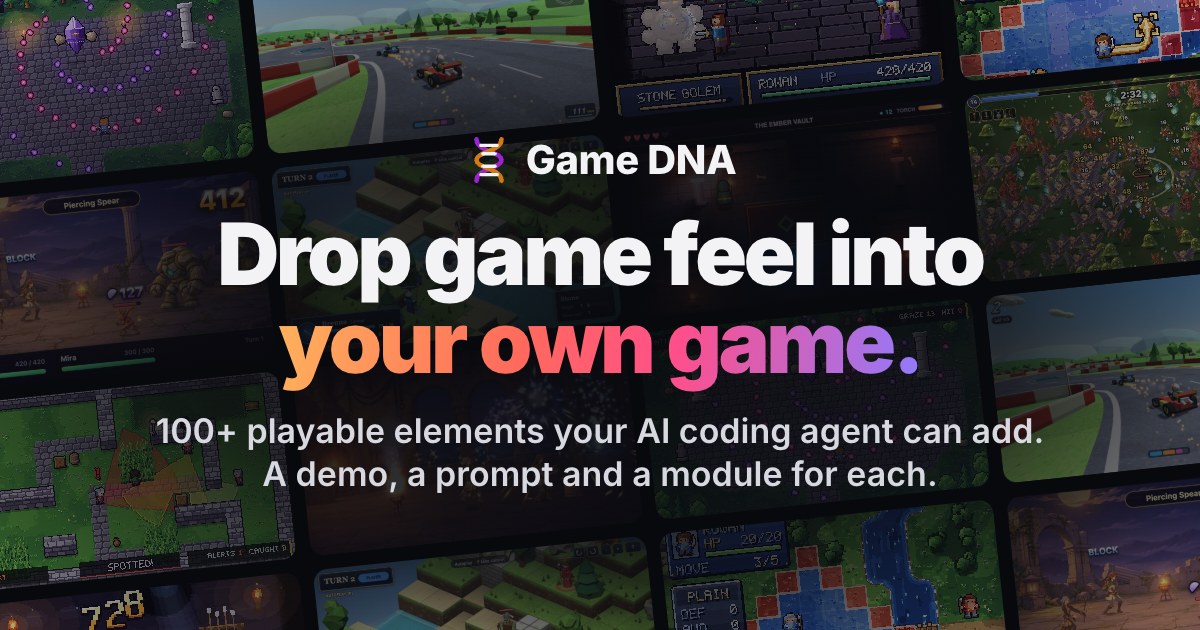
Game DNA is a library of 101 playable game elements: hit effects, battle systems, lights, menus, 3D scenes. Play one, copy its prompt, and your coding agent adds it to your browser game.
Watch the 30-second tour
What you get with every element
Add the game element below to MY existing game, which you have not seen. It is a finished module file given with this prompt:
- `damage-pop.js` (one global, `GameDNA_DamagePop`), API reference `damage-pop.README.md`
README example names are placeholders.
## Shared premises
1. **Include each module file verbatim; never edit it.** Load it with its own `<script src>` before the game's script, or paste it unchanged into its own `<script>` tag. If a module seems to need a change, adapt my game around it and tell me.
2. **Resolution:** keep my game's native resolution and integer scaling as they are. Call module draw functions on my 2D context inside the same transform as my sprites (one module pixel = one game pixel), and keep my game's own image-smoothing setting (off for pixel art, on for smooth or HD games; never switch it).
3. **Time:** drive every module from one fixed 60 Hz step (1000 / 60 ms). If my loop uses variable delta time, accumulate it and run whole steps (at most 250 ms per frame).
4. **Coordinates:** native screen pixels (world minus camera) unless a section says tiles.
Plain English, written for a game your agent has never seen. Paste it into Claude Code, Codex, Cursor or any coding agent.
const pops = GameDNA_DamagePop.create({ getAnchor });
pops.spawn('imp', 47, 'crit');
The hard part is already written and tested. Your agent connects it to your game's own events, so your code stays yours.
Combine them
Put elements in the basket and it writes one prompt that adds them all in the right order. Start from a kit:
Your 2D game under real-time light.
Add the 5 game elements below to MY existing game, which you have not seen. Each is a finished module file given with this prompt:

- `webgl-post.js` (one global, `GameDNA_Post`), API reference `webgl-post.README.md`
- `dynamic-lights.js` (one global, `GameDNA_Lights`), API reference `dynamic-lights.README.md`
- `bloom-glow.js` (one global, `GameDNA_Bloom`), API reference `bloom-glow.README.md`
- `color-grade-lut.js` (one global, `GameDNA_ColorGrade`), API reference `color-grade-lut.README.md`
- `camera-director.js` (one global, `GameDNA_Camera`), API reference `camera-director.README.md`

README example names are placeholders.

## Shared premises

1. **Include each module file verbatim; never edit it.** Load it with its own `<script src>` before the game's script, or paste it unchanged into its own `<script>` tag. If a module seems to need a change, adapt my game around it and tell me.
2. **Resolution:** keep my game's native resolution and integer scaling as they are. Call module draw functions on my 2D context inside the same transform as my sprites (one module pixel = one game pixel), and keep my game's own image-smoothing setting (off for pixel art, on for smooth or HD games; never switch it).
5 elements → 1 prompt
The basket checks that they fit together, orders them, and writes one prompt plus a zip of the module files.
Climb a branching map, fight card battles against foes that show their intents, draft painted upgrade cards, and announce it all in toasts.
Add the 5 game elements below to MY existing game, which you have not seen. Each is a finished module file given with this prompt:

- `run-map.js` (one global, `GameDNA_RunMap`), API reference `run-map.README.md`
- `card-battle.js` (one global, `GameDNA_CardBattle`), API reference `card-battle.README.md`
- `upgrade-draft.js` (one global, `GameDNA_UpgradeDraft`), API reference `upgrade-draft.README.md`
- `card-art.js` (one global, `GameDNA_CardArt`), API reference `card-art.README.md`
- `toasts.js` (one global, `GameDNA_Toasts`), API reference `toasts.README.md`

README example names are placeholders.

## Where it goes in my game (my choice; follow it exactly)

- **Branching run map:** The run map wraps the game's existing play: battle = one of my normal fights, elite = a tougher fight, boss = my final fight.
- **Upgrade draft (pick 1 of 3):** Open the upgrade draft exactly: at every level-up, instead of the fixed stat bonus.
Gauges fill, windows open, sparks fly and the defeated dissolve.
`index.html` is a complete game built on the Active-time gauge battle element; build on it. `index.README.md` documents its extension points. Add:

- `window-cursor.js` (one global, `GameDNA_WindowCursor`), API in `window-cursor.README.md`
- `hit-sparks.js` (one global, `GameDNA_HitSparks`), API in `hit-sparks.README.md`
- `damage-numbers.js` (one global, `GameDNA_DamageNumbers`), API in `damage-numbers.README.md`
- `dissolve-defeat.js` (one global, `GameDNA_DissolveDefeat`), API in `dissolve-defeat.README.md`

## Rules

1. **Modules verbatim:** load each addon module with a `<script src>` (or pasted unchanged) in the ADDONS SLOT, before the code that uses it. Never edit a module or the starter's own systems; add code only through the extension points.
The basket checks that they fit together, orders them, and writes one prompt plus a zip of the module files, starting from a ready-made game.
Move on a grid, see what can hit you, preview the fight, watch the numbers.
`index.html` is a complete game built on the Grid movement range + path arrow element; build on it. `index.README.md` documents its extension points. Add:

- `threat-range.js` (one global, `GameDNA_ThreatRange`), API in `threat-range.README.md`
- `combat-forecast.js` (one global, `GameDNA_CombatForecast`), API in `combat-forecast.README.md`
- `damage-numbers.js` (one global, `GameDNA_DamageNumbers`), API in `damage-numbers.README.md`

## Rules

1. **Modules verbatim:** load each addon module with its own `<script src>` (or pasted unchanged into its own `<script>`) before the game script, so it exists in the ADDONS slot. Never edit a module or the starter's own systems; add code only through the extension points.
2. **Register each addon** as one object: push it onto `game.addons` in the ADDONS slot of section 8 of `index.html`, before `newGame()` (hooks: `onHit(ev)`, `update(game, {dt, frozen})`, `drawGround(ctx, cam, game)` (under overlays and units), `draw(ctx, cam, game)`, `drawUI(ctx, game)` (top UI layer), `onKey(e, down)`, `onTurnStart(turn, side)`, `onPhase(phase)`).
3. **Turn off the starter's built-in equivalent** of each addon: `game.builtinForecast = false` (in the same ADDONS slot; the red target brackets stay); `game.builtinNumbers = false` (in the same ADDONS slot); otherwise both draw.
4 elements → 1 prompt
How it works
Try the demos. Change the settings until it feels right; the prompt follows your values.
Copy the prompt and give your agent the module file and its README. For several elements, use the basket.
The agent wires the element to your game's own events. Each prompt ends with checks it can run, and every prompt has been tried by a fresh agent on a game it had never seen.
Start in 5 minutes · How we test: every element's review score and its runs on unseen games, failures included. · How Game DNA works: what an element is, how it is tested, and what went wrong on the way.
Modern damage numbers: hits arc out, crits pop, combos roll into one total.