Local Chrome evidence for coding agents
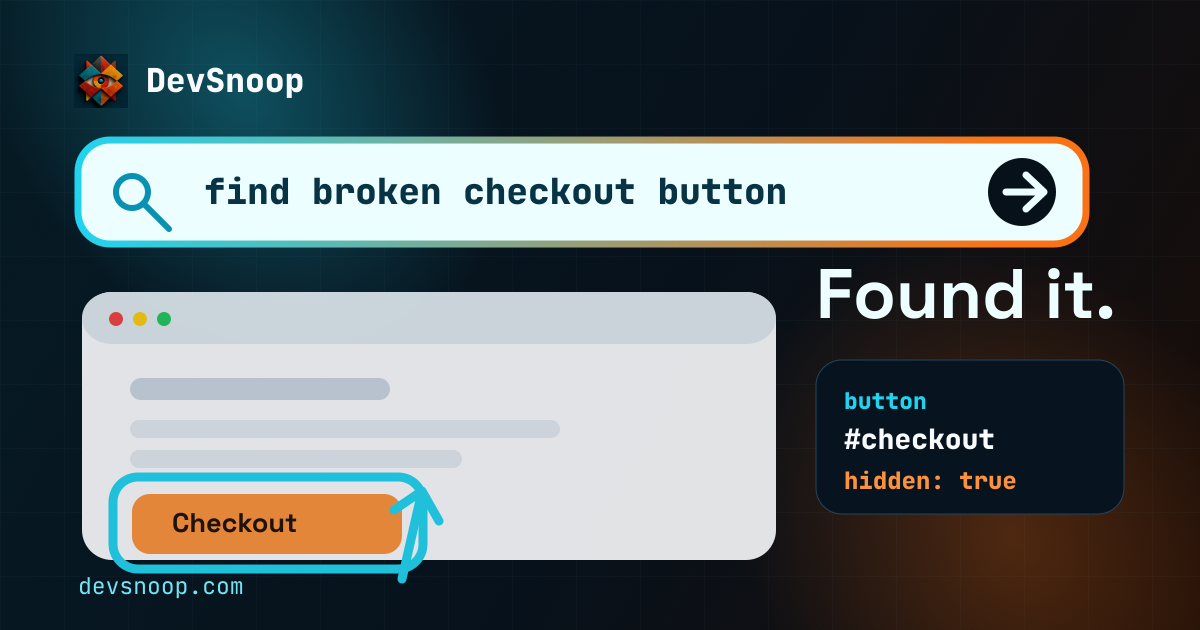
DevSnoop lets Codex, Claude Code, and other coding agents inspect your real Chrome tab, click UI, read console and network failures, catch hard-to-read text and icons, and verify what changed before they edit the wrong file.
Agent debugging cockpit
A tiny product win before install
Prompt
"Click checkout in my local app and tell me why nothing happens."
Agent report
"The UI is clickable. Checkout is blocked by auth. Fix the API/session path before changing the CTA component. Also, the green status text measures 3.3 to 1."
Frontend feedback loop
The missing loop is the browser #
Coding agents are useful when they can check their work. Frontend work breaks that loop because the important evidence is sitting in Chrome: the current DOM, the selected tab, the failed request, the console exception, and the state after a click.
DevSnoop does not replace end-to-end tests or promise that the UI is correct. It gives the agent a local Chrome evidence loop so it can inspect, act, read failures, compare the page, and then decide what code to edit.
Before the edit
- 1
page_summary
finds structure, text, controls, and selectors. - 2
click
orfill
reproduces the real user action. - 3
get_network
andget_logs
explain browser failures. - 4
diff
checks what changed after the action or hot reload. - 5
screenshot
is saved for visual state, layout, and review.
What your agent can do #
Inspect
Semantic page structure, computed styles, element details — condensed for minimal token usage.
Interact
Click buttons, fill forms, scroll pages, hover elements. Your agent drives the browser like a user.
Debug
Console logs, network requests, redacted payloads, JS exceptions — captured automatically, filtered on demand.
Legibility QA
Catch faint text, weak icon contrast, tiny labels, clipping, and gradient cases with selector, location, evidence, and fix guidance.
Control multiple Chrome profiles
Label each DevSnoop profile once, then let your agent list connections and choose the right browser context. Keep separate logins, sites, and test accounts open without mixing their tabs.
How it works #
Agent sends a JSON command via HTTP to the native host running on port 9400
.
Native host forwards the command to Chrome via Native Messaging. The extension executes it on the page.
Structured, token-efficient results flow back the same path. No raw HTML — just what the agent needs.
One HTTP call. Structured results. #
Agents send JSON commands to port 9400
and get back compact, token-efficient responses. No raw HTML. No DevTools protocol.
curl -s -X POST http://127.0.0.1:9400/ \
  -H 'Content-Type: application/json' \
  -d '{"command":"legibility_audit","params":{"viewportOnly":false},"tabID":123}'
{
  "ok": true,
  "result": {
    "score": 84,
    "summary": { "serious": 2, "minor": 1 },
    "issues": [
      {
        "kind": "low_contrast",
        "severity": "serious",
        "element": {
          "textContent": "popular",
          "selector": "nav a:nth-child(3) span",
          "documentRect": { "x": 624, "y": 77, "width": 48, "height": 20 }
        },
        "evidence": { "contrastRatio": 3.61, "requiredRatio": 4.5 },
        "recommendation": "Increase contrast by changing the text color, background color, size, or weight."
      }
    ]
  }
}
Structured browser data stays compact #
A fixed inspect-submit-debug-screenshot workflow shows how much browser context each path sends back to the agent. DevSnoop uses more small calls than Chrome DevTools MCP, but returns denser, task-shaped results with fewer tokens.
| Path | Basis | Calls | Input | Output | Cost |
|---|---|---|---|---|---|
| DevSnoop | measured | 15 | ~2.8k text + 2.5k image | ~700 | ~$0.047 |
| Chrome DevTools MCP | measured | 7 | ~4.5k text + 2.5k image | ~1.1k | ~$0.068 |
| Chrome DevTools CLI | measured | 12 | ~7.6k text + 2.5k image | ~900 | ~$0.078 |
| Screenshot loop | estimated | 6 | ~14.9k image | ~1.2k | ~$0.111 |
Costs use gpt-5.5 token pricing estimates. Browser state, page complexity, model choice, and retry behavior change real costs. Screenshot-loop row models six vision turns.
Compare browser agent paths #
DevSnoop is built for local Chrome control when coding agents need selectors, legibility checks, logs, diffs, screenshots, and UI actions without a hosted browser workflow.
Closing the frontend loop
Give agents a repeatable browser loop: inspect, act, read failures, diff, then edit.
Capture fetch request bodies
Let agents inspect redacted request and response bodies before editing frontend code.
Browse.dev alternative
Use local Chrome, compact browser commands, and one-time pricing instead of hosted browser sessions.
Chrome DevTools MCP alternative
Give agents page summaries, selectors, diffs, logs, network failures, and screenshots through one local HTTP API.
Works with any coding agent #
Any tool that can make HTTP requests can control the browser.