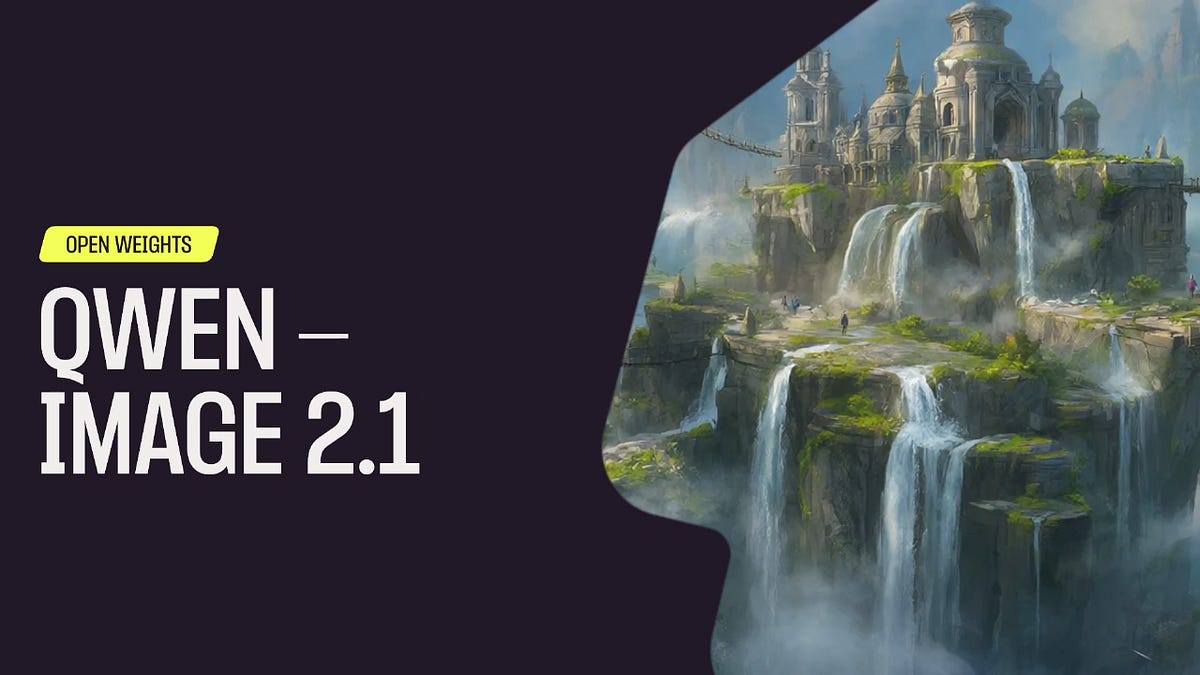
A new open-source image editing model has finally arrived. Qwen-Image-2.1 is now supported natively in ComfyUI. Open weights, 7B, and it generates a real alpha channel.
Qwen-Image 2.1 is the latest image model from Alibaba’s Qwen team. It runs 7B parameters on an optimized MMDiT architecture — the same class as Qwen-Image 2.0, which shipped in February 2026 with native 2K output, images with transparency, high quality text rendering and editing capabilities that takes up to 10 input images at once At 7B, inference is fast and the weights fit comfortably on consumer cards.
Model Highlights
- RGBA output. Four channels, alpha included. Sprites, logos, icons, and product cutouts come out of the sampler ready to composite. No background removal node, no matting model, no edge cleanup. No other major open model does this.
- Native 2K generation. 2048×2048 direct output. Generated at that resolution, not upscaled into it.
- Up to 10 reference images. The Text Encode Qwen Image 2.1 node opens image inputs as you fill them, to 10. Character, product, background plate, style reference — all read by the text encoder and spliced into the sequence as VAE latents.
- One checkpoint. Generation and editing in the same model.
- 7B parameters. Fast inference, low cost, consumer VRAM.
Getting Started
1. Update ComfyUI to the latest version, or open [Comfy Cloud](https://cloud.comfy.org/) .
2. Download the Qwen-Image-2.1 weights from [Hugging Face](https://huggingface.co/Comfy-Org/Qwen-Image-2.1) and drop them in your models folder.
- Load the Qwen-Image-2.1 template from the Templates panel, or download the workflow here .
- Write your prompt, attach reference images to
image_1onward, and run
Try it on Comfy Cloud, and let us know what you make. As always, enjoy creating!
source & further reading
blog.comfy.org — original article
Grok’s TOS Formation Failed–Skaggs v. X.ai
Ninth Circuit Lifts Restrictions on Agentic AI Accessing Amazon
eBay Defeats Contributory Copyright Claim–Lee v. SBS