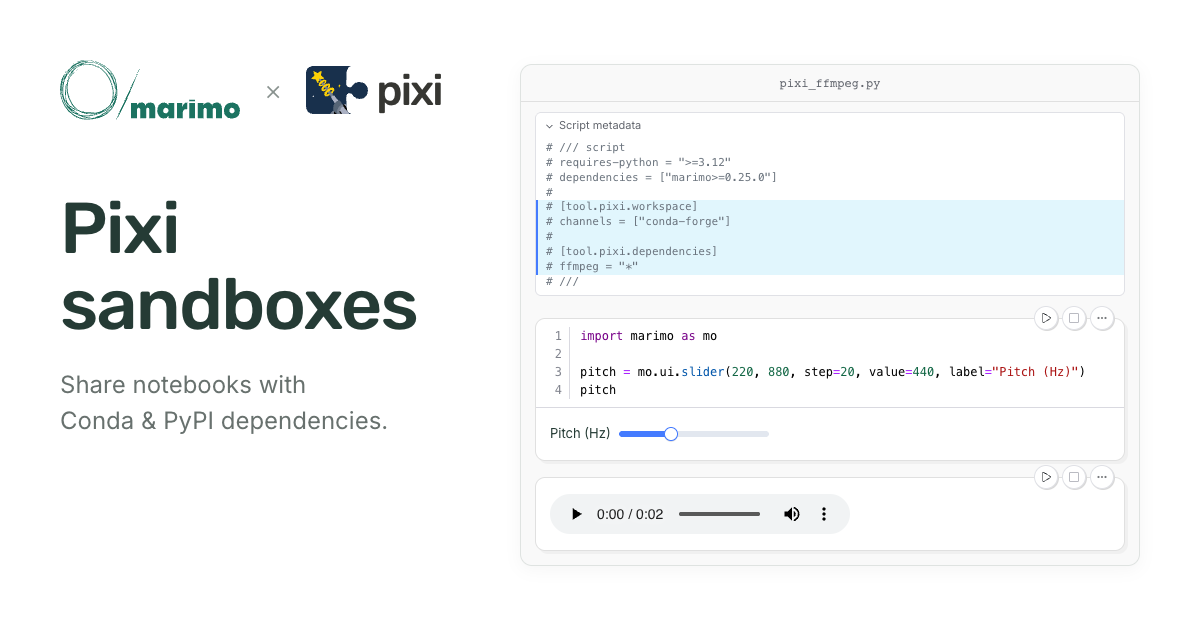
marimo’s notebook sandboxes now support Pixi. You can build and share standalone notebooks with requirements from both Conda and PyPI recorded alongside the code.
For example, this notebook uses marimo’s reactivity to drive GPU-accelerated transcription with Whisper:
When you choose a recording, marimo reruns Whisper to transcribe it. Whisper
needs FFmpeg to decode the audio and
PyTorch to run the model, so the notebook declares
ffmpeg and pytorch-gpu
for Pixi to install.
Since these requirements are recorded in the notebook, anyone with Pixi installed can open it in marimo’s interactive editor to edit the code and interact with its outputs:
pixi exec marimo edit --sandbox=pixi https://raw.githubusercontent.com/marimo-team/marimo/main/examples/misc/pixi_whisper.py
Or execute the notebook as a Python script from the terminal, without opening the editor:
pixi run --script https://raw.githubusercontent.com/marimo-team/marimo/main/examples/misc/pixi_whisper.py
We built this integration with the Pixi team, improving marimo’s sandbox experience along the way for everyone—including uv users.
#
The Pixi integration builds on how marimo’s sandbox mode turns a notebook’s requirements into a running environment.
Consider a Python program that uses Polars.
import polars as pl

pl.DataFrame({
    "city": ["London", "Paris", "Berlin"],
    "temperature": [18, 22, 20],
})
This program depends on Polars, which must be installed in the Python
environment running it. Otherwise, the import raises a ModuleNotFoundError.
Tools like uv and Pixi automate the setup. Instead of writing out a sequence of setup commands, you provide a manifest: a file listing the program’s dependencies and Python version requirements. The tool reads that file, prepares an environment, and runs the program inside it.
For a project containing related scripts and modules, it is common to keep the manifest in a separate file, such as pyproject.toml. Package managers use that manifest to prepare an environment those programs share.
Both scripts share one environment.
For a standalone script, the Python file itself can serve as the manifest. PEP 723 defines a comment format for recording requirements alongside the code, allowing a package manager to prepare an environment only for that script.
Each script has its own environment.
We can give our Polars example its own manifest by adding a comment at the top of the file.
import polars as pl

pl.DataFrame({
    "city": ["London", "Paris", "Berlin"],
    "temperature": [18, 22, 20],
})
With the requirements recorded alongside the code, the script can be shared as a single file. uv or Pixi can prepare its environment and run it without separate setup instructions.
Every marimo notebook is a Python script, so the same two approaches apply. A notebook can share a project’s environment or record its own requirements inline.
Sandbox mode builds on package managers’ script support to manage the notebook’s environment from those inline requirements.
As you develop the notebook, you can install or remove packages through the Packages panel, or accept marimo’s prompt to install a missing dependency when an import fails.
marimo records those changes in the notebook’s inline metadata and synchronizes the running environment.
import polars as pl

pl.DataFrame({
    "city": ["London", "Paris", "Berlin"],
    "temperature": [18, 22, 20],
})
With the requirements saved in the notebook, you or a collaborator can reopen it in a sandbox with
uvx marimo edit --sandbox notebook.py
Or run it as a script with
uv run notebook.py
#
Python packages are often only part of what a notebook needs to run. As a cross-language package manager, Pixi can draw on the Conda ecosystem to bring the rest of those dependencies into the same environment. Here are a few examples of what that makes possible:
Declare ffmpeg as a Conda dependency,
and Pixi makes FFmpeg available to call from Python:
import subprocess

output = subprocess.check_output(["ffmpeg", "-version"], text=True)
output.splitlines()[0]
ffmpeg version 9.0.2 Copyright (c) 2000-2026 the FFmpeg developers
Declaring pytorch-gpuguarantees a CUDA-enabled build of PyTorch,
with no extra indexes to configure. This cell checks that the installed build
has CUDA support:
import torch

torch.backends.cuda.is_built()
True
The Python package rpy2 needs an R installation to call R functions. Pixi provides the runtime alongside the Python package:
import rpy2.robjects as ro

summary = ro.r("summary(iris$Sepal.Length)")
dict(zip(summary.names, summary))
{
    "Min.": 4.3,
    "1st Qu.": 5.1,
    "Median": 5.8,
    "Mean": 5.843333333333334,
    "3rd Qu.": 6.4,
    "Max.": 7.9,
}
With Pixi support, we can declare both
PyPI requirements (marimo and rpy2)
and Conda requirements (r-base)
in the notebook. Opening the notebook in a Pixi sandbox installs both into one
environment.
Combining PyPI and Conda packages in one notebook opens up interactive analyses that span languages and tools. For example, moving a slider can filter a table in R and update marimo’s dataframe viewer:
Try it out yourself:
pixi exec marimo edit --sandbox=pixi https://raw.githubusercontent.com/marimo-team/marimo/refs/heads/main/examples/misc/pixi_r.py
#
marimo’s sandbox mode was originally built around uv, whose speed and early support for PEP 723 made per-notebook environments practical. Seeing how sandboxing made notebooks easier to author, share, and run, we wanted to bring the same experience to users from the scientific computing community who rely on Pixi for dependencies beyond Python.
Over the past two SciPy conferences (and a jigsaw
puzzle),
we got to know the Pixi developers and began discussing how to bring Pixi’s
capabilities to standalone Python scripts. We advocated for building on PEP
723,
keeping Python requirements in the standard fields and adding Pixi-specific
configuration under tool.pixi. Together, we landed support
upstream for running scripts,
managing their dependencies, and locking their environments.
With Pixi’s script support in place, we could rework marimo’s sandbox implementation around a common model for both backends. Previously, starting a sandbox and changing its packages followed separate paths, which could let the running environment diverge from the notebook’s recorded requirements.
Both operations now use the notebook’s manifest and the selected package manager’s script commands to prepare and synchronize its environment. Those commands respect tool-specific configuration such as package indexes and sources, improving correctness for existing uv sandboxes as well as enabling Pixi.
The package manager uses the same notebook metadata to prepare the environment whether you work interactively in marimo or run the file as a script.
#
Revisiting sandboxing also let us improve setup and error recovery for both Pixi and uv. The editor now opens while the environment is prepared, and the Packages panel shows progress and errors.
Edit manifest lets you change the notebook’s requirements and package manager settings directly. If setup fails, you can fix the manifest and retry without restarting marimo. The panel also tells you when a dependency change needs a kernel restart.
#
Try one of the notebooks above, or add a Pixi sandbox to your own notebook. Pixi support is available in marimo 0.25.0 and later.
On a personal note, I’ve really enjoyed getting to know the Pixi team and working with them on this feature. The opportunity to build bridges between open-source projects is a big part of what brought me to marimo, and I feel fortunate to have found work that keeps me connected to these communities.