- Advertisement - File Info
| Property | Value |
|---|---|
| Software | OmniRoute |
| Version | v3.8.42 |
| License | MIT License (Open Source) |
| Developer | OmniRoute Contributors |
| File Name | OmniRoute Setup (.exe / .dmg / .AppImage) |
| Category | AI Gateway |
| Platform | Windows, macOS, Linux |
| Github Repository | |
Description
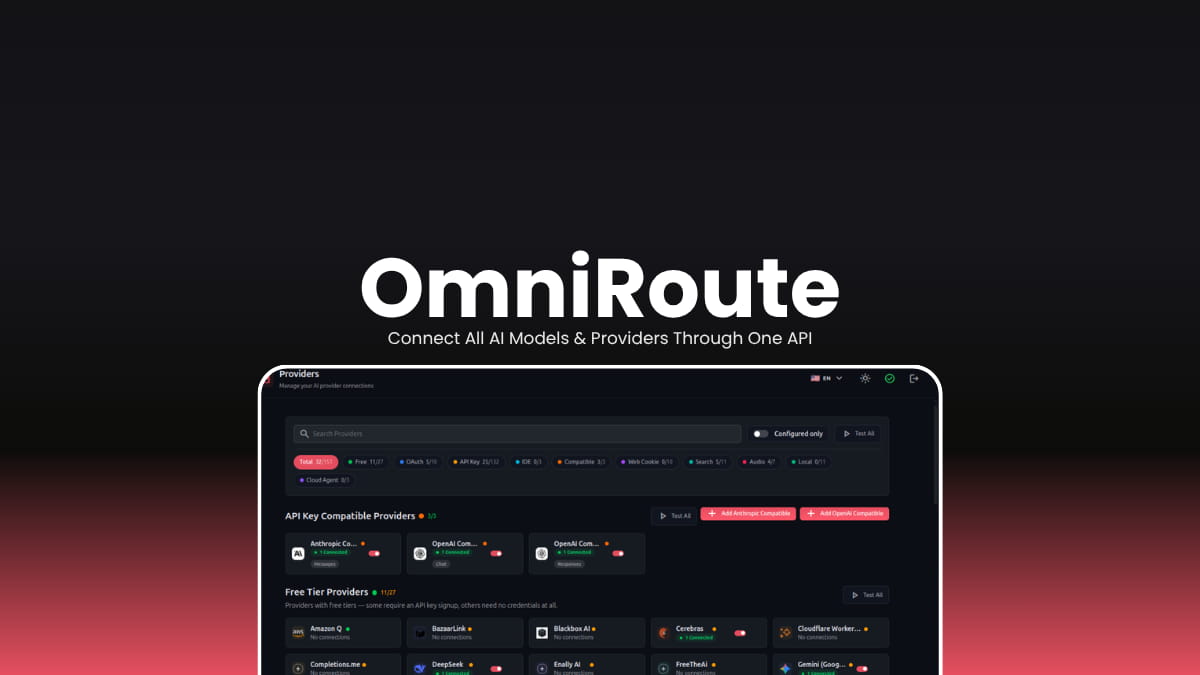
OmniRoute makes it easy to connect your favorite AI tools to hundreds of AI providers through a single endpoint. With automatic provider switching, smart routing, token optimization, and support for popular coding assistants, it helps you build AI applications without worrying about rate limits or changing APIs.
Use Cases
- Route AI requests across multiple providers without changing your application.
- Prevent interruptions by automatically switching providers when limits are reached.
- Connect coding assistants like Cursor, Claude Code, Codex, and Cline through a single endpoint.
- Reduce AI costs using smart routing and token compression.
- Access both cloud AI services and local models from one interface.
Screenshots
Features of OmniRoute
| Feature | Description |
|---|---|
| 236 AI Providers | Access hundreds of AI providers from one gateway. |
| Automatic Failover | Instantly switches to another provider if one becomes unavailable or hits rate limits. |
| One API Endpoint | Works with OpenAI-compatible tools using a single endpoint. |
| Token Compression | Reduces prompt and tool tokens to lower costs and context usage. |
| Free Tier Routing | Uses available free AI providers before paid ones whenever possible. |
| AI Coding Tool Support | Compatible with Claude Code, Cursor, Codex, Cline, Continue, GitHub Copilot, Roo Code, Gemini CLI, and more. |
| Smart Routing | Choose from multiple routing strategies including fastest, cheapest, auto, offline, and context-aware routing. |
| Built-in Dashboard | Manage providers, monitor usage, analytics, and routing from a local web dashboard. |
| Local-First | Runs locally and stores API keys securely on your own machine. |
| Cross-Platform | Available for Windows, macOS, Linux, Docker, ARM devices, and Termux. |
You May Like: Goose: Open Source Local AI Coding Agent for Developers Supported AI Services
| Category | Support |
|---|---|
| AI Providers | 236+ providers |
| Free Providers | 90+ |
| Local Models | Ollama, LM Studio, vLLM |
| Coding Assistants | Claude Code, Cursor, Codex, Cline, GitHub Copilot, Continue, Roo Code, Gemini CLI, OpenCode and more |
| AI Protocols | MCP, A2A |
| Media APIs | Image, Audio, Video, Search, Embeddings, Reranking |
System Requirements
| Component | Requirement |
|---|---|
| Operating System | Windows 10/11, macOS, or Linux |
| Processor | 64-bit CPU |
| RAM | 4 GB minimum (8 GB recommended) |
| Storage | Around 500 MB free space |
| Internet | Required for cloud AI providers (optional for local models like Ollama) |
Installation
- Download the installer for your operating system.
- Install OmniRoute on your computer.
- Launch the application.
- Open the local dashboard in your browser.
- Connect your preferred AI providers or local models.
- Point your AI tools to OmniRoute’s local API endpoint.
- Start using multiple AI providers through one unified gateway.
Download OmniRoute
Why Choose OmniRoute?
Instead of configuring every AI provider separately, OmniRoute provides one local gateway that intelligently routes requests, handles provider failures automatically, supports hundreds of AI services, and works with most popular AI development tools out of the box. It’s especially useful for developers who regularly switch between different AI models or want uninterrupted AI workflows.