A practical guide to using on-behalf-of-user authorization in Databricks Apps to deliver personalized, permission-aware data and AI experiences
by Aakrati Talati, Cynthya Peranandam, Tushar Madan, Evan Pandya and Theo Fernandez
Databricks Apps lets developers build and deploy data and AI applications directly on the Databricks platform, from interactive dashboards and operational tools to custom AI agents.
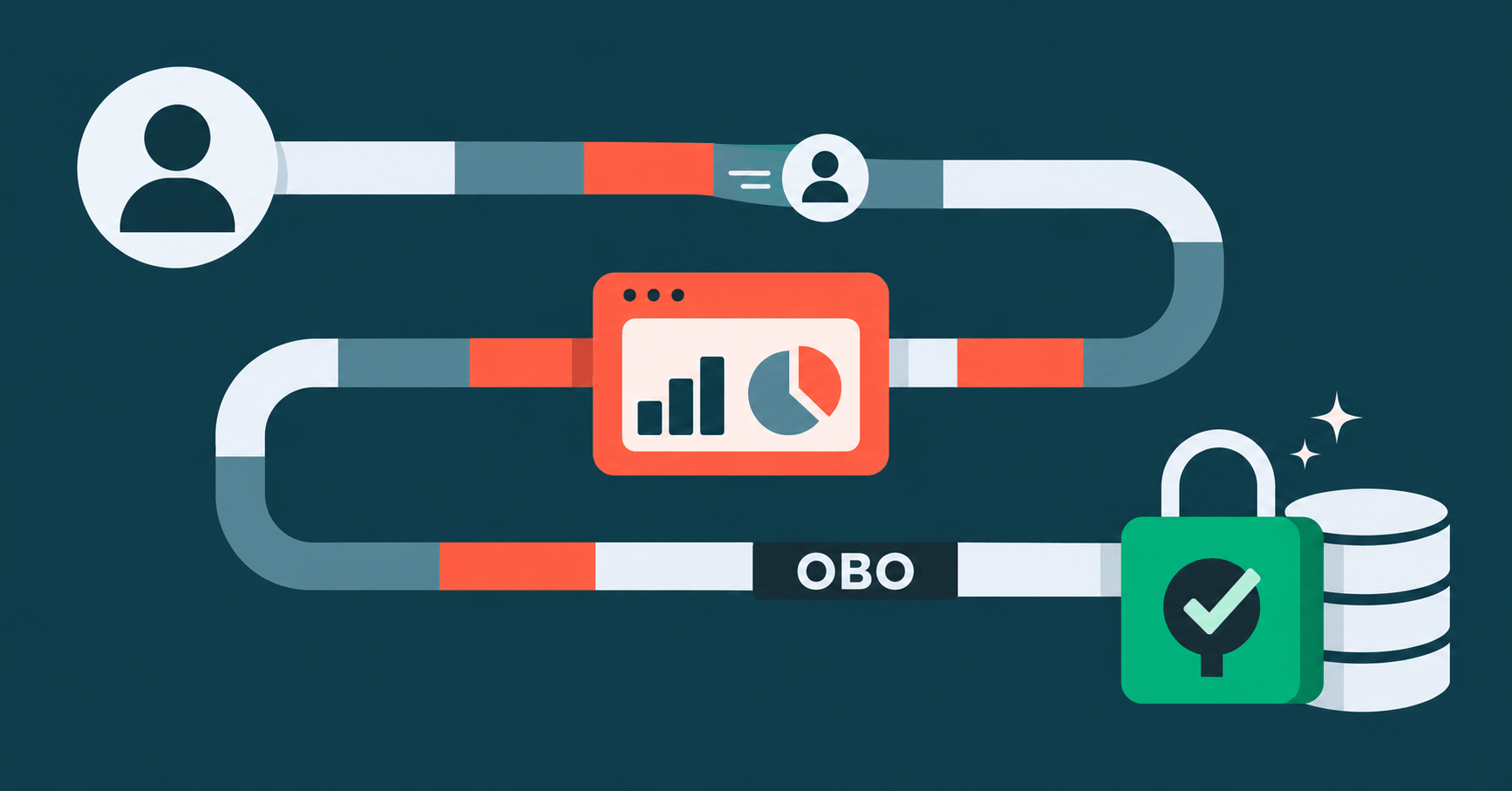
Now generally available, on-behalf-of-user (OBO) authorization makes it possible to build apps that deliver personalized, permission-aware experiences without reimplementing data-governance rules in application code. When an app calls supported Databricks APIs with OBO, it acts using the signed-in user’s identity: Unity Catalog enforces that user’s existing data permissions, including row filters and column masks, and API scopes limit the operations the app can perform on the user’s behalf. Apps can continue to use their dedicated service principal for app-owned operations, such as reading shared configuration or writing application metrics.
For example, a sales-insights assistant can answer questions using only the accounts and fields a salesperson is authorized to access, without giving the app broad SQL or workspace-administration capabilities. When designing an app, ask: Whose permissions should govern this particular operation?
Databricks Apps supports two complementary authorization models: app authorization and user authorization. App authorization uses the app’s dedicated service principal and is appropriate for app-owned operations or experiences that should return the same result to every user. User authorization uses the signed-in user’s identity when that user’s permissions should govern an operation. Most production apps can use both models, choosing the appropriate identity for each request path. See Configure authorization in a Databricks app*.*
| Operation | Authorization identity | Scope | Why | | Query data filtered by the current user | User authorization (OBO) | API scope: sql:restricted-query | The query runs as the user and is limited to read-only SQL queries. | | Read shared configuration or metadata | App authorization | App identity permissions | The app’s service principal provides consistent access. | | Run background jobs or maintenance | App authorization | App identity permissions | Background work should not depend on a user session. | | Perform a user-triggered action on governed data | User authorization (OBO) | The API scope required for that operation | The action is evaluated using the initiating user’s permissions. | | Combine shared behavior with user-specific data | Both | Separate API scopes for each user-authorized capability | Use an app client for app-owned operations and a user client for governed operations. |
Consider an app that answers questions such as: How are my accounts performing this quarter, and what explains the change? The app needs to:
This is a natural fit for user authorization. The app passes the requesting user’s forwarded access token to the SQL connector, and Databricks evaluates the query using that user’s existing warehouse and Unity Catalog permissions. A regional manager might see only accounts in their region, while a national leader sees all regions, without the app recreating those rules in code. When administrators update Unity Catalog policies, subsequent app requests reflect those changes.
The user’s permission determines which data the query can return. The next design decision is what the app is allowed to do on the user’s behalf with the forwarded user token.
The sales-insights assistant needs to execute read-only queries. It does not need broad SQL access to manage resources or perform other SQL operations. For that reason, it should request sql:restricted-query rather than the broader sql scope.
sql:restricted-query allows the app to execute read-only SQL queries. It does not allow the app to perform other SQL operations. This creates a better match between the app’s product behavior and its authorization boundary: the app can read governed data for analysis, but it cannot use the user’s identity as a broad SQL operating credential.
If the app also invokes Genie or Unity Gateway on a user’s behalf, request only the corresponding scopes, such as genie or ai-gateway. Do not request files, model-serving, or vector-search unless the app actually uses those capabilities. Scopes are a capability ceiling, not a grant of data access. The app must have the appropriate API scope, and the user must still have permission to access the target resource. See Scope-based security and privilege escalation*.*
Configure user authorization in the Databricks UI or in a Declarative Automation Bundle.
For a read-only analytics assistant, the app can declare: Note: The API scope is part of the app’s declared user-authorization configuration. It does not grant access to a SQL warehouse or Unity Catalog data. The requesting user must still be allowed to use the target SQL warehouse and have the required Unity Catalog privileges on the data being queried.
When a user first accesses a user-authorized app, Databricks prompts them to consent to the requested API scopes.
Databricks forwards the current user’s access token in the x-forwarded-access-token HTTP header. The app should retrieve that token for the request that needs user-context access and pass it to the SQL connector.
The following example uses Flask and the Databricks SQL Connector for Python to make the token flow explicit. If you build the app with Databricks AppKit, apply the same authorization principle: use the user-context client or request-time identity for user-specific operations, and keep app-owned operations on the app identity.
Note: The forwarded token is short-lived and per-request. The app reads it on each request and never stores it across requests or in a session.
The important difference from app authorization is that the connector receives the forwarded user token through access_token. The sql:restricted-query API scope limits the app to the read-only SQL capability it needs, while Unity Catalog determines which rows and columns that user can actually access. See Query with user authorization*.*
Developers specify which API scopes their app needs. Workspace administrators can control which API scopes app developers are allowed to add to apps in the workspace.
That policy lets teams build read-only analytics and AI experiences while preventing apps from requesting broader or unrelated capabilities. An app developer cannot expand the app’s authorization beyond the workspace’s configured API-scope boundary.
This gives organizations two levels of control:
Workspace administrators configure this allowlist under Settings > Development > Apps. The setting defaults to all supported APIs, can be narrowed to selected API scopes, or can be set to None to disable user authorization. See Restrict user authorization scopes*.*
Account administrators can add scopes even when those scopes are not included in the workspace allowlist. If an administrator later removes an allowed scope, apps already running with that scope can continue running, but they cannot be started, deployed, or updated until the non-allowed scope is removed.
Many useful apps need both authorization models. The sales insights assistant might use:
It is advisable to make that identity boundary explicit in application code instead of creating one generic client and reusing it everywhere. Separate dependencies, names, and tests help prevent an app credential from being used for a user-specific path or a user token from being retained for background work.
If a request requires user authorization and the forwarded token is missing, fail closed rather than silently switching to the app’s service principal. Otherwise, the app could return a response that looks valid but was generated with different permissions. That is why query_as_user in the example above starts with require_user_token instead of handling the missing header inline. Custom agents deployed on Databricks Apps can use the same model. Initialize the user-scoped workspace client inside the request-time invoke or stream handler—not at application startup—because the forwarded user token is available only during an active user request. Use app authorization for shared resources and background operations. See Authentication for agents*.*
On-behalf-of-user authorization gives you personalization and governance from the same mechanism. The user's Unity Catalog permissions decide what data an app can reach, and the narrowest matching API scope decides what it can do on their behalf. To get started, check out our help documentation for more resources and best practices.
Subscribe to our blog and get the latest posts delivered to your inbox.