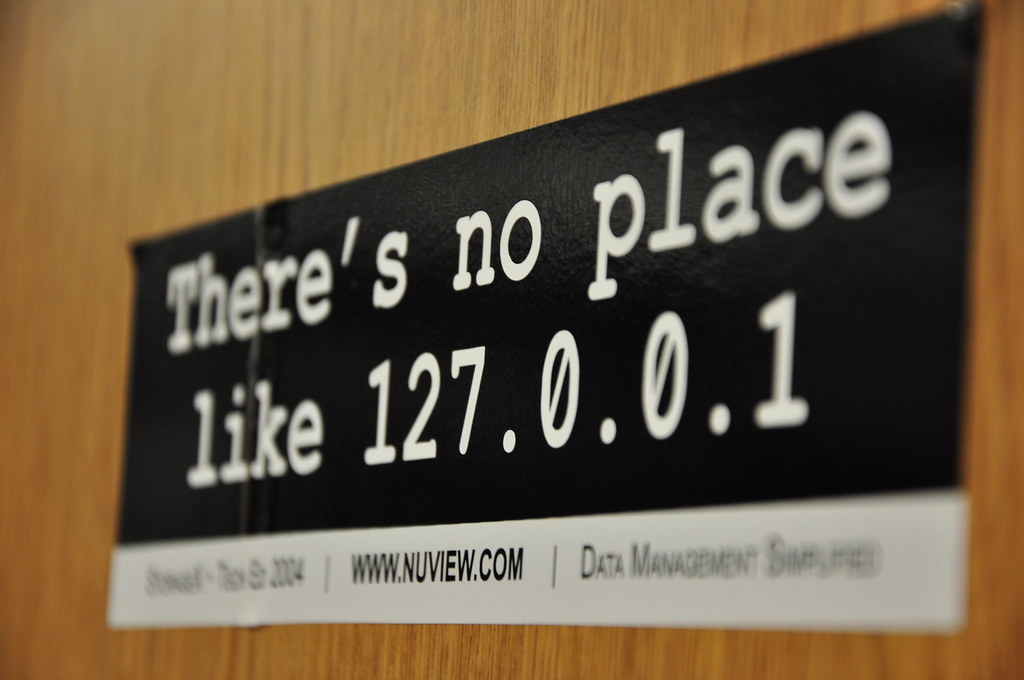
Who wants to talk about networking today? I know I do. Two
addresses do most of the heavy lifting here: 127.0.0.1
(aka localhost or the
loopback address — only your own machine can reach it) and 0.0.0.0
(bind to this and you’re reachable on every network interface). See Localhost and 0.0.0.0 for a refresher.
clodhopper# #
Yesterday I talked about clodhopper, my
personal Claude Code dashboard. It collects data from your running agents and
spins up a read-only app to show their status. By default, it
binds to localhost (127.0.0.1
), which means I don’t accidentally broadcast my
workflows to the world. I also run it on my Tailscale network, which means I can view it on my
own private network, but the world can’t. I was doing this by interpolating the
Tailscale IP in the startup command: clodhopper serve --host "$(tailscale ip -4)"
. Today I added a --tailscale
arg, to make this a touch easier.
clodhopper serve

CLODHOPPER_HOST=0.0.0.0 clodhopper serve

clodhopper serve --tailscale
So, that’s all fine, but we are now living in a world where anyone can spin up a custom app on their machine and accidentally broadcast it to the world. Is this bad? Not always, but consider the following:
-
your app keeps secrets in
.env -
your app spins up a web server
.env
somehow ends up in the path that your app is serving- random bot sniffs out your app and fetches
.env
- now you need to rotate your secrets and you may not even be aware that your secrets are in the hands of a bad actor
"Localhost" by Wesley Nitsckie is licensed under CC BY-SA 2.0.
Ideally you’d restrict access to your resources to only the audiences which
require them. So, defaulting to localhost
and then expanding your reach from there is a good way to go. In my case I’ve been enjoying using a Tailscale tailnet. Only my own authenticated devices can connect. Internet creeping will have to take place elsewhere, because my apps are now for my eyes only.
Moving beyond clodhopper
, here are ways to apply the same principle to some open source apps.
air# #
airrunsfull_bin
through a shell, so you can interpolatetailscale ip -4
straight into your app’s host flag in.air.toml
— no hardcoded address:
[build]
full_bin = "./tmp/main -port 5003 -host 127.0.0.1"

full_bin = "./tmp/main -port 5003 -host $(tailscale ip -4)"
Python’s built-in file server# #
http.server
binds0.0.0.0
by default — pass an explicit--bind
.
python3 -m http.server 5000

python3 -m http.server 5000 --bind 127.0.0.1

python3 -m http.server 5000 --bind "$(tailscale ip -4)"
App::HTTPThis# #
App::HTTPThisserves the current directory over HTTP.- Use
--host
to control the bind address.
http_this --host 127.0.0.1

http_this --host "$(tailscale ip -4)"
nota bene: the current version of http_this
binds to every interface
but emits a message that implies that it is binding only to 127.0.0.1
.
$ http_this .
Exporting '.', available at:
   http://127.0.0.1:7007/
😬 Today I opened #13 to clarify the behaviour, but maybe take this as a reminder that it’s good to be explicit about the things that really matter, rather than relying on the defaults.