At WorkOS init(), Anthony Giuliano of Neon at Databricks demoed DressCode, an AI stylist app whose Neon backend is configured in a single neon.ts file.
Anthony Giuliano's AI stylist is, by his own description, a CRUD app with some AI features on top. It still needed a frontend host, an auth provider, two serverless functions, an AI Gateway, object storage and Postgres. At WorkOS init(), he argued that an app this ordinary shouldn't take that much wiring in 2026.
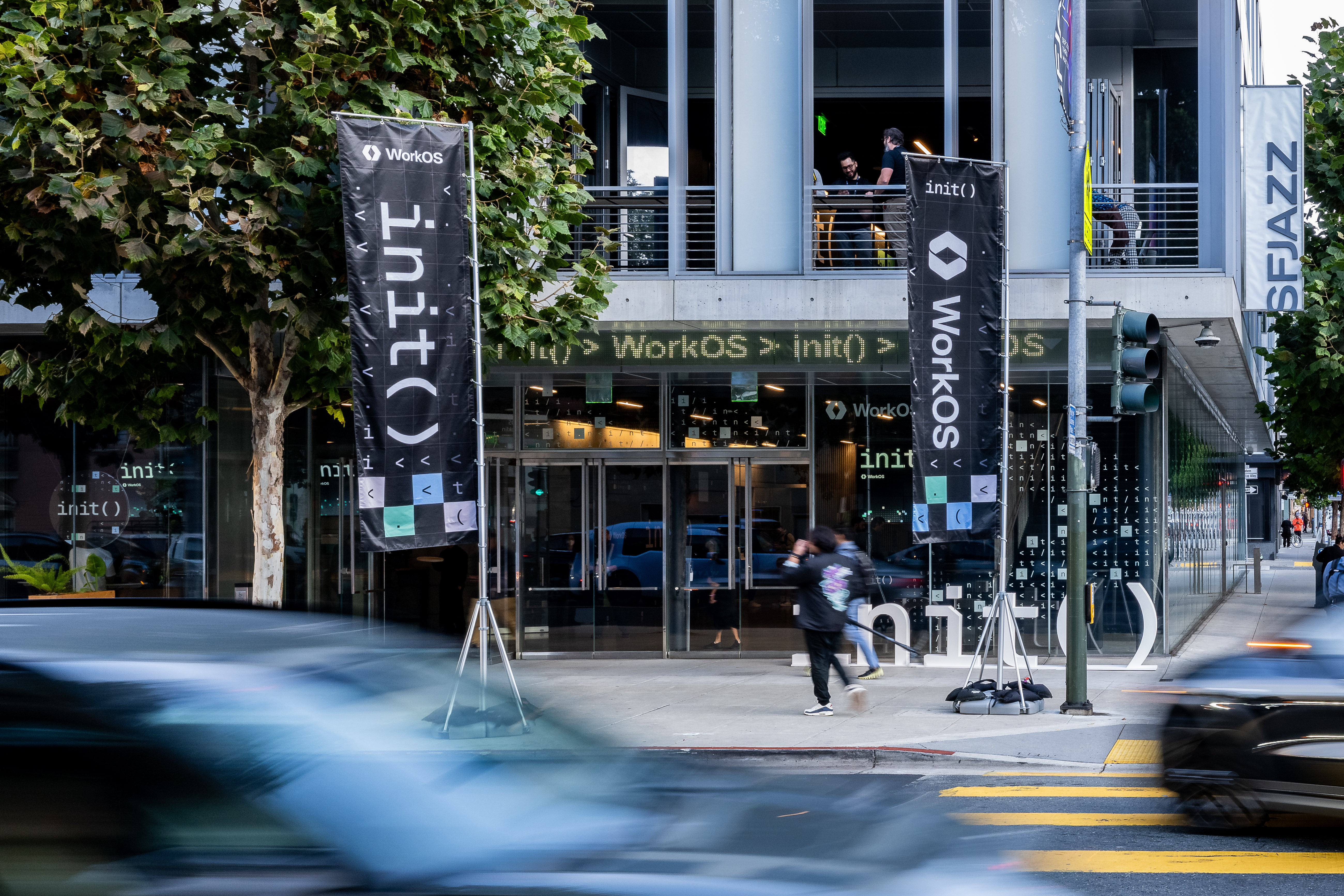
init() ran on October 7, 2026, at SFJAZZ Center in San Francisco. The full init() 2026 recap covers the keynote and the rest of the day. Michael Grinich brought Anthony on in the last segment of the afternoon program, introducing the lightning demo as coming from sponsor Databricks. Anthony works on the developer relations team for Neon at Databricks. He opened with a bit about developer fashion, naming the way developers dress as the industry's long-running unnecessary problem. His fix was to build an app called DressCode.
DressCode and its stylist agent #
DressCode keeps a catalog of the clothing in his wardrobe. Up a photo of a new item sends it through AI that works out what the item is and how it fits with the rest of the wardrobe. His example item was a white crew neck t-shirt.
The Suggest tab takes a plain-language request. Anthony asked it to help him pick an outfit for giving a demo at the WorkOS init conference. That request kicks off a stylist agent, which runs a vector search against the database holding the clothing data and uses the results to choose an outfit for the occasion. He left it running and switched to the architecture while it worked.
Where the services pile up #
The frontend is a Next.js app hosted on Vercel, and WorkOS handles authentication. The CRUD API runs on one serverless function, the stylist agent runs on a separate one, and the agent reaches its models through an AI Gateway. Wardrobe images live in object storage, and the rest of the data lives in Postgres.
In this demo, the serverless functions, object storage, Postgres and the AI Gateway all came from Neon.
One file for the backend #
Anthony then jumped into the code and opened a neon.ts file that defines configuration for each piece of infrastructure. Every Neon project gets a Postgres database by default, so the file doesn't mention it. On top of that, the file initializes the AI Gateway, creates private buckets for the wardrobe images, and defines one function for the stylist agent and another for the CRUD API.
He gave two reasons to like this layout. The infrastructure is code sitting in one place, so a coding agent can work with it like any other file in the repo. And because the services were built to interoperate, every Neon function automatically has access to the credentials for Postgres, object storage and the AI Gateway. Neon's reference describes neon.ts as a TypeScript config you commit to your repository and apply to a linked branch with neon deploy, which provisions the declared services and injects their environment variables.
He also said the whole backend can be branched to create development or staging environments, then saved the details for the happy hour.
To start a new project, Anthony ran neon bootstrap in a fresh directory and got a list of starter templates, each one coming with its own neon.ts file. He said the command also sets up the Neon MCP server and Neon skills, so a coding agent knows how to work with Neon from the start. The bootstrap docs list agent tooling among the setup steps offered after scaffolding, next to installing dependencies, initializing git and linking a Neon project.
What the stylist picked #
Back in DressCode, the agent had finished. It recommended an olive green button-down, black tech chinos and white leather sneakers.
Then he dropped the joke. Developer outfits leave something to be desired, he admitted, but the unnecessary problem he cares about is teams spending time and tokens cobbling together five or six services to ship an app like DressCode. That is the problem he said Neon is solving.
The stage demo covered one request and one recommendation. Anthony narrated the vector search instead of walking through its query, and he described branching without creating a branch.
Try it on your own app #
If your agent feature sits on a CRUD app, run the inventory Anthony ran on stage. List every service the feature touches, then note how each one gets its credentials. That list tells you how much setup a coding agent has to get right before it writes any product code. To try the Neon version, start with the neon bootstrap command reference and the neon.ts reference. Neon's backend overview lists region and plan requirements for Object Storage, Functions and the AI Gateway, so read those before you plan a project around them.
The signal #
For agent builders, the useful word in Anthony's closing was tokens. Each extra vendor is one more set of keys and docs an agent has to work through before it touches the feature you asked for. A config file in the repo puts that setup where the agent already works, which was his case for neon.ts.
DressCode's frontend and auth stayed with Vercel and WorkOS. Everything else (two functions, an image bucket and the model gateway) is declared in one neon.ts file, on top of the Postgres database every Neon project starts with.