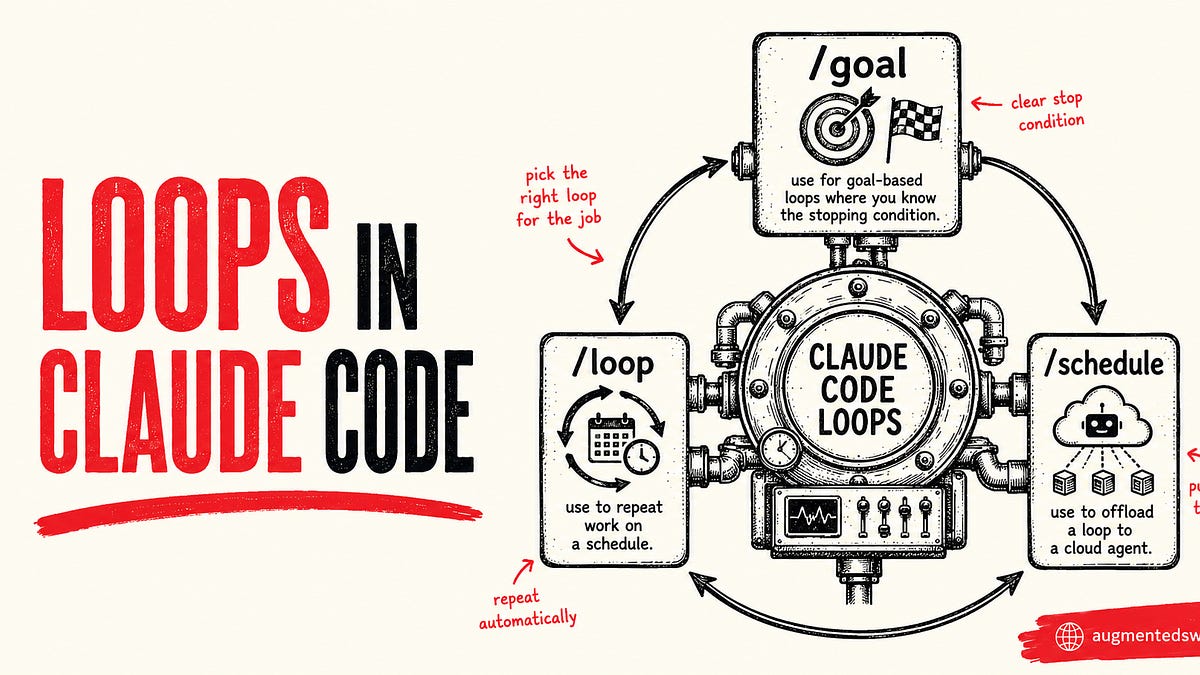
The internet won't shut up about /loop in Claude Code. I'll show you why
Everyone who uses AI to write code seems to be talking about loops over the last month. I’m even hearing it’s the next paradigm of software development.
I don’t think that’s true, but I do think understanding loops and how to use them in Claude Code has the potential to make you more productive. Initially, they may sound intimidating because people are hyping up a relatively straightforward automation concept.
Making loops is essentially replacing yourself as the person who prompts the agent. When you make a loop, you make a system that prompts the agent.
In today’s edition, I’ll show you:
What a loop is
What makes up a loop
How to make a loop in Claude Code (with example prompts)
How loops can make you more productive
After this intro section, the rest of this newsletter is exclusive for paid subscribers.
I’d love to have you join us as a paying member of the newsletter - you’ll get access to this article along with the entire Member Vault.
What is a loop? #
Even the OpenClaw guy is pushing loops now
This post is actually pretty explanatory for loops.
Loops prompt themselves to write code so that agents can do long tasks in parallel without much involvement from you.
One important concept that makes loops powerful is the idea that an agent can have its own agents. An orchestrator agent can perform the loop and spin off subagents to actually accomplish a task.
What makes up a loop? #
Loops are essentially recursive goals where you define a purpose and the agent iterates until it meets that purpose/goal.
Sound familiar? Maybe you read the newsletter’s posts on /goal:
In fact, Anthropic calls goals “goal-based loops”:
Generally speaking, a loop needs 4 things:
A goal (scope of what you want agents to do)
Context (don’t let your agents fly blind!)
Keep reading with a 7-day free trial #
Subscribe to The AI-Augmented Engineer to keep reading this post and get 7 days of free access to the full post archives.