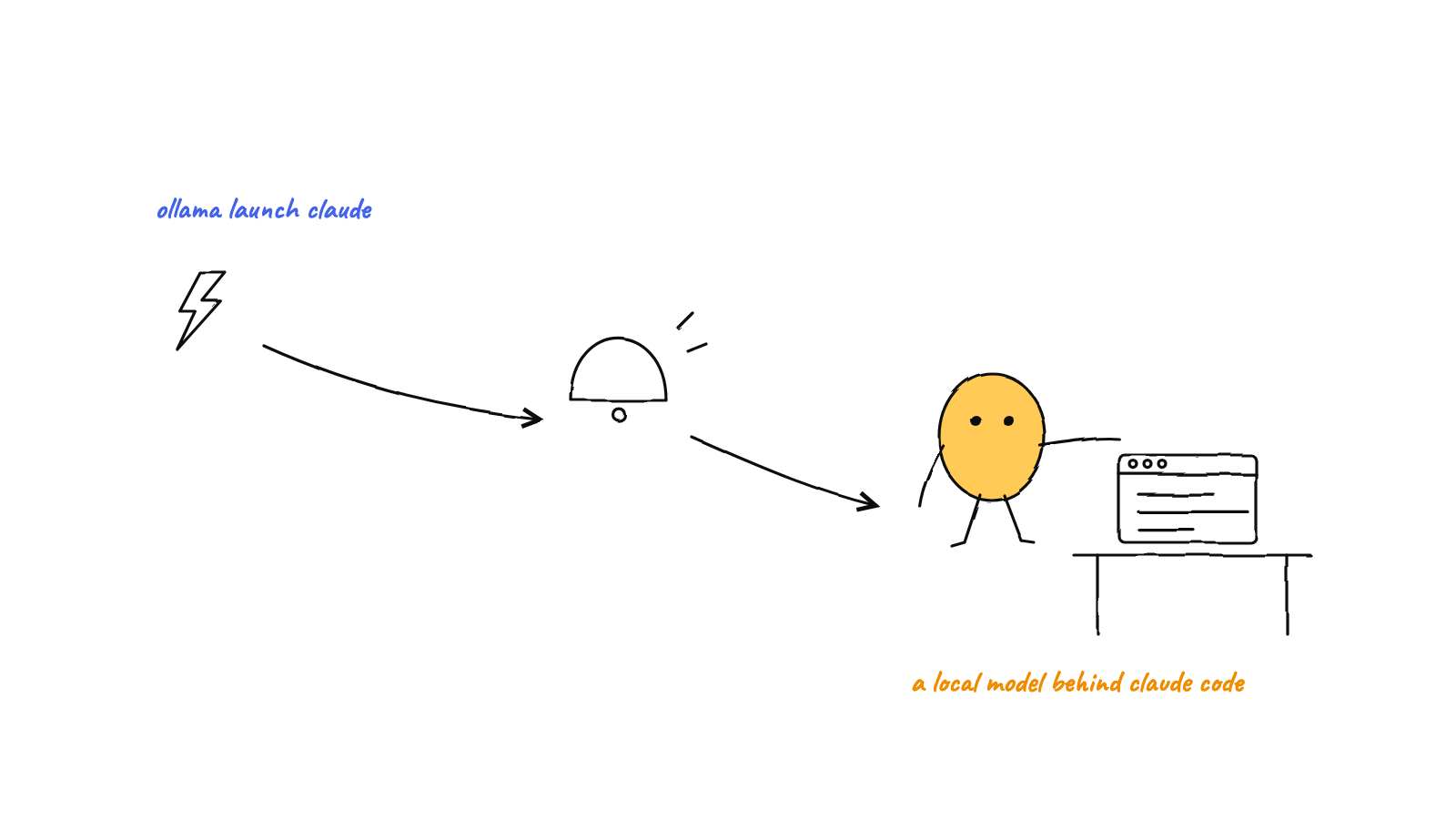
Point Claude Code at Ollama with ollama launch claude or three environment variables, give the model 64K of context, and know what stops working.
Install Ollama 0.15.0 or newer and run ollama launch claude: it asks for a model, configures Claude Code and starts it. By hand, on Ollama 0.14.0 or newer, set ANTHROPIC_BASE_URL=http://localhost:11434, ANTHROPIC_AUTH_TOKEN=ollama and an empty ANTHROPIC_API_KEY, then run claude --model qwen3-coder or another Ollama tag.
That gives you one Claude Code session on a local model. If you want local models working next to Claude Code rather than instead of it, you can wire each agent by hand, or use Munder Difflin, a free and open source desktop app that runs a floor of CLI agents on your machine. As of 0.5.2, its Add agent screen lists eight local Ollama models for OpenCode, Crush and Pi agents, alongside Claude Code agents on your normal Claude login. Picking one sets the model name only: you still pull the weights (the tooltip shows the ollama pull command), OpenCode and Crush need your Ollama address in Settings, AI Engines, and Pi agents read your ~/.pi/agent/models.json. Claude Code agents get no Ollama setting, so for those, use the steps below.
If you are here because a Pro or Max plan keeps running dry rather than for privacy, getting more out of a Claude Code Max plan may fix it without changing models.
Can Claude Code use Ollama models? # #
Yes, because Ollama speaks the API Claude Code expects. Ollama 0.14.0, released in January 2026, added the Anthropic Messages endpoint, /v1/messages, and Ollama documents the setup on its Claude Code integration page.
Anthropic does not back it: its LLM gateway docs say it “doesn’t support routing Claude Code to non-Claude models through any gateway.”
What does ollama launch claude do? # #
It does the wiring for you. Added in Ollama 0.15.0, it lets you pick a model, configures Claude Code and starts a session. Per Ollama’s release notes, 0.15.6 made it download missing models and 0.30.11 made it install Claude Code when absent.
ollama launch claude                       # choose a model, then start
ollama launch claude --model qwen3-coder   # name the model up front
For scripts and CI, Ollama 0.18.0 added --yes, which skips every prompt and requires --model.
How do you connect Claude Code to Ollama by hand? # #
Set three environment variables and name the model. This is the manual route from Ollama’s docs:
export ANTHROPIC_BASE_URL=http://localhost:11434
export ANTHROPIC_AUTH_TOKEN=ollama
export ANTHROPIC_API_KEY=""
claude --model qwen3-coder
Each line has a job. ANTHROPIC_BASE_URL replaces Anthropic’s endpoint, with no /v1 on the end, unlike the OpenAI compatible URL that OpenCode uses. ANTHROPIC_AUTH_TOKEN becomes the bearer token, which Ollama requires but ignores. The empty ANTHROPIC_API_KEY matters: Claude Code’s environment variable reference says a set key goes out as X-Api-Key and wins over your subscription, so blanking it keeps a real key out of these requests.
To make it stick, add the exports to your shell profile or the env block of ~/.claude/settings.json, with ANTHROPIC_MODEL for the tag. A project’s .claude/settings.local.json works too, but Anthropic’s gateway connection guide notes that on a fresh install with no Claude login, a project env block applies only after the first run wizard and trust prompt, so use ~/.claude/settings.json or a shell export for that first run. The global file has its own catch: every Claude Code session then goes to Ollama.
What happens if Ollama is not running? # #
In our test, Claude Code retried for about three minutes, then failed with a connection error. We ran the manual command as a one shot claude -p "say hi" --model qwen3-coder on 14 Sep 2026, with Claude Code 2.1.270 and nothing listening on port 11434. Trimmed output:
⚠ claude.ai connectors are disabled because ANTHROPIC_API_KEY or another auth source is set and takes precedence over your claude.ai login [...]
"qwen3-coder" isn't described by this version's model catalog; [...] auto-compact keeps this session within 200k tokens (the context window it assumes); [...] set CLAUDE_CODE_MAX_CONTEXT_TOKENS to its real window
API Error: Connection refused — a firewall or proxy may be blocking it (ConnectionRefused)
The error came after 177 seconds and 11 attempts, each listed in the --debug-file log. If Claude Code sits silent, run ollama -v before you wait. The first two lines apply even when Ollama is up: claude.ai connectors switch off, and Claude Code guesses a 200K window for an unknown tag.
Which Ollama model works best with Claude Code? # #
A coding model with tool calling, served with at least 64K tokens of context. Ollama’s Anthropic compatibility docs recommend qwen3-coder and gpt-oss:20b for local use. On Ollama’s library pages on 14 Sep 2026, qwen3-coder:30b was a 19GB download with a 256K window (Ollama wants 24GB of VRAM for it) and gpt-oss:20b was 14GB with a 128K window. The open models guide sizes other models to your memory.
The context window is the trap. Ollama’s context length page sets the default from your VRAM: 4k tokens under 24 GiB, 32k from 24 to 48 GiB, 256k above that. Ollama says coding tools should get at least 64,000, so start the server with OLLAMA_CONTEXT_LENGTH=64000 ollama serve and check the CONTEXT column in ollama ps. Then set CLAUDE_CODE_MAX_CONTEXT_TOKENS=64000; Claude Code’s model docs say it then compacts at that window for an unrecognized tag.
Cloud tags such as kimi-k2.7-code:cloud and glm-5.1:cloud skip both limits: no download, full context. They need an ollama.com account (ollama signin), their library pages list a per token cost, and your code leaves the machine.
What breaks when Claude Code runs on Ollama? # #
Mostly the features that assume Anthropic’s servers:
- Prompt caching. Ollama does not support
cache_controlblocks. - Token counts. No
/v1/messages/count_tokens, and Ollama’s counts are approximations. - Forced tool use. No
tool_choice, and tool calling only works on models built for it. - Remote Control and MCP tool search. Both are off when the base URL is not Anthropic’s; our debug log showed the tool search line.
- Your plan. With the token variable set, yourclaude.ai subscription is not used, so that session never touches its limits. For plan prices, seehow much Claude Code costs .
A 30B model on your desk is a keen junior, not a staff engineer: give it scoped tasks, and keep big refactors for a bigger model.
Why is ollama launch claude not working? # #
Most failures come down to four checks.
- Old Ollama.
ollama -vmust show 0.15.0 or newer forlaunch. Pulling missing models needs 0.15.6,--yesneeds 0.18.0, and installing Claude Code needs 0.30.11. - No Claude Code on older Ollama. Install it with
curl -fsSL https://claude.ai/install.sh | bashon macOS or Linux, orirm https://claude.ai/install.ps1 | iexin Windows PowerShell. - Nothing answering. Ollama is probably not running (see the output above), or the base URL has a stray
/v1. If Ollama answers with a model error instead, you skippedollama pull qwen3-coderon the manual route. - Login screen instead of a session. Claude Code found no credential before setup. Put
ANTHROPIC_AUTH_TOKENin a shell export or~/.claude/settings.json, not only in a project settings file.
FAQ #
Is Claude Code with Ollama free?
With a local model, yes. Ollama accepts the token without validating it, and while ANTHROPIC_AUTH_TOKEN is set Claude Code does not use your claude.ai subscription, so nothing in that session is billed by Anthropic. You pay in hardware and electricity instead.
Can I use Ollama cloud models with Claude Code?
Yes, with an ollama.com account: run ollama signin first. Cloud tags such as kimi-k2.7-code:cloud and glm-5.1:cloud need no download and run at full context, but each model's library page lists a per token cost, and your prompts and code are processed on Ollama's servers.
How do I use Ollama with the Claude Code extension in VS Code?
Put ANTHROPIC_BASE_URL and ANTHROPIC_AUTH_TOKEN in claudeCode.environmentVariables in your VS Code user settings JSON. Anthropic's gateway docs say the extension checks credentials from that setting before it starts, while values in ~/.claude/settings.json reach the process but not that login check.
Can Munder Difflin run Claude Code agents on Ollama?
Not as a built in setting in 0.5.2. Its local Ollama model picks are for OpenCode, Crush and Pi agents, and Claude Code agents keep using their own Claude login. You still pull the model yourself. OpenCode and Crush need your Ollama address in Settings, AI Engines, and Pi reads your ~/.pi/agent/models.json.
What context length does Claude Code need on Ollama?
Ollama's docs say coding tools should get at least 64,000 tokens, and under 24 GiB of VRAM the default is only 4k. Start the server with OLLAMA_CONTEXT_LENGTH=64000, then set CLAUDE_CODE_MAX_CONTEXT_TOKENS to the same number, because Claude Code otherwise assumes a 200K window for a model it does not recognize.