Install OpenAI's Codex CLI with the official script, npm or Homebrew, sign in with ChatGPT or an API key, then update it and check your version.
To install Codex CLI, run curl -fsSL https://chatgpt.com/codex/install.sh | sh on macOS or Linux, or OpenAI’s PowerShell installer on Windows. npm (npm install -g @openai/codex) and Homebrew ( brew install --cask codex) work too. Then run codex in a project folder, sign in with ChatGPT or an API key, and confirm it with codex --version.
This is OpenAI’s Codex CLI, the coding agent that runs in your terminal. It is not the Codex IDE extension, not Codex cloud in the browser, and not the unscoped codex package on npm, which is an unrelated documentation generator. The current stable release is 0.154.0, published on GitHub on 9 Sep 2026 (UTC).
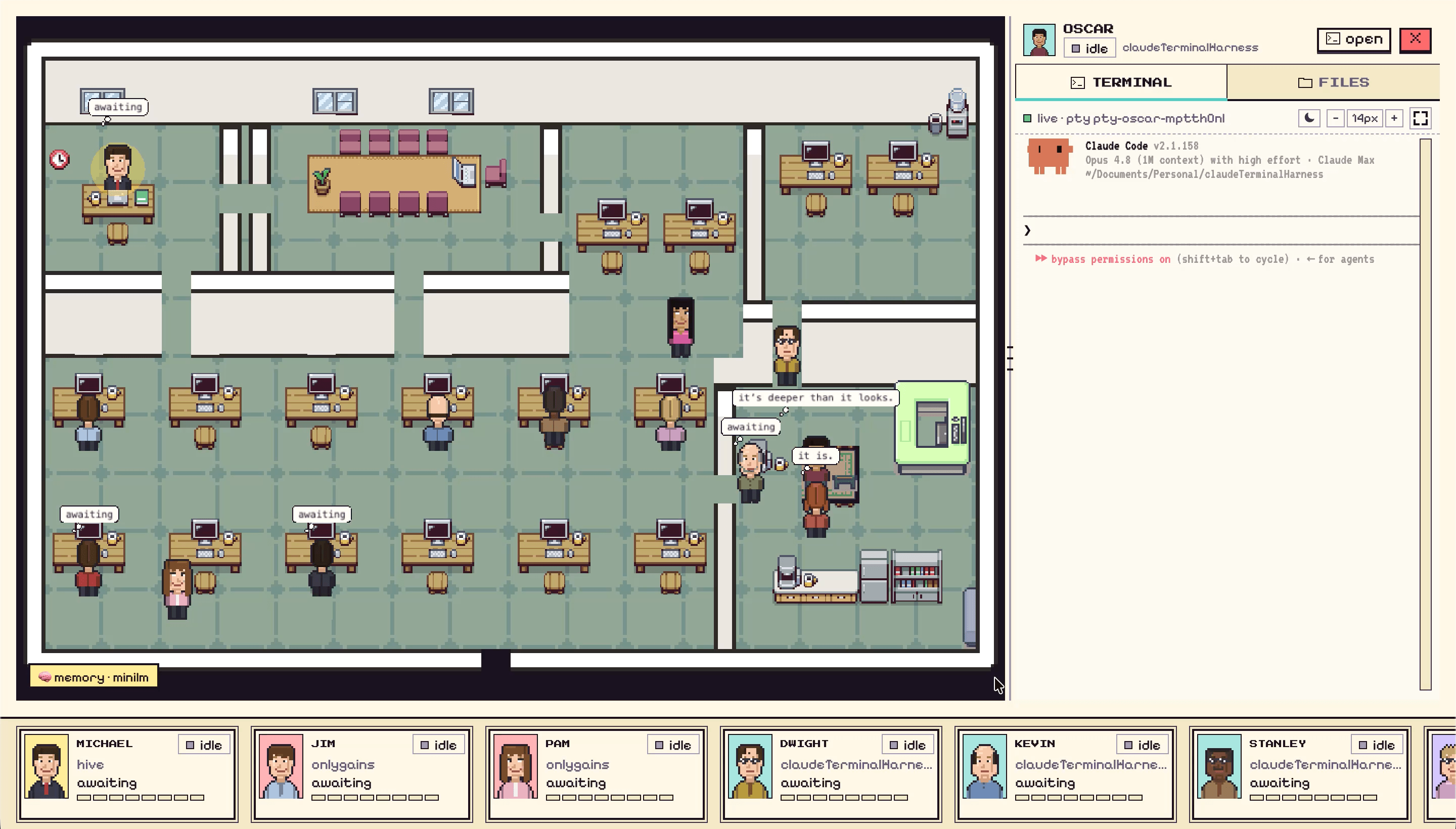
You can install and run Codex by hand, or use Munder Difflin, a free and open source desktop app that runs Codex agents next to Claude Code and other CLIs on one screen. As of 0.5.2, its onboarding marks Codex as INSTALLED or INSTALLS ON FIRST RUN, and if codex is missing when you start a Codex agent, it runs npm install -g @openai/codex in that agent’s terminal (installing Node first if needed) and relaunches it. Each Codex agent gets its own CODEX_HOME that links in your ~/.codex/auth.json when your login lives in that file, so the sign in from your terminal carries over and your own config stays untouched. The Munder Difflin install guide covers that setup.
How do I install Codex CLI on Mac or Linux? # #
Run OpenAI’s standalone installer, which downloads a prebuilt binary, so no Node install is needed:
curl -fsSL https://chatgpt.com/codex/install.sh | sh
The script puts codex in ~/.local/bin (set CODEX_INSTALL_DIR to change that), keeps each release under ~/.codex/packages/standalone, and adds the folder to your shell profile if it’s missing, printing an export PATH line for the terminal you’re in. We read the script on 14 Sep 2026, and it also looks for an existing Homebrew or npm copy, warns that “PATH order decides which one runs”, and offers to uninstall the other one. Pick one method and stay with it.
On the Mac this post was written on, checked on 14 Sep 2026, the layout matches (home folder shortened to ~):
$ codex --version
codex-cli 0.153.4
$ readlink ~/.local/bin/codex
~/.codex/packages/standalone/current/bin/codex
$ readlink ~/.codex/packages/standalone/current
~/.codex/packages/standalone/releases/0.153.4-aarch64-apple-darwin
Prefer a package manager? Both are listed on OpenAI’s Codex CLI page:
brew install --cask codex      # Homebrew
npm install -g @openai/codex   # npm
The npm package declares Node 16 or newer in its engines field (npm registry, checked 14 Sep 2026). Mind the scope: npm install -g codex without @openai/ fetches somebody else’s project entirely.
How do I install Codex CLI on Windows? # #
Open PowerShell and run OpenAI’s Windows installer, which installs a native codex.exe:
powershell -ExecutionPolicy ByPass -c "irm https://chatgpt.com/codex/install.ps1 | iex"
OpenAI’s CLI page lists this native installer alongside npm, so you don’t need WSL just to get started. If your repositories already live in WSL2, open your WSL shell and run the Linux command from the previous section there instead, so Codex runs inside Linux right next to your code.
How do I sign in to Codex CLI? # #
Run codex in a project folder and choose Sign in with ChatGPT, which opens a browser and hands your credentials back to the terminal. OpenAI’s authentication docs say the login is cached in ~/.codex/auth.json or your OS credential store, and to treat that file like a password. codex login status shows which method is active.
Codex is included in ChatGPT plans, and OpenAI’s Codex pricing page lists Free, Go, Plus and Pro, with Pro sold as Pro 5x or Pro 20x, plus Business, Edu and Enterprise workspaces (checked 14 Sep 2026). One recent change: OpenAI’s help center says that as of 10 Sep 2026 it is temporarily pausing new sign ups and upgrades to Pro 20x. Existing Pro 20x subscriptions and Pro 5x are not affected.
For CI, or if you’d rather pay per use at standard API rates, pipe an API key in. This is the example codex login --help itself prints:
printenv OPENAI_API_KEY | codex login --with-api-key
On a remote box with no browser, codex login --device-auth gives you a one time code to enter elsewhere. OpenAI marks it beta, and it has to be enabled in your ChatGPT security settings first.
How do I update Codex CLI? # #
Run the same command you installed with, except on Homebrew, where it’s brew upgrade --cask codex. OpenAI’s CLI page gives the standalone script and npm install -g @openai/codex as their own update commands. codex --help on our 0.153.4 also lists an update command, described as “Update Codex to the latest version”, which OpenAI says works only when the installed release supports self update.
That Mac is a fair example of why you’ll use it. 0.153.4 shipped on 4 Sep and 0.154.0 on 9 Sep, so falling a release behind takes about five days of not paying attention.
How do I check which Codex CLI version I have? # #
Run codex --version, which prints codex-cli followed by the version number. If the shell says codex isn’t found right after installing, open a new terminal so the updated PATH loads. If the version looks stale after an update, you probably have two installs, and which -a codex lists them in the order your shell picks them. For anything stranger, codex doctor checks the installation, config, auth and runtime health in one report.
Once it runs, Codex CLI vs Claude Code explains the sandbox and approval flags you’ll meet on your first task, and running a mixed engine office shows where a Codex agent fits next to other CLIs.
FAQ #
Do I need Node.js to install Codex CLI?
Only if you install it with npm. The @openai/codex package declares Node 16 or newer in its engines field, checked on the npm registry on 14 Sep 2026. The standalone script, the Windows PowerShell installer and the Homebrew cask all download a prebuilt binary, so they need no Node at all.
Can I use Codex CLI with a free ChatGPT account?
Yes. OpenAI's Codex pricing page lists Free and Go plans next to Plus and Pro, checked 14 Sep 2026, and describes Free as a way to explore Codex on quick coding tasks. Pro comes in two tiers with 5x or 20x the usage of Plus. If you would rather pay per use, sign in with an API key instead.
Why does npm install -g codex install the wrong thing?
The unscoped codex package on npm is an unrelated static site and code documentation generator, not OpenAI's agent. OpenAI publishes the CLI under its own scope, so the command is npm install -g @openai/codex. If you already installed the wrong one, remove it with npm uninstall -g codex first.
Can I still sign up for ChatGPT Pro 20x to use Codex?
Not as a new subscriber at the moment. OpenAI's help center says that as of 10 Sep 2026 it is temporarily pausing new sign ups and upgrades to Pro 20x, while existing Pro 20x subscriptions keep renewing and Pro 5x is unaffected. Once a Pro 20x subscription ends, it cannot be bought again until the is lifted.
How do I log in to Codex CLI on a server with no browser?
Run codex login with the device auth flag, open the link it prints on any machine with a browser, and enter the one time code. OpenAI marks device code login as beta, and you have to enable it in your ChatGPT security settings first. The fallback is to sign in on a machine with a browser and copy the cached auth.json file across.