File Info
| File | Details |
|---|---|
| Name | Hister |
| Version | v0.18.0 |
| Type | Private Personal Search Engine |
| Developer | asciimoo |
| License | AGPLv3 or later |
| Platforms | Linux • macOS • Windows |
| Interfaces | Web • Terminal • CLI • HTTP API • MCP |
| Browser Support | Chrome • Firefox |
| Github Repository | |
hister.orgTable of Contents What Hister Is For?
You know that page you read three months ago and somehow can’t find again?
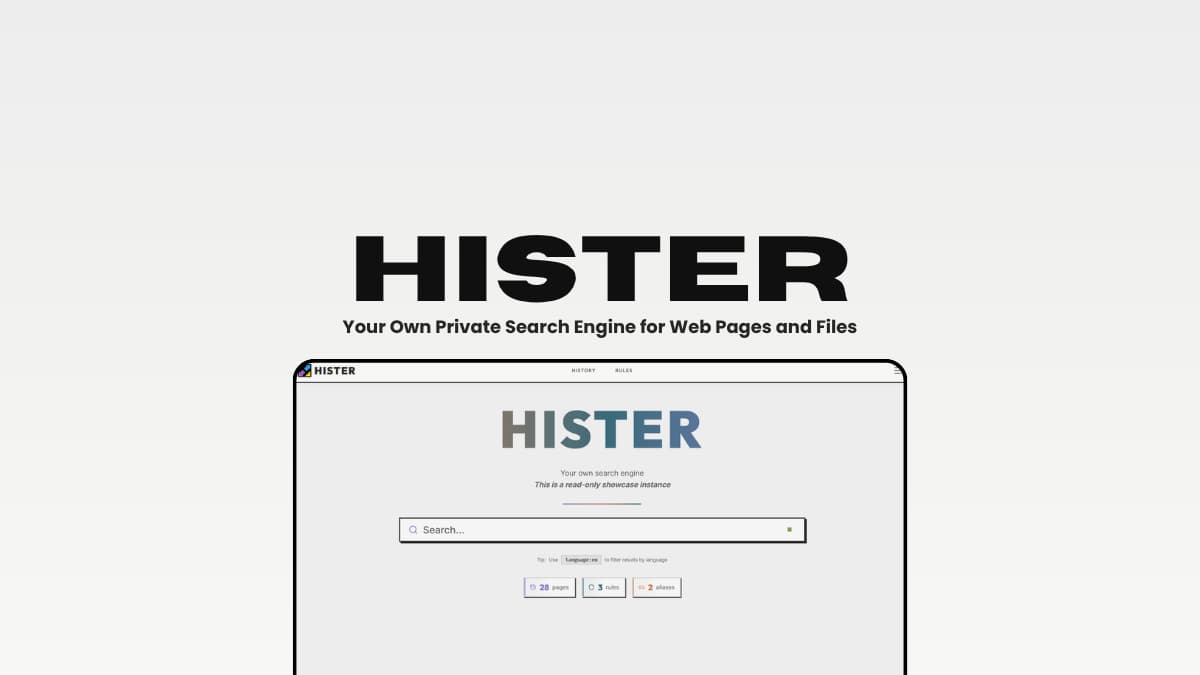
Hister is built for exactly that problem. It turns the web pages you visit and the files you keep into your own searchable index, so you can search the actual content instead of trying to remember a title, URL, or where you saved it.
It can import your existing browser history, watch local folders, crawl websites, and index files such as PDFs, DOCX and Markdown documents. If you want pages to be indexed automatically as you browse, you can also install its browser extension for Chrome or Firefox.
You can then search everything through its web interface, terminal, command line, HTTP API, or even an AI assistant through MCP.
And because Hister is designed to run on a machine or server you control, your personal search index doesn’t have to live in someone else’s cloud. The project also says the server has no telemetry.
The interesting part is that Hister isn’t just helping you find things you saved. It’s trying to make all that information useful again even letting your AI assistant search through the pages and files you’ve already collected.
Basically, it’s your own search engine for the information you’ve accumulated but would otherwise lose.
And getting started doesn’t require building everything from source. Hister provides ready-to-use binaries for major platforms, so you can download it, run it locally, and start building your personal search index.
Use Cases
- Search through years of browser history instead of trying to remember where you found something.
- Keep local documents and web pages searchable from the same index.
- Build a private knowledge base from websites, notes, PDFs and other files.
- Give an AI assistant access to your own indexed information through MCP.
- Run a personal search engine on your own machine or server without a mandatory cloud service.
Screenshots
You May Like: Best Chrome Alternatives That Actually Respect Your Privacy Features of Hister
| Feature | What it does |
|---|---|
| Easy setup | Ready-to-use binaries let you install Hister without building it from source. |
| Full-text search | Search the actual content of web pages and files, not just titles and URLs. |
| Automatic browser indexing | Save pages as you visit them with the Firefox or Chrome extension. |
| Local file indexing | Index PDFs, DOCX, Markdown, text files and other supported formats. |
| Browser history import | Bring your existing browser history into your personal search index. |
| Website crawling | Crawl websites and add their content to your searchable index. |
| Powerful search | Use phrases, filters, wildcards, negation, sorting and other query options. |
| Semantic search | Optionally find documents based on meaning rather than exact keywords. |
| AI + MCP | Let compatible AI assistants search the same personal index through MCP. |
| Multiple interfaces | Search through the web interface, terminal, CLI and HTTP API. |
| Self-hosted & private | Run Hister on your own machine or server with no mandatory cloud service or telemetry. |
System Requirements
| Requirement | Details |
|---|---|
| Operating System | Linux, macOS or Windows |
| Installation | Ready-to-use binaries are available |
| CPU | Modern 64-bit processor |
| RAM | Depends on the size of your search index |
| Storage | Depends on the number of pages and files you index |
| Additional software | No build environment required when using the pre-built binaries |
| Browser | Chrome or Firefox for automatic browser indexing |
You May Like: Notesnook: End-to-End Encrypted Notes App and Evernote Alternative Installation Process for Hister Search
- Download the Hister binary for your OS.
- On Linux or macOS, rename the downloaded file to
hister, make it executable with
chmod +x hister
, and run./hister listen
. - On Windows, you can run the downloaded .exe directly from PowerShell, just rename it to
hister.exe and run.\hister.exe listen
. - Open http://127.0.0.1:4433 in your browser to access Hister. - The browser extension is optional. Install it for Chrome or Firefox if you want Hister to automatically index pages as you browse.
- You can now start adding content by importing browser history, indexing local files, or crawling websites.
Download Hister
Find more latest Releases here Your browser history probably contains more useful information than you remember
You know you read something useful six months ago. Maybe it was a technical article, a Reddit discussion, a GitHub page or a random document you downloaded. You remember enough to know it exists, but not enough to find it again.
Bookmarks don’t solve that. Browser history doesn’t really solve it either.
Hister turns all of that into an actual searchable index.
The idea is even more interesting when you add local files and MCP. Your own collection of information becomes something you can search directly, from the browser, terminal or an AI assistant.
It’s a simple premise, but the more you use the internet, the more useful it starts to sound: stop trying to remember where you found something. Just search your own index.