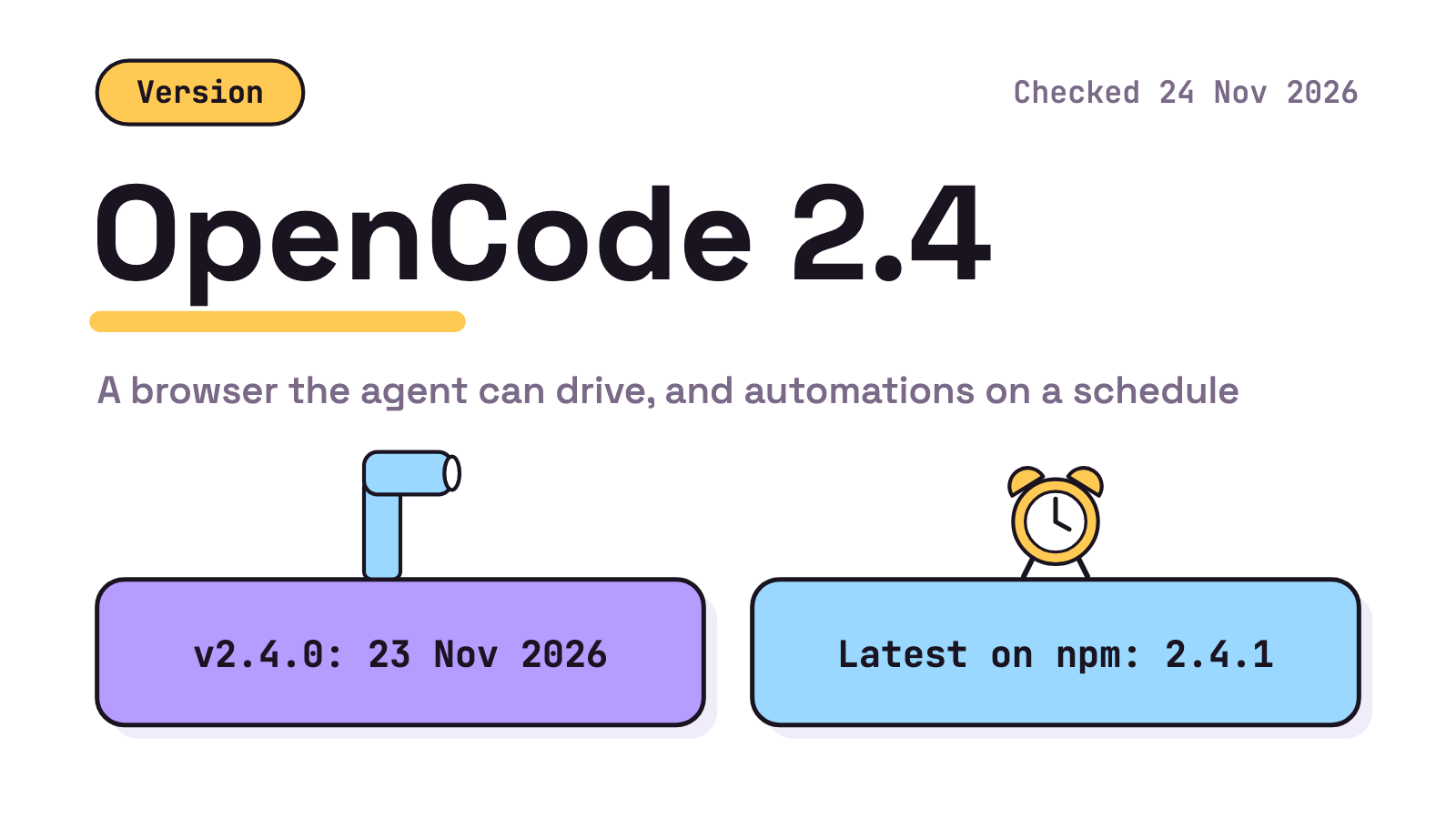
OpenCode 2.4 adds a desktop browser the agent can drive, automations on a timer, cron or MCP event, and generate_video. Upgrade notes, checked 24 Nov 2026.
OpenCode 2.4 puts a browser inside the desktop app that the agent can drive, and lets the agent run prompts, scripts or shell commands on a schedule. Anomaly published v2.4.0 on GitHub on 23 Nov 2026 at 09:22 UTC and v2.4.1 at 15:57 UTC. Checked 24 Nov 2026.
New to the tool? Start with What is OpenCode; OpenCode 2.3 and OpenCode 2.0 cover the releases before this one. Running Claude Code too? See our Max plan guide.
What is new in OpenCode 2.4? # #
Five highlights: a built in desktop browser, automations, video generation, a new TUI look and Windows taskbar status. The table is our selection from the v2.4.0 notes and the v2.4.1 notes, read on 24 Nov 2026.
| Change | What it does | Release |
|---|---|---|
| Desktop browser | Imports sign ins and history, adds extensions; the agent drives the same pages | v2.4.0 |
| Automations | A prompt, script or shell command on a timer, a cron schedule or an MCP event | v2.4.0 |
generate_video |
Makes videos when a connected provider has a video model | v2.4.0 |
| New TUI look | New designs by default; opencode-classic keeps the previous look |
v2.4.0 |
| Windows taskbar | Shows session progress and flashes when a permission or question waits | v2.4.0 |
| macOS 12 fix | Assistant messages save again on macOS 12 | v2.4.1 |
How does the built in browser work? # #
It is a browser pane in the desktop app with one saved profile, so you and the agent see the same signed in pages. The v2.4.0 notes say you can “Import your sign-ins and browsing history from Chrome, Edge, Firefox or Safari, and add extensions from Chromium browsers or the Chrome and Edge stores.” They go on: “Everything stays in one persistent desktop profile: chat links open signed in, your tabs survive restarts and the agent can read and drive the same pages without you switching apps.”
Web links from the chat now open beside the conversation; the notes say “Modifier-click a link to open it in your system browser.” To keep the agent out, “A browser deny in your permission rules refuses every agent browser call.” OpenCode’s tools docs, read on 24 Nov 2026, add: “A browser deny rule with resource * removes the browser catalog; browser operations do not issue individual permission prompts.” The permissions page did not list a browser action that day.
For a CLI approach, compare OpenCode Browse vs agent-browser.
What are OpenCode automations, and how do you turn them off? # #
Automations are jobs the agent sets up to run later on its own. The v2.4.0 highlights say: “Ask the agent to run a prompt, a script or a shell command on a timer, on a cron schedule or when an MCP server sends an event, and manage them with /automation.” The core notes add: “A shell action asks for approval once, when it’s created, and records each run’s exit code and output.”
To turn them off, the notes say to set this in your config:
{
  "automations": false
}
OpenCode’s config docs did not list the automations key on 24 Nov 2026, and the docs had no automations page. Our view: since a shell action asks only once, read it closely when the agent first proposes it.
What does generate_video do, and what happened to generate_image? # #
generate_video lets the agent make videos “whenever a connected provider has a video model”, per the v2.4.0 notes. The job “runs in the background, survives a server restart, saves the finished videos into the workspace and wakes the agent with their paths.” Set a default model with experimental.video_generate.model.
The same release renamed the image tool: experimental_image_generate is now generate_image. OpenCode’s tools docs listed generate_image on 24 Nov 2026 but had no entry for generate_video.
What should you watch for when upgrading? # #
Renamed tools, plugins that update themselves, token, protocol and theme changes, new shortcuts, and a macOS 12 fix in 2.4.1. Our picks from the v2.4.0 upgrade notes:
- Image tool rename: “Permission rules with the old name are mapped automatically, but saved ‘always allow’ approvals are not, so it asks again once.”
- Plugins written as
name@latest, a version range or a Git branch are “checked on startup and every 24 hours” and update themselves; an exact version does not. Theplugins docs give the same check and call exact versions “pinned”. - “GitHub Copilot no longer reads
GITHUB_TOKEN.” SetCOPILOT_GITHUB_TOKENor sign in with OAuth. - “MCP servers are tried on the newest protocol first”: a server without a
protocolsetting “is probed before falling back to the legacy handshake”. Setprotocol: "legacy"on a server that misbehaves. TheMCP servers docs , read on 24 Nov 2026, calledlegacythe default. - The
opencodetheme “now means the new theme”. Setopencode-classicfor the previous look. Cmd+Shift+S(Ctrl+Shift+Son Windows and Linux) “now archives the open session”.- v2.4.1: “Fixed assistant messages failing to save on macOS 12 because its system SQLite does not support the JSON operator used in v2.4.0.”
Our view: on macOS 12, go straight to 2.4.1, and set protocol on any MCP server you depend on.
How do you upgrade to OpenCode 2.4? # #
Use an install command from OpenCode’s README. On 24 Nov 2026 the npm registry gave 2.4.1 as the latest tag for @opencode/cli. For macOS and Linux, the README calls the Homebrew tap “recommended, always up to date”:
npm i -g @opencode/cli@latest
curl -fsSL https://opencode.ai/v2/install | bash
brew install anomalyco/tap/opencode-v2
The browser needs the desktop app, which the README lists as “Desktop App (BETA)” at opencode.ai/download.
Still on 1.x? The migration guide says: “Remove a package-managed V1 installation before installing V2”. On 24 Nov 2026 GitHub’s latest release link still opened v1.19.6, so a script that follows it gets 1.x.
Munder Difflin and OpenCode # #
Munder Difflin is free and open source: a desktop app that runs a team of AI agents for all kinds of knowledge work, coding included, on your own computer. Its README, read on 24 Nov 2026, lists OpenCode under Engines and says: “Each agent picks its own, so one office can mix them.” See how to install and use Munder Difflin, or compare OpenCode alternatives.
What are the key OpenCode 2.4 facts at a glance? # #
Here they are, checked 24 Nov 2026 against the pages linked above.
| Item | Detail |
|---|---|
| Latest on npm | 2.4.1 |
| Published | v2.4.0 at 09:22 UTC, v2.4.1 at 15:57 UTC, 23 Nov 2026 |
| Browser | Desktop app, one saved profile |
| Automations off | "automations": false |
| Image tool | Now generate_image |
| GitHub latest link | Still v1.19.6 |
FAQ #
What is new in OpenCode 2.4?
The v2.4.0 release notes, published on GitHub on 23 Nov 2026, list five highlights: a built in desktop browser, automations, video generation with generate_video, a new TUI look and Windows taskbar status. v2.4.1 followed the same day and fixes assistant messages failing to save on macOS 12.
How do I turn off OpenCode automations?
Set "automations": false in your config, per the v2.4.0 notes. Automations run a prompt, a script or a shell command on a timer, on a cron schedule or when an MCP server sends an event, and you manage them with /automation. A shell action asks for approval once, when it is created.
Can the OpenCode agent use my browser sign ins?
In the desktop app, yes. The v2.4.0 notes say you can import sign ins and browsing history from Chrome, Edge, Firefox or Safari into one persistent desktop profile, and the agent can read and drive the same pages. A browser deny in your permission rules refuses every agent browser call.
Why does OpenCode ask again before generating images after the upgrade?
The image tool experimental_image_generate is now generate_image. The v2.4.0 notes say permission rules with the old name are mapped automatically, but saved "always allow" approvals are not, so it asks again once.
How do I upgrade OpenCode to 2.4?
OpenCode's README lists npm i -g @opencode/cli@latest, a curl install script and the anomalyco/tap/opencode-v2 Homebrew tap. On 24 Nov 2026 the npm registry gave 2.4.1 as the latest tag for @opencode/cli. 2.4.1 fixes assistant messages failing to save on macOS 12.