Grok Bot runs every Bot on one shared cloud computer. Six alternatives checked on 14 Sep 2026, grouped by hosting, privacy and model choice.
The best Grok Bot alternatives depend on why you want out. For another hosted assistant, try ChatGPT Work, Gemini Spark or Claude Cowork. To keep memory and logins on your own hardware and pick the model yourself, try OpenClaw, Hermes Agent or NanoClaw. Everything below was checked on official pages and repos on 14 Sep 2026.
By Grok Bot we mean SpaceXAI’s agent app, hosted by Cursor (both SpaceX companies), not the Grok chatbot on X.
What is Grok Bot? # #
Grok Bot is a team of AI agents, called Bots, that work on a computer of their own in the cloud. SpaceXAI launched it in beta on 11 Aug 2026. You message a Bot like a colleague, it signs into your tools, works across apps and websites, and comes back when something needs your approval. It keeps going with your laptop shut and can run routines on a schedule.
Inside SpaceXAI, people run several Bots with a chief of staff Bot handing work to specialists. That is the idea behind a multi-agent harness, hosted for you. A marketplace on x.ai lists ready made Bots you can add, such as Credit Card Max.
Cursor’s Grok Bot plans page says access comes with every paid individual Cursor plan and Cursor Teams, and Cursor listed Pro at $20 a month on 14 Sep 2026. Linking an individual SuperGrok or X Premium+ subscription also works; SuperGrok Lite doesn’t. Usage resets weekly. The desktop app runs on macOS, Windows and Linux, with apps for iPhone and Android.
Where does Grok Bot run, and who holds your data? # #
Grok Bot runs only on Cursor’s cloud computers, and SpaceXAI’s security FAQ says those sit in the United States today. Running it on your own servers is not supported. Each user gets a dedicated virtual machine, so other users can’t reach yours. It also needs cloud data storage, so Cursor’s Legacy Privacy Mode is out. That is the trade for work that carries on after you close the lid. If you’d rather your files and memory stay on your desk, read why local first matters for AI agents.
What can a Bot reach and remember? # #
A Bot can reach anything on the cloud computer it shares with all your other Bots: its files, browser sessions and logins. SpaceXAI’s FAQ says plainly not to use separate Bots as a security boundary. SpaceXAI’s own Grok Bot 101 guide says that if you log into Amazon on that computer, the agent “can technically buy whatever it wants”. So can your recruiting Bot.
You write the guardrails in plain language. Auto Review checks tool calls and computer actions against your Require Approval and Always Allow rules, but SpaceXAI calls it model based and says it doesn’t review memory writes. A Bot remembers preferences, role context and summaries of past work, and the docs suggest checking the source before a big decision. There is no model picker either: Cursor chooses, and the mix can change. A helper that reads the open web, holds your logins and can send email is the risky mix called the lethal trifecta.
What can you use instead of Grok Bot? # #
Six good options, grouped by why you’re looking.
You want a hosted assistant, just not this one #
ChatGPT Work is OpenAI’s agent inside ChatGPT, announced on 9 Jul 2026. Plugins connect it to Slack, Microsoft Teams, Google Drive, email and calendars, Scheduled Tasks run on a timer or when an event happens, and you decide when it needs your approval. In the Mac and Windows desktop app it can also use your local files, and there OpenAI offers Work on every plan, Free included.
Gemini Spark suits you if your life runs on Gmail, Drive and Calendar. Google’s page says it keeps working with your phone and laptop off and is designed to check with you before major actions. It is offered to Google AI Pro and Ultra subscribers in select countries, plus select business users.
You want coding agents on your own machine #
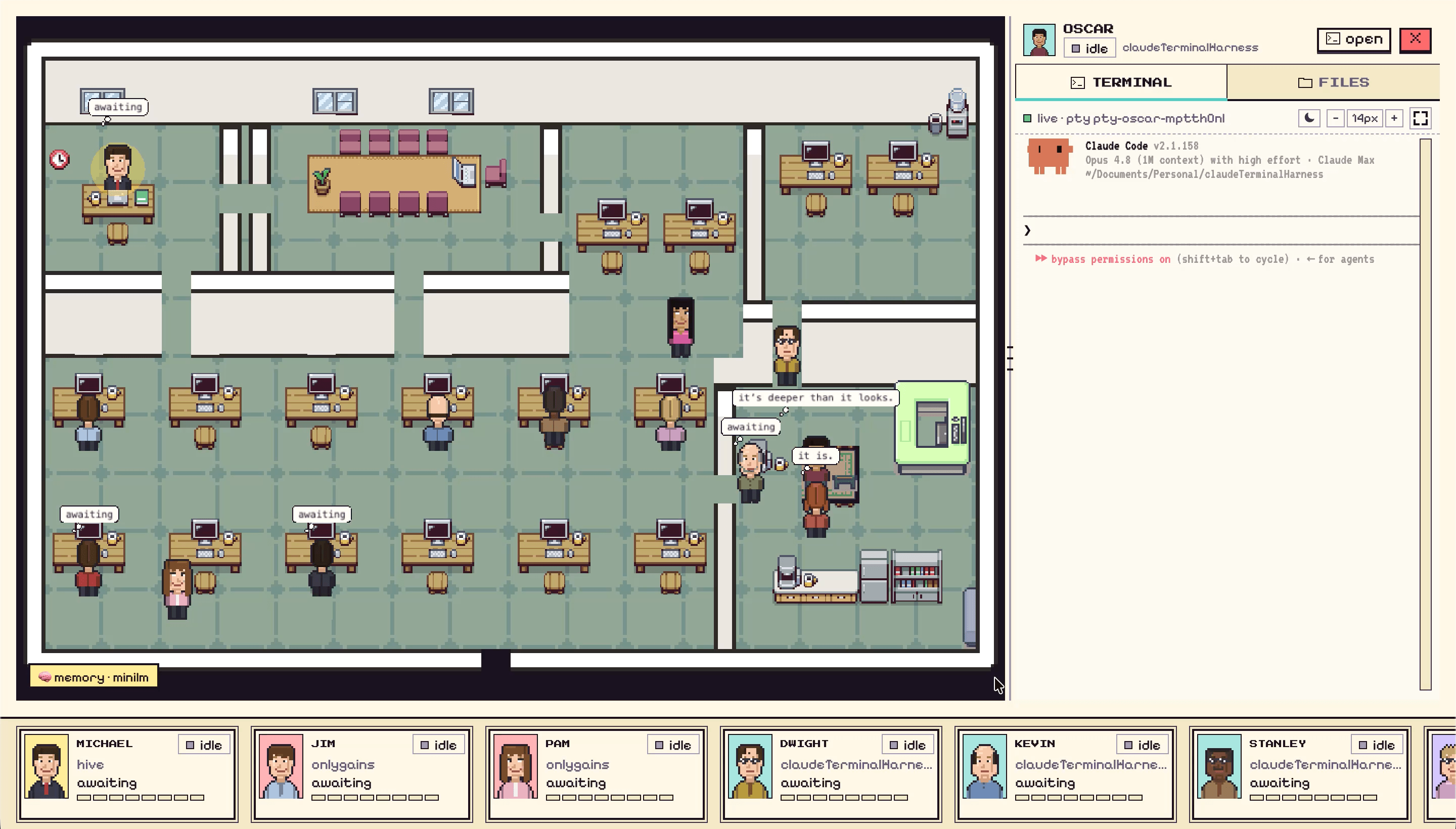
Munder Difflin, which we make, is a free and open source desktop app for a narrower need: a team of coding agents (Claude Code, Codex, Gemini CLI and nine others) working on your own computer. A Slack message can start an agent, missions run on a schedule, and with your own OpenAI API key you direct the agents by voice, with a spoken confirmation before anything destructive. It will not clear your inbox, so for errands and email, pick from the other groups.
Your work lives in files on your computer #
Claude Cowork needs a paid Claude plan. In the macOS or Windows desktop app, Claude works in the folders you choose, and Anthropic says it can’t reach anything else and asks before deleting. By default the work, local files included, runs on Anthropic’s servers (in beta), so it is closer to Grok Bot than it looks, with a tighter fence around your files.
You want the memory, logins and model on your side #
These three are open source and you run them yourself. You bring the model, paid or local, and security becomes your job. We pulled each one’s licence and latest release from GitHub on 14 Sep 2026:
| Project | Licence | Latest release (UTC) |
|---|---|---|
| OpenClaw | MIT | v2026.9.4, 11 Sep 2026 |
| Hermes Agent | MIT | v2026.9.11, 11 Sep 2026 |
| NanoClaw | MIT | v2.3.0, 24 Aug 2026 |
OpenClaw is the closest thing to a personal assistant you own. It runs on your computer, replies in WhatsApp, Telegram, Slack, iMessage and 20+ other channels, and keeps state, memory and credentials on your hardware. Models are swappable plugins, local ones included, and there is no paid tier. The catch: tools run straight on your machine in the main session unless you set up sandboxing.
Hermes Agent from Nous Research is the one to try if memory matters most. It curates its own memory, writes skills after complex tasks, runs scheduled jobs, and talks to you over Telegram, Discord, Slack, WhatsApp or Signal. It can live on your laptop or a cheap server, and hermes model switches between providers such as OpenRouter, OpenAI or your own endpoint.
NanoClaw is the cautious pick. Each agent runs in its own Linux container and sees only the folders you mount. It is built on Anthropic’s Claude Agent SDK and needs Docker.
Is Grok Bot worth it? # #
Grok Bot is worth it if you want almost no setup and are fine with the cloud. A helper that works with the lid shut and hands you the screen for a password or two factor code is hard to build yourself, and a paid individual Cursor plan already includes it. Look elsewhere if you need your data outside the United States, a model you choose, or a wall between one helper and the next.
FAQ #
Is Grok Bot free?
Only as a trial. Cursor's Grok Bot plans page, checked on 14 Sep 2026, describes the free trial as a usage credit with a seven day window that never turns into a paid plan. After that you need a paid individual Cursor plan, Cursor Teams, or a linked SuperGrok, SuperGrok Plus, SuperGrok Heavy or X Premium+ subscription.
Does Grok Bot work on Linux?
Yes. SpaceXAI's Grok Bot FAQ lists desktop builds for Linux on x64 and Arm64, packaged as deb, rpm or AppImage, next to macOS, Windows, iPhone (iOS 18 or later) and Android 9 or later. The Bots' own computer is still in the cloud, not your Linux machine.
Can you choose which model Grok Bot uses?
No. SpaceXAI's security docs say Cursor manages model selection, there is no model picker for customers, and the serving mix can change over time. Enterprise teams can set a model allowlist, but the same docs say enforcement is not guaranteed.
Is Grok Bot the same as Grok on X?
No. Grok on X is the Grok assistant inside the X app. Grok Bot is a separate agent app that works on its own cloud computer, signs into your tools and runs jobs for you, and SpaceXAI lists the two as separate products.