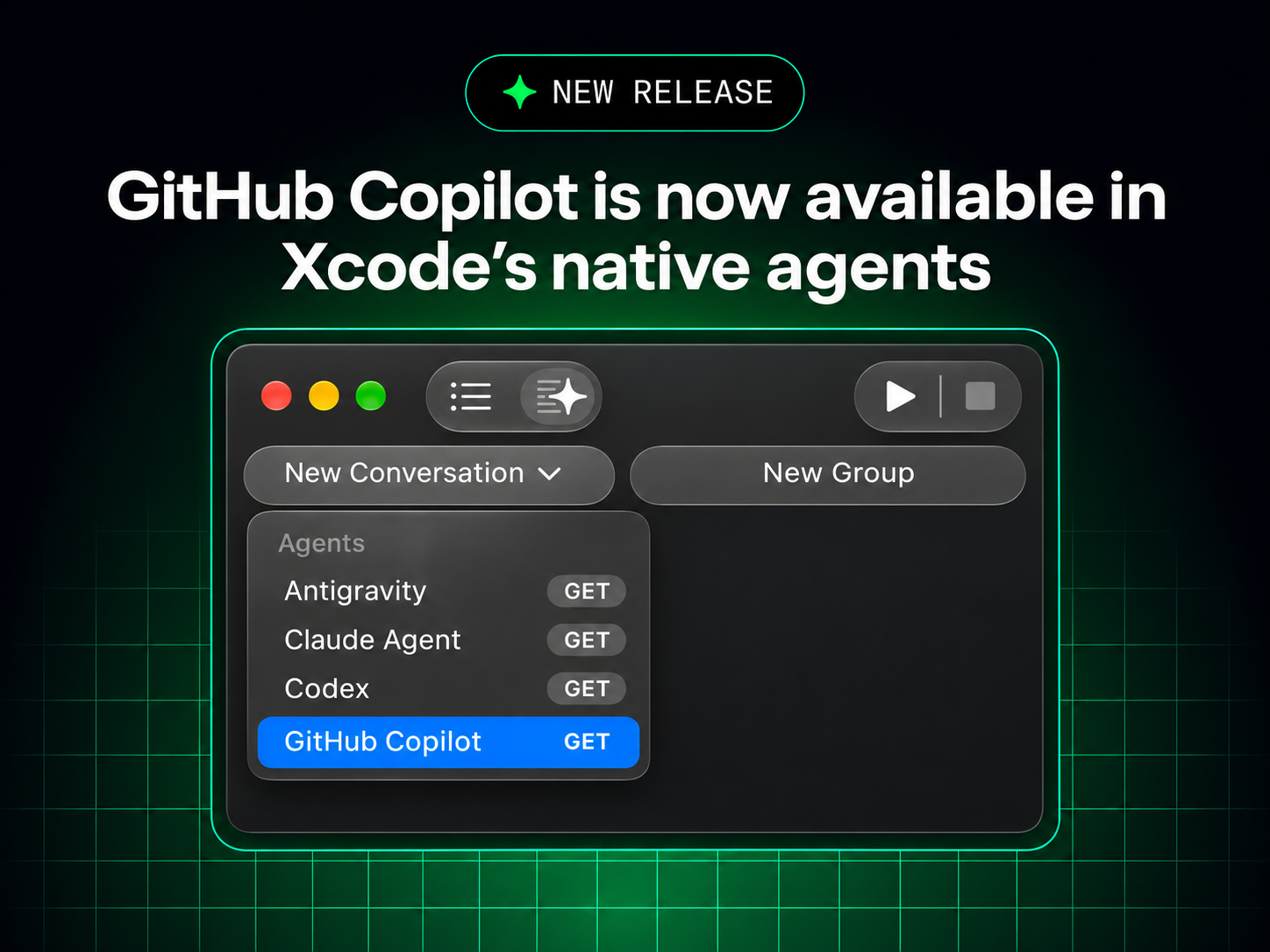
You can now work with GitHub Copilot directly in Xcode’s built-in coding assistant, bringing Copilot into your native Xcode workflow. The integration is now in public preview, available starting with Xcode 27.3 beta.
This gives you another way to use Copilot in Xcode. The existing GitHub Copilot for Xcode extension remains a separate option, so you can choose the workflow that works best for you.
Get started #
Download Xcode 27.3 beta from Apple Developer Downloads. You’ll need a Mac running macOS Tahoe 26.6 or later.
In Xcode, open Xcode > Settings > Intelligence to set up GitHub Copilot in the coding assistant. For more information, see Setting up coding intelligence and the Xcode 27.3 beta release notes. All Copilot plans are supported.
Share your feedback #
Help us improve the experience by sharing your feedback in the GitHub Copilot for Xcode repository or through Apple Feedback Assistant.