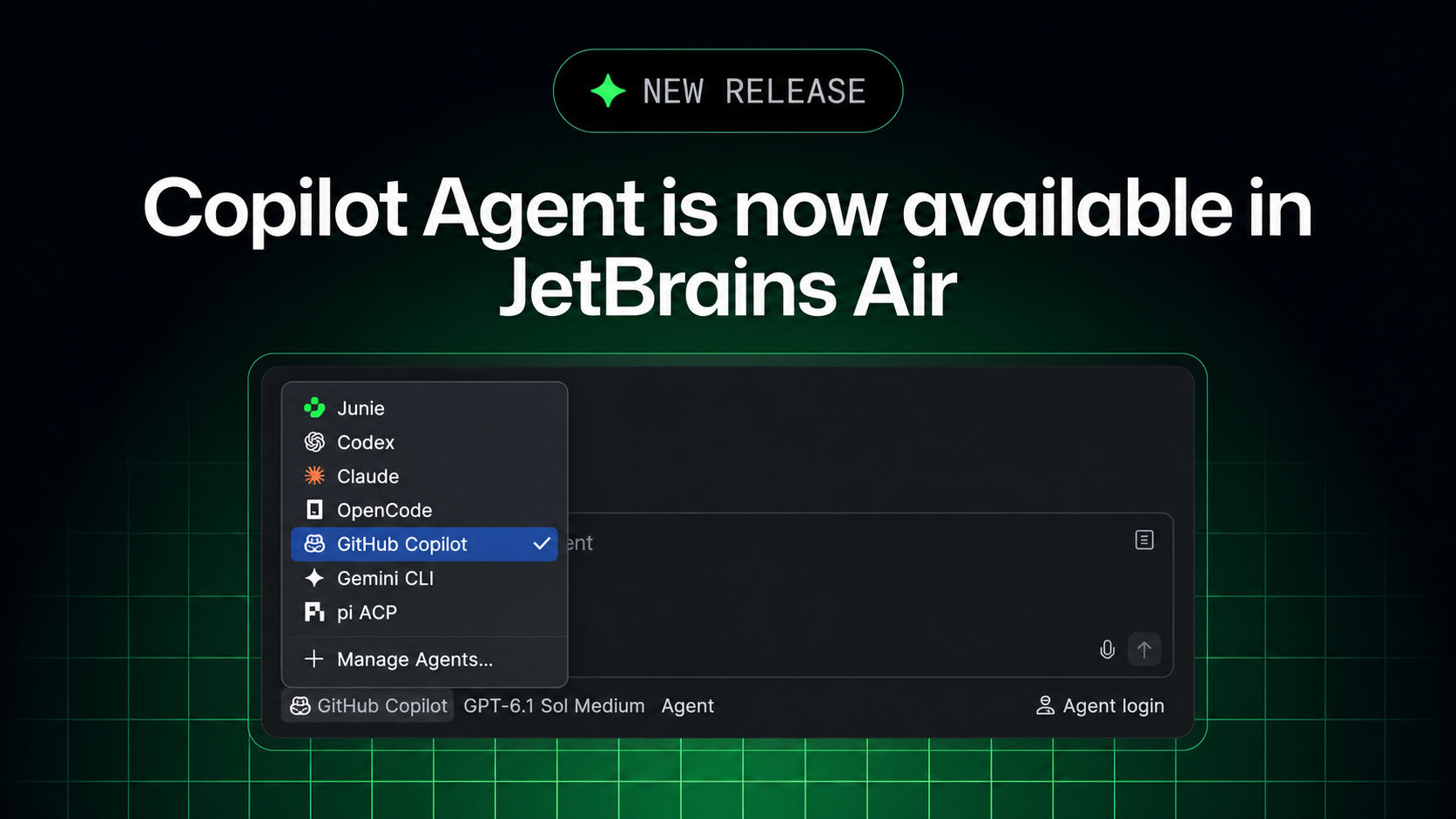
You can now delegate coding tasks, guide execution, and review results with GitHub Copilot in JetBrains Air. The integration uses the Agent Client Protocol (ACP) and supports tasks in your JetBrains IDE or in the cloud.
Use Copilot in Air alongside the [GitHub Copilot plugin](https://plugins.jetbrains.com/plugin/17718-github-copilot) and choose the workflow that works best for you. For a comparison and FAQ, see [GitHub Copilot in JetBrains Air](https://aka.ms/ghcp/jetbrains/air).

## [What’s new](#whats-new)
- GitHub Copilot in Air’s agent picker : SelectGitHub Copilot and use your existing Copilot subscription for coding tasks.
- Parallel work and in-context review : Track multiple agent sessions, use project context and IDE tools, and review changes alongside your code.
- Cloud tasks on your GitHub Copilot subscription : Run Copilot in isolated cloud environments through Air Teams, from your IDE or browser. Tasks use your Copilot plan rather than JetBrains AI credits.
## [Get started](#get-started)

For local tasks, install [Air in your JetBrains IDE](https://plugins.jetbrains.com/plugin/33314-air-alpha), select **GitHub Copilot**, and connect your GitHub Copilot account.

For cloud tasks, you’ll need a JetBrains account in an Air Teams-enabled business organization, a GitHub Copilot subscription, and Copilot enabled by your Air administrator. There are two ways to run cloud tasks:
- Browser : OpenAir in your browser , connect GitHub underSettings > VCS Providers , and create a task. Choose your repository and remote branch, selectGitHub Copilot , and send your prompt.
- IDE : Use the Air plugin in your JetBrains IDE and selectCloud from the environment selector.
Where Copilot cloud tasks run #
When you run a GitHub Copilot cloud task through JetBrains Air, Copilot works in a Docker container on a fresh virtual machine. All traffic passes through a proxy, and no state carries over between tasks. Copilot can build, test, and install packages without modifying your local environment. For more information, see Cloud agent sandboxing in Air.
Cloud task considerations #
- Subscription checks : Connecting GitHub Copilot to Air does not request GitHub Copilot permissions. Air may only verify subscription or credit availability when the cloud environment starts. If your subscription or credits are unavailable, the task fails and an error appears in the session.
- Plan selection : You cannot choose whether an individual task uses your personal GitHub Copilot plan or your organization’s plan.
- Usage visibility : Air’s governance and analytics features do not include Copilot usage.
- Administrative controls : Air administrators can disable GitHub Copilot through a governance policy, but cannot set Copilot spending limits within Air.
## [Share your feedback](#share-your-feedback)

Share your thoughts through in-product feedback, our [feedback repository](https://github.com/microsoft/copilot-intellij-feedback/issues), or the [private survey](https://aka.ms/ghcp-jb-survey).
source & further reading
github.blog — original article
CodeQL 2.27.3 adds Python 3.15 features and JSON data extensions
GitHub Agentic Workflows are generally available
Issue artifacts are now in public preview