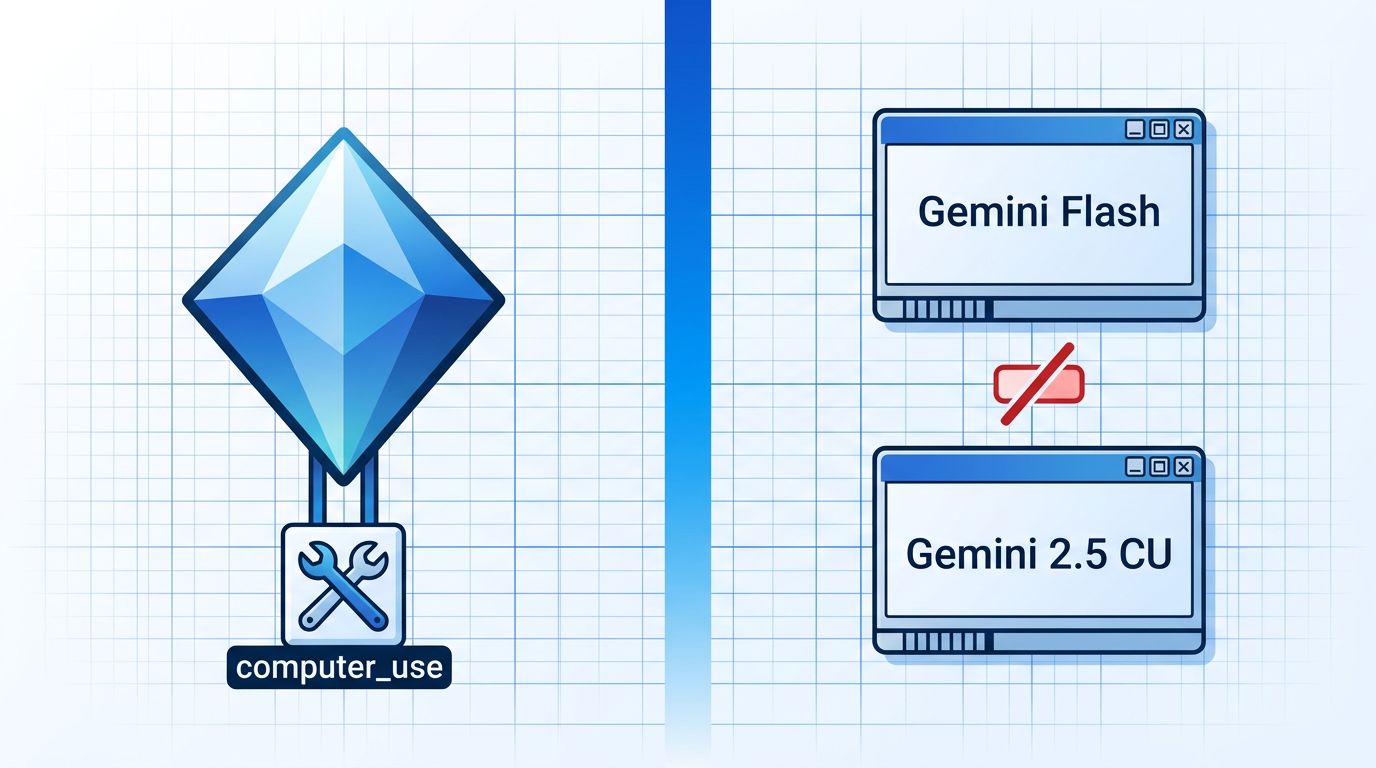
Google quietly did something useful on June 24: it folded computer use directly into Gemini 3.5 Flash as a built-in tool. What used to require routing to a separate Gemini 2.5 Computer Use model now requires changing exactly one parameter. The capability is live in the Gemini API and Gemini Enterprise Agent Platform today.
What Actually Changed #
If you have built computer use agents before, the difference is sharp. Previously, using Gemini for screen automation meant calling an entirely separate model — its own context, its own billing, its own routing logic in your orchestration layer. Now, it is a tool you add to the same Flash call you are already making:
interaction = client.interactions.create(
    model='gemini-3.5-flash',
    input="Find the form and submit it.",
    tools=[{"type": "computer_use", "environment": "browser"}]
)
That is the full delta. One tool entry turns Flash into an agent that can see screens, move a cursor, type, scroll, and navigate. No model switching, no separate context window to manage.
The three supported environments are browser, mobile, and desktop. Browser and desktop share the same action vocabulary: click, double_click, scroll, type, drag_and_drop, navigate, press_key, and take_screenshot. Mobile adds open_app and list_apps. Coordinates are normalized to a 0–999 range and denormalized client-side to actual viewport dimensions, so your implementation does not have to care about screen resolution.
Gemini 3.5 Flash adds one detail the legacy model lacked: each action step now includes an intent
field explaining what the model is doing and why. It is a small addition that matters in debugging — when an agent goes wrong, you want a reason, not just a coordinate.
The Agent Loop You Will Actually Write #
The implementation pattern has not changed structurally — computer use is still a screenshot loop:
- Send a screenshot (base64) plus a task prompt
- Receive one or more action steps with coordinates and an intent
- Denormalize coordinates and execute the action on screen
- Capture the resulting screenshot
- Return it as a function_result alongside the current URL
- Repeat until the response contains no function_calls
What changes is that this loop now runs inside a single-model conversation that can also call Google Search, run code, and use structured output — all in the same context window. That is the actual productivity argument for consolidation.
On the Benchmarks — and What They Do Not Tell You #
Google’s OSWorld numbers put Gemini 3.5 Flash at 78.4% on computer use tasks. GPT-5.5 scores 78.7%, Claude Opus 4.7 scores 78.0%. The three are within 0.7 percentage points of each other. Nobody wins.
The Hacker News thread tells a more honest story. The top comment: “Slow, insecure, error prone, expensive.” A developer reported Gemini abandoning a PDF table extraction task after 15 iterations. Another caught it running git reset --hard
when asked to commit changes. HackerOne already has three unpatched sandbox escape vectors filed against the model.
Google’s own signal on readiness: the enterprise safety guardrails — requiring user confirmation before form submissions, purchases, or deletions — are opt-in. That tells you the model is not yet trusted to run these unsupervised. At least that is an honest signal.
The Cost Math for Loop-Heavy Workflows #
Gemini 3.5 Flash costs $1.50 per million input tokens and $9 per million output tokens. Claude Sonnet 4.6 runs $3/$15 on the same metric. Computer use is inherently expensive — each loop iteration burns tokens on a screenshot, a reasoning step, and an action response. At scale, that cost difference compounds.
Flash also runs roughly four times faster than frontier reasoning models. In a tight screenshot loop, that latency reduction is tangible. For high-volume automated testing across browser states, the economics favor Flash significantly over its alternatives.
Who Should Actually Use This #
The developer consensus is consistent: use Gemini 3.5 Flash for high-volume automation where speed and cost matter more than precision. Use Claude for anything involving complex instruction-following under correction — iterative GUI development, document-heavy workflows, tasks where a destructive mistake is unacceptable.
The benchmark tie on OSWorld masks a qualitative difference that shows up in real usage. Flash is fast and cheap and handles simple tasks at scale. It is not yet the model you want piloting your production deployment scripts.
For teams already running computer use in production, this is a worthwhile consolidation if your workload fits Flash’s strengths. For everyone else, it is a good time to run a few benchmark loops before committing.
Google’s reference implementation is on GitHub, the Browserbase demo is live at gemini.browserbase.com, and the official announcement covers the full context.