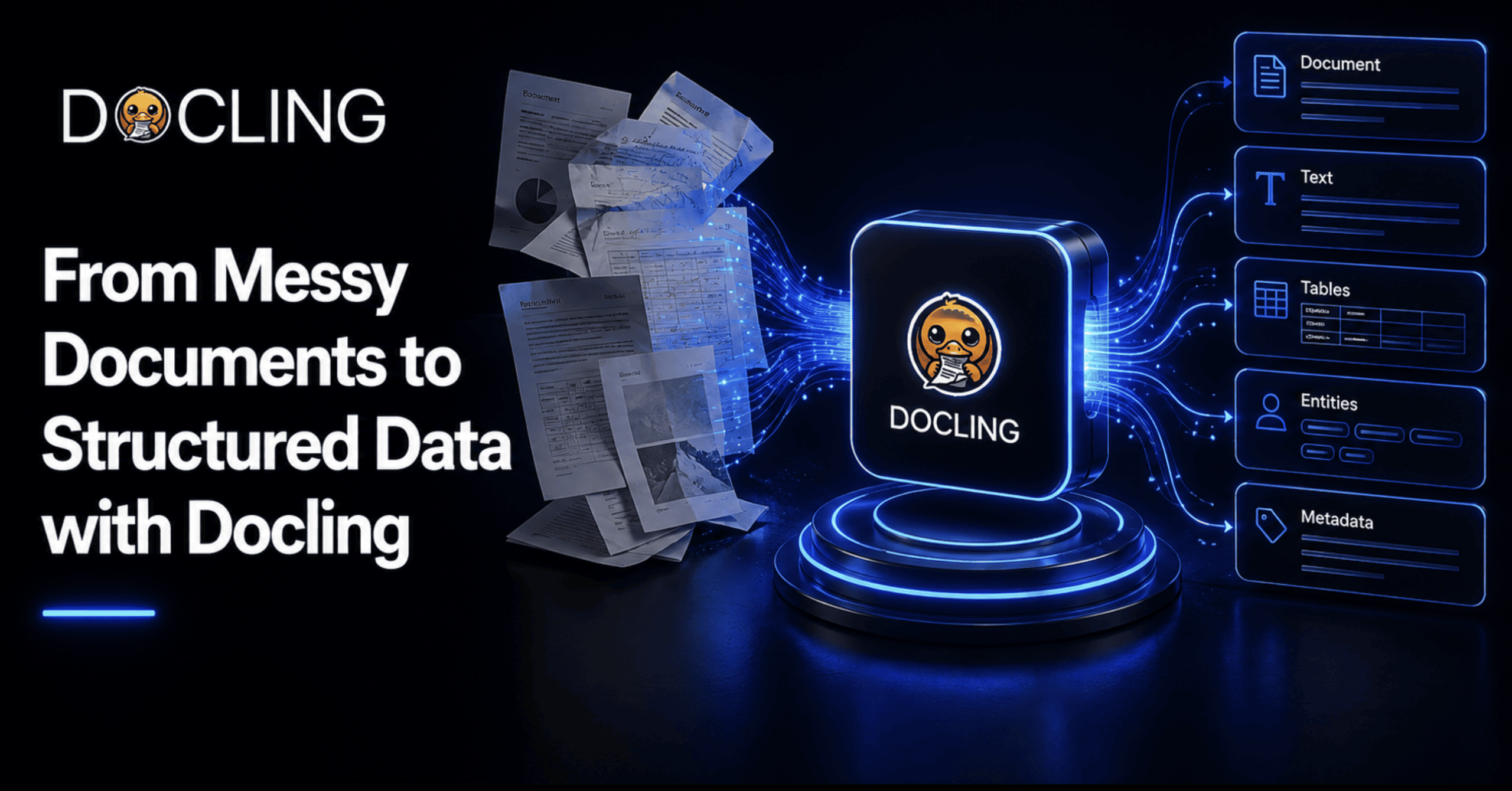
Docling takes documents in whatever inconsistent format they arrive in, and converts them into one unified, structured representation that both people and AI systems can work with reliably, rather than everyone downstream having to guess at what a wall of extracted text actually meant.
Somewhere on a shared drive right now is a hundred-page PDF report that someone needs three numbers out of. They open it, find the table, copy it, and paste it into a spreadsheet, only to watch every row collapse into a single unreadable cell. So they do it by hand instead, row by row, for a table with forty rows, because the alternative — writing a custom parser for one document — isn't worth the afternoon it would cost.
That specific kind of small, recurring defeat is what Docling exists to fix. Not by making documents less messy — they were never going to get tidier on their own — but by giving you a reliable way to turn whatever mess you've got — a scanned invoice, a multi-column research paper, a PowerPoint deck — into something a program can actually trust. This article walks through that process from a genuine beginner's starting point all the way to real, schema-based data extraction, with working code at every step.
What Docling Actually Is #
Docling is an open-source toolkit that started inside the AI for Knowledge team at IBM Research Zurich and has since grown into one of the more actively maintained document-processing projects around, now hosted under the LF AI & Data Foundation and released under an MIT license. As of this writing, its GitHub repository sits at over 64,000 stars and close to 4,600 forks, and the project backs its claims with an actual technical report rather than only a marketing page, which matters if you're deciding whether to build something real on top of it.
In one sentence: Docling takes documents in whatever inconsistent format they arrive in and converts them into one unified, structured representation that both people and AI systems can work with reliably, rather than everyone downstream having to guess at what a wall of extracted text actually meant.
Why Messy Documents Are a Genuinely Hard Problem #
It's worth being specific about what actually breaks, because "PDFs are annoying" undersells the real technical problem. A standard PDF has no concept of a table, a paragraph, or a heading built into it. It's just text positioned at coordinates on a page. A basic text extractor reads those coordinates left to right, top to bottom, and a two-column academic paper turns into a scrambled mess where half a sentence from column one gets glued onto a random line from column two. A table doesn't fare any better: without genuine structure detection, the cell boundaries are gone, and what should be a clean grid becomes a wall of numbers with no way to tell which row or column any of them belonged to.
Scanned documents add a second layer entirely, since there's no text at all until an optical character recognition (OCR) engine has read the pixels and guessed at the characters. Headers and footers repeat on every page and pollute the actual content if nothing filters them out. Formulas, code blocks, and figure captions each need their own handling, or they either get dropped silently or dumped into the body text as noise. None of these are edge cases. They're what a real document looks like on any given Tuesday, and it's exactly this list Docling is built to handle directly rather than leave to whoever's stuck extracting the data by hand.
A Tour of What Docling Can Actually Do #
Before writing any code, it's worth seeing the full shape of what's available, since Docling's scope is genuinely wider than "PDF to text." According to the feature breakdown on Docling's own website, the toolkit spans import, export, and extraction in a way that covers most of a document pipeline's real needs.
| Category | What It Covers |
|---|---|
| Import | PDF, DOCX, PPTX, Markdown, HTML, AsciiDoc, WebVTT, XLSX, CSV, and images (PNG, JPEG, TIFF, BMP, WEBP), plus audio (MP3, WAV) |
| Export | JSON, Doctags, Markdown, HTML, and plain text |
| Extract | Page images and numbers, headers and footers, paragraphs, list items, code blocks, formulas, reading order, ready-made chunks, table structure and cells, picture classification and captions, and bounding boxes for every component |
That last row is what separates Docling from a plain text extractor. It's not just pulling characters off a page; it's identifying what kind of thing each piece of content actually is — a caption, a list item, a table cell — and preserving how those pieces relate to each other. That distinction is the foundation everything later in this article depends on.
Prerequisites
Before the hands-on sections, here's exactly what you need in place:
- Python 3.10 or later, since Python 3.9 support was dropped as of Docling version 2.70.0
- Pip, for installation
- Basic comfort running a Python script from the terminal — nothing more advanced than that is required to follow along through the intermediate sections
One detail worth knowing upfront: Docling runs its core models locally by default. You don't need an API key or an internet connection to convert a document once it's installed, which matters directly if you're working with anything sensitive — contracts, medical records, internal financial reports — that shouldn't be leaving your machine.
Step 1: Installing Docling and Running Your First Conversion #
Installation is a single line. Open a terminal and run:
pip install docling
That's the whole setup. From here, there are two ways to actually convert a document, and it's worth knowing both.
The fastest way to see Docling work at all is straight from the terminal, no script required, using the official quickstart guide as the reference:
docling https://arxiv.org/pdf/2206.01062
For anything you're actually going to build on, though, the Python API is the better starting point:
from docling.document_converter import DocumentConverter

source = "https://arxiv.org/pdf/2408.09869"

converter = DocumentConverter()

result = converter.convert(source)

doc = result.document

print(doc.export_to_markdown())
What's happening underneath those four lines is doing a fair amount of real work. DocumentConverter() picks the correct backend and pipeline based on the file type it detects — a PDF gets layout analysis and table structure detection, an image gets routed through OCR, and so on — without you having to specify any of that yourself. The .convert(source).document chain is the pattern you'll use throughout this entire article: convert once, then work with the resulting document object however you need. That object is a DoclingDocument, and understanding what's actually inside it is the next — and arguably most important — step.
Step 2: Understanding the DoclingDocument #
Everything else in this article — exporting, chunking, extracting structured fields — works because of one underlying idea: Docling converts every input format into the same unified structure, called a DoclingDocument. Get comfortable with this concept and the rest of the toolkit stops feeling like a collection of separate features and starts feeling like one consistent system.
According to the concept documentation, a DoclingDocument organizes everything it holds into two categories. The first is content items — the actual substance of the document — split across four fields: texts for anything with a text representation (paragraphs, headings, list items), tables, pictures, and key_value_items. The second is content structure, which is where the document's shape lives: body, the root of a tree holding the main content in reading order; furniture, a separate tree for anything that isn't real content (headers and footers); and groups, containers for things like list items or a chapter that need to be held together without being content themselves.
That body tree is what solves the reading-order problem described earlier in this article. Instead of guessing based on raw page coordinates, Docling stores every content item as a node in that tree, nested under whatever section it actually belongs to, so a title node has real child nodes underneath it for every paragraph, table, and image that follows it in the document, in the order a person would actually read them.
Step 3: Exporting to the Format Your Pipeline Actually Needs #
Once you have a DoclingDocument, getting it into whatever format your downstream system actually wants is a one-line call, and it's worth knowing your options rather than defaulting to Markdown out of habit.
from docling.document_converter import DocumentConverter

converter = DocumentConverter()
doc = converter.convert("quarterly_report.pdf").document

markdown_output = doc.export_to_markdown()

json_output = doc.export_to_dict()

html_output = doc.export_to_html()
The choice here really comes down to who or what reads the output next. Markdown is the right call when feeding into most language models, since it's compact and models are heavily trained on it. JSON is the right call when another piece of code needs to reliably find, say, "the third table on page 4" without re-parsing anything. HTML earns its place when the result needs to actually render for a person, preserving visual structure a plain text or Markdown export would flatten.
Step 4: Handling the Genuinely Messy Stuff #
This is where the pain points from earlier in the article actually get resolved. Scanned pages, for instance, need OCR before there's any text to extract at all, and Docling handles this as a pipeline option rather than a separate tool you'd have to bolt on:
from docling.document_converter import DocumentConverter, PdfFormatOption
from docling.datamodel.pipeline_options import PdfPipelineOptions
from docling.datamodel.base_models import InputFormat

pipeline_options = PdfPipelineOptions()
pipeline_options.do_ocr = True
pipeline_options.do_table_structure = True  # explicitly enable

converter = DocumentConverter(
    format_options={
        InputFormat.PDF: PdfFormatOption(pipeline_options=pipeline_options)
    }
)

doc = converter.convert("scanned_invoice.pdf").document
print(doc.export_to_markdown())
The do_ocr flag is what triggers text recognition on pages that don't already have a text layer, which is exactly the situation with a scanned document, a fax, or a photographed receipt. do_table_structure is worth calling out on its own, because it's doing more than most people expect: Docling isn't just locating where a table sits on the page, it's reconstructing actual rows, columns, and multi-level headers, and it can correctly interpret cell content that's more complex than a single value — a list embedded inside one cell, for instance — rather than flattening everything into a single blob of text the way a naive extractor would.
Step 5: Chunking a Document for Retrieval-Augmented Generation and AI Pipelines #
This is the first genuinely advanced step in this article, and it's the one most relevant if you're feeding documents into a retrieval-augmented generation (RAG) system. Splitting a document into chunks sounds simple until you've watched a naive character-count splitter cut a sentence in half, or separate a table's header row from the data beneath it — both of which quietly wreck retrieval quality.
Docling's HybridChunker is built specifically to avoid that. It starts from the document's actual structure — the same body tree covered in Step 2 — rather than blindly counting characters, and then applies tokenizer-aware refinements on top: splitting a chunk further only when it's genuinely too large for your target token limit, and merging adjacent undersized chunks back together when they share the same heading, so you don't end up with dozens of tiny, context-poor fragments either.
from docling.document_converter import DocumentConverter
from docling.chunking import HybridChunker

converter = DocumentConverter()
doc = converter.convert("employee_handbook.pdf").document

chunker = HybridChunker()

chunks = list(chunker.chunk(dl_doc=doc))

for chunk in chunks[:3]:
    print(chunker.contextualize(chunk))
    print("---")
chunker.chunk(dl_doc=doc) returns an iterator of chunk objects, each one a genuine piece of the document's structure rather than an arbitrary character slice. The contextualize() call matters more than it looks: a raw chunk of text loses the section heading it lived under, but contextualize() folds that context back in, so a chunk about "termination policy" still carries the fact that it came from a section called "Employee Conduct" — which is exactly the kind of context an embedding model needs to retrieve it correctly later. merge_peers, on by default, is what stops the chunker from producing a flood of tiny, nearly useless fragments out of a document with lots of short paragraphs under the same heading.
Step 6: The Real Destination — Schema-Based Structured Extraction #
Everything up to this point has been about getting a clean, structured representation of a document. This last step is where that structure actually turns into the specific data you need, and it's the part of Docling most tutorials skip past — which is a shame, because it's the feature that most directly matches what this article's title promises.
Docling's DocumentExtractor lets you define a schema — either as a simple dictionary or as a full Pydantic model — and get back validated, typed data instead of a wall of text you'd still need to parse yourself. The official example uses a real Swiss QR-bill — an invoice with a bill number, a total, and other fields — as its running case, and it's worth reproducing here because it demonstrates the idea cleanly.
from docling.datamodel.base_models import InputFormat
from docling.document_extractor import DocumentExtractor
from pydantic import BaseModel, Field
from typing import Optional

extractor = DocumentExtractor(allowed_formats=[InputFormat.IMAGE, InputFormat.PDF])

class Invoice(BaseModel):
    bill_no: str = Field(examples=["A123", "5414"])
    total: float = Field(default=10, examples=[20])
    tax_id: Optional[str] = Field(default=None, examples=["1234567890"])

result = extractor.extract(
    source="invoice_scan.jpg",
    template=Invoice,   # the Pydantic class itself becomes the extraction template
)

print(result.pages[0].extracted_data)
Running this against a real invoice image returns something like {'bill_no': '3139', 'total': 3949.75, 'tax_id': None} — genuinely typed values, not a string you'd still need to regex apart. The Field(examples=[...]) pattern is worth understanding specifically: it doesn't force a value, it gives the extraction model a hint about the shape and format of what it's looking for, which measurably improves accuracy on fields that could otherwise be ambiguous — a bill number that could be read as a date, for instance.
It's worth taking this one step further, because Docling doesn't limit you to flat fields. Nested Pydantic models work directly:
class Contact(BaseModel):
    name: Optional[str] = Field(default=None, examples=["Smith"])
    address: str = Field(default="123 Main St", examples=["456 Elm St"])
    city: str = Field(default="Anytown", examples=["Othertown"])

class ExtendedInvoice(BaseModel):
    bill_no: str = Field(examples=["A123", "5414"])
    total: float = Field(default=10, examples=[20])
    sender: Contact = Field(default=Contact())
    receiver: Contact = Field(default=Contact())

result = extractor.extract(source="invoice_scan.jpg", template=ExtendedInvoice)

invoice = ExtendedInvoice.model_validate(result.pages[0].extracted_data)

print(f"Invoice #{invoice.bill_no} was sent by {invoice.sender.name} to {invoice.receiver.name}.")
That last block is the whole article's argument in miniature. sender and receiver are their own full Pydantic models nested inside ExtendedInvoice, and model_validate() takes the extracted dictionary and turns it into an actual typed Python object — with real attribute access and validation — not a loose bag of keys you're hoping are spelled consistently. That's the distance covered between the scanned image this section started with and a line like invoice.sender.name you can trust enough to put directly into a database write or an API call.
Where This Fits Into a Real Pipeline #
The single-script examples above are how you learn the tool, but it's worth knowing how this fits into an actual production setup. Docling ships native integrations with LangChain, LlamaIndex, and Haystack, so if you're already building a RAG pipeline in one of those frameworks, Docling slots in as the document- step rather than requiring you to glue anything together yourself. For agent-based workflows specifically, there's a Model Context Protocol (MCP) server that lets an AI agent call Docling's conversion and extraction capabilities directly as a tool.
If you'd rather not run the models yourself, there are two paths worth knowing. Docling Serve packages the whole engine behind a REST API you can self-host — useful for a team that wants a shared internal conversion service without every application embedding the library directly. And as of June 15, 2026, IBM began offering Docling as a managed software-as-a-service (SaaS) product through watsonx, for teams that would rather not host any of it themselves at all, built directly on the same open-source engine covered in this article.
What's Still Coming, and What to Watch For #
Worth being upfront about the current edges of the project, since it's under genuinely active development and the feature set keeps expanding month to month. Per the project's own repository roadmap, metadata extraction (pulling out a document's title, authors, references, and language automatically) and complex chemistry understanding (parsing molecular structures) are both listed as coming soon rather than available today, so don't build around either yet.
One practical resource note worth planning around: Docling's layout and table-structure models run locally, which is genuinely good for privacy but means processing time and memory use scale with document complexity and volume. For anyone converting documents at real scale, or reaching for one of the heavier vision-language model pipelines like GraniteDocling, GPU acceleration makes a meaningful difference and is worth budgeting for rather than treating as an afterthought.
Conclusion #
The actual distance covered in this article isn't from "PDF" to "** Markdown**." It's from a document that only a person could reliably make sense of to one a program can trust enough to act on directly — look up a bill number, pull a sender's address, hand a clean chunk to an embedding model without second-guessing where it came from. That's the real difference between section one's garbled spreadsheet paste and section eleven's validated invoice.sender.name, and it's a distance most teams still cross by hand, one copy-paste at a time, simply because they've never had a reliable way not to.
[Shittu Olumide](https://www.linkedin.com/in/olumide-shittu/) is a software engineer and technical writer passionate about leveraging cutting-edge technologies to craft compelling narratives, with a keen eye for detail and a knack for simplifying complex concepts. You can also find Shittu on Twitter.