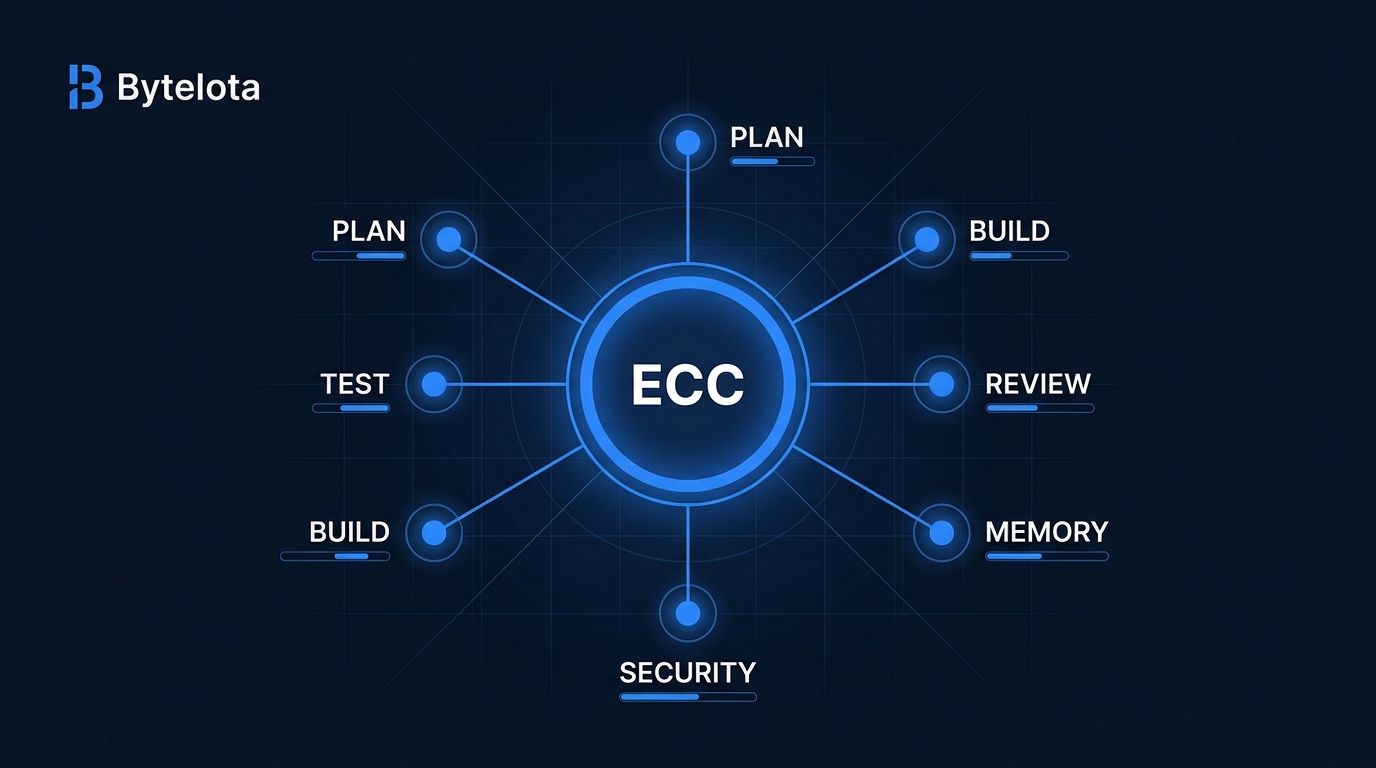
ECC (Everything Claude Code) just crossed 200,000 GitHub stars — placing it among the most-starred developer tools ever created. The star count alone doesn’t explain the adoption. What explains it: ECC gives Claude Code a structured engineering workflow the agent doesn’t have by default. Memory that persists between sessions. A security scanner that grades your config. Sixty-eight specialized sub-agents so one context window isn’t doing twelve jobs at once.
If you’re using Claude Code on anything more complex than a one-off script, there’s a good chance ECC adds something you’re currently missing.
What ECC Actually Is (And What It Isn’t) #
The common misread: ECC is a big CLAUDE.md file with a lot of rules. The accurate read: it’s a system layer that intercepts the agent at each stage of a workflow and enforces a discipline loop.
The loop looks like this: plan → test → implement → review → verify → remember → improve. ECC’s hooks and agents enforce each transition. The agent doesn’t skip from “here’s a task” to “here’s 300 lines of code that might be wrong.” It plans first, writes tests before implementation, runs a fresh-context review after, and persists what it learned.
That’s architecturally different from a rules file. Rules inform behavior. ECC structures it.
The numbers back real adoption: 32,500 forks, 230 contributors, 12 language ecosystems. This isn’t GitHub curiosity. Teams are forking, modifying, and maintaining their own versions of the ECC agent harness.
Three Skills Worth Installing Today #
ECC ships with 286 skills. Don’t install all of them. One developer tested 249 and kept 5. Context window space is finite, and unused skill definitions is a fast way to make your agent worse, not better. Start with three.
/grill-me — Plan Before You Build
Before any code is written, this skill puts Claude in interrogator mode. It asks questions about the task until there’s genuine shared understanding — edge cases, constraints, architecture decisions — before a line is written. Developers who use it consistently report the same experience: the implementation phase goes faster because the planning phase caught the ambiguities early.
/tdd — Tests Before Code, Always
The TDD skill enforces a specific sequence: define interfaces, write failing tests, implement to green, refactor, verify 80%+ coverage. The agent doesn’t write implementation code until there are tests to make pass. For codebases where test discipline has been inconsistent, this is the closest thing to enforcement available.
AgentShield — Scan Your Config Right Now
This one doesn’t even require installing ECC.
npx ecc-agentshield scan
AgentShield scans your .claude/ directory and grades it A-F. It looks for hardcoded secrets in CLAUDE.md, prompt injection patterns, overly permissive allow lists in settings.json, command injection risk in hooks, and supply chain issues in MCP configs. A lot of developers discover problems they didn’t know existed. Run it now, before you decide whether to install anything else.
The Real Cost: Context Window Pressure #
ECC’s loudest criticism is legitimate. Every skill definition loaded consumes context window space. If you’re already running a heavy MCP setup — multiple servers, extensive rules — adding ECC on top strains the context further. Overlapping rules from different skills can make agent behavior unpredictable.
The 997 internal tests and multi-language rule architecture that make ECC robust at scale are the same things that make it overkill for simple tasks. One-liner fixes, quick questions, throwaway prototypes: the overhead isn’t worth it.
The correct approach is selective. Install what solves a problem you actually have. Start with three skills. Add more only when a gap becomes obvious.
Installation #
For Claude Code users, two lines:
/plugin marketplace add affaan-m/everything-claude-code
/plugin install everything-claude-code@everything-claude-code
That unlocks /grill-me, /tdd, /plan, /code-review, and the rest of the skill library. Adapters exist for Codex, Cursor, OpenCode, Gemini, Zed, and GitHub Copilot, though support is most complete on Claude Code. AgentShield is also available as a standalone GitHub Action for CI integration.
Who Should Use ECC #
ECC makes sense if you’re running Claude Code on multi-session projects where consistency matters, working on a codebase where you want enforced test coverage and security baselines, or managing a team where you need shared engineering standards that don’t require each developer to reinvent their CLAUDE.md.
It doesn’t make sense for prototyping, one-off scripts, or workflows where speed is the only metric. The planning and verification overhead is real, and for fast-and-dirty work, it slows you down.
The Bottom Line #
200,000 stars is a signal. It’s not a reason to install 286 skills. ECC earns its reputation on three things: the discipline loop it enforces, the AgentShield security scanner that works without a full install, and the memory persistence system that stops you from re-explaining your codebase every session.
Most developers who get value from ECC use a small fraction of it. That fraction is worth finding. The DataCamp ECC tutorial is the fastest way to get oriented if you’re starting from scratch. Or skip the tutorial and start with npx ecc-agentshield scan — thirty seconds, and you’ll know immediately if there’s a problem in your Claude Code config worth fixing.