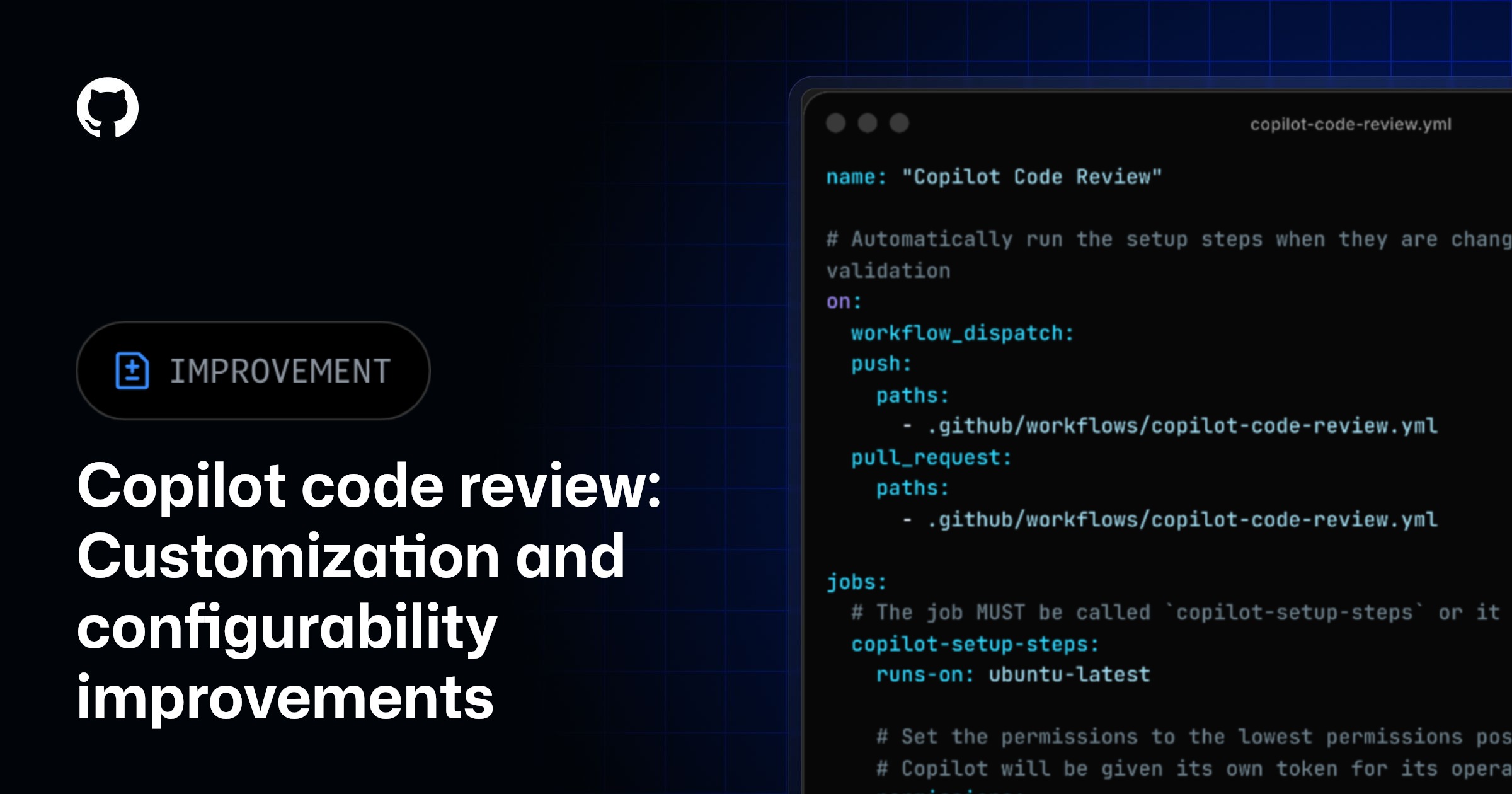
Copilot code review now utilizes a firewall, custom setup steps, and independent runner configurations. It now reads custom instructions from the head branch to allow for easy testing and validation of custom instructions. These changes give administrators and developers more control over how Copilot code review runs in their environment.
[Expanding custom instructions, now easier to validate](#expanding-custom-instructions-now-easier-to-validate)

[📝 Custom instructions now read from the head branch](#%f0%9f%93%9d-custom-instructions-now-read-from-the-head-branch)
Custom instructions are now read from the head branch of the pull request instead of the base branch. This includes copilot-instructions.md
, *.instructions.md
, agent skills, and AGENTS.md
. This means you can iterate on and test custom instructions in a feature branch without needing to merge them first.
📄 Expanded custom instructions file support
Copilot code review now reads REVIEW.md
, GEMINI.md
, and CLAUDE.md
files from your repository, so your customizations are understood regardless of where they live. If your team already maintains review guidelines or model-specific instructions in these files, Copilot code review will automatically pick them up and incorporate them into its review process.
🔧 Custom setup steps
You can now configure the environment available to Copilot code review during runtime using a copilot-code-review.yml
file in your .github/workflows/
directory. This lets you install dependencies, configure runners on the repository level independently of Copilot cloud agent, set up tooling, or run any preparation steps that Copilot code review needs to produce the reviews you desire for your repository.
- Add a
copilot-code-review.yml
file to your repository to define setup steps specific to Copilot code review. - If no
copilot-code-review.yml
file exists, Copilot code review will fall back to your existingcopilot-setup-steps.yml
file if one is present.
To learn more about how to set up a copilot-code-review.yml
file, see our documentation on setting the Copilot code review environment.
🛡️ Firewall support Copilot code review now runs behind a firewall by default, restricting network access during a review. The firewall is configurable separately from Copilot cloud agent in repository and organization settings, giving you independent control over each agent’s network access.
- The firewall is enabled by default for all repositories. - To configure this setting in your repository, navigate to your repository settings, then go to Copilot→** Internet access**.
⚠️ Self-hosted runners do not currently support the firewall. If you have self-hosted runners configured for Copilot code review, your reviews will continue to run as usual without the firewall.
⚙️ Organization runner configuration updates for Copilot code review Copilot code review and Copilot cloud agent previously shared a single runner configuration at the organization level. That configuration is now split into two separate sections on the Runner type settings page in your organization settings, allowing you to independently choose different runner types for each agent.
To update your configuration, navigate to your organization settings, then go to Copilot → Runner type.