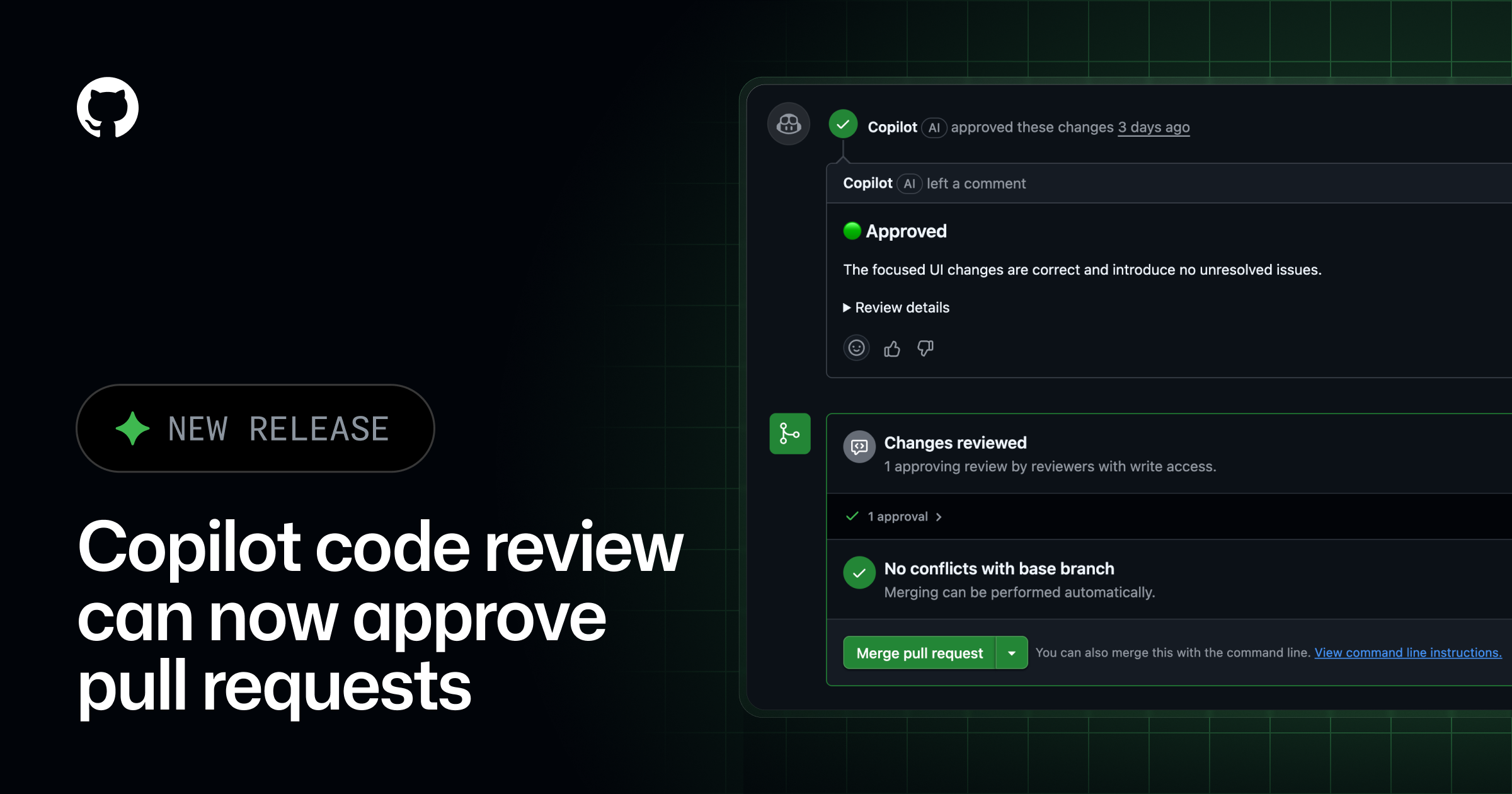
Copilot now tells you when a pull request is ready to approve, and admins can authorize it to sign off on approval. The ability for Copilot to approve is off by default and configurable at the enterprise, organization, and repository level. The approval assessments will now appear as a part of the overview comment in every Copilot review. This feature is available in public preview to GitHub Copilot Pro, Pro+, Max, Business, and Enterprise plans.
✅ Approval assessments Every Copilot code review now includes an approval assessment in the overview comment. The assessment signals whether Copilot considers the pull request ready to approve, giving you an at-a-glance read on its judgment alongside its detailed comments.
An approval assessment alone does not count toward merge requirements. Copilot’s determination is surfaced so you can decide how to act on it.
⚙️ Turning on approvals By default, Copilot will not approve pull requests. When enabled, Copilot can submit an approval that counts toward the repository’s required-approvals rule. If new commits are pushed after Copilot approves, its approval is dismissed just like a human reviewer’s, and you can request a new review from Copilot to get a fresh approval.
Admins control this behavior at three levels:
Enterprise: Admins can leave approvals off for the whole enterprise or let organizations decide.Organization: Admins can turn approvals on org-wide, let repository admins decide, enable it for specific repositories, or turn it off org-wide.Repository: Admins can turn approvals on or off, and choose which file paths Copilot is allowed to approve.
To learn more about configuring approvals for your enterprise, organization, or repository, see the Copilot code review documentation.