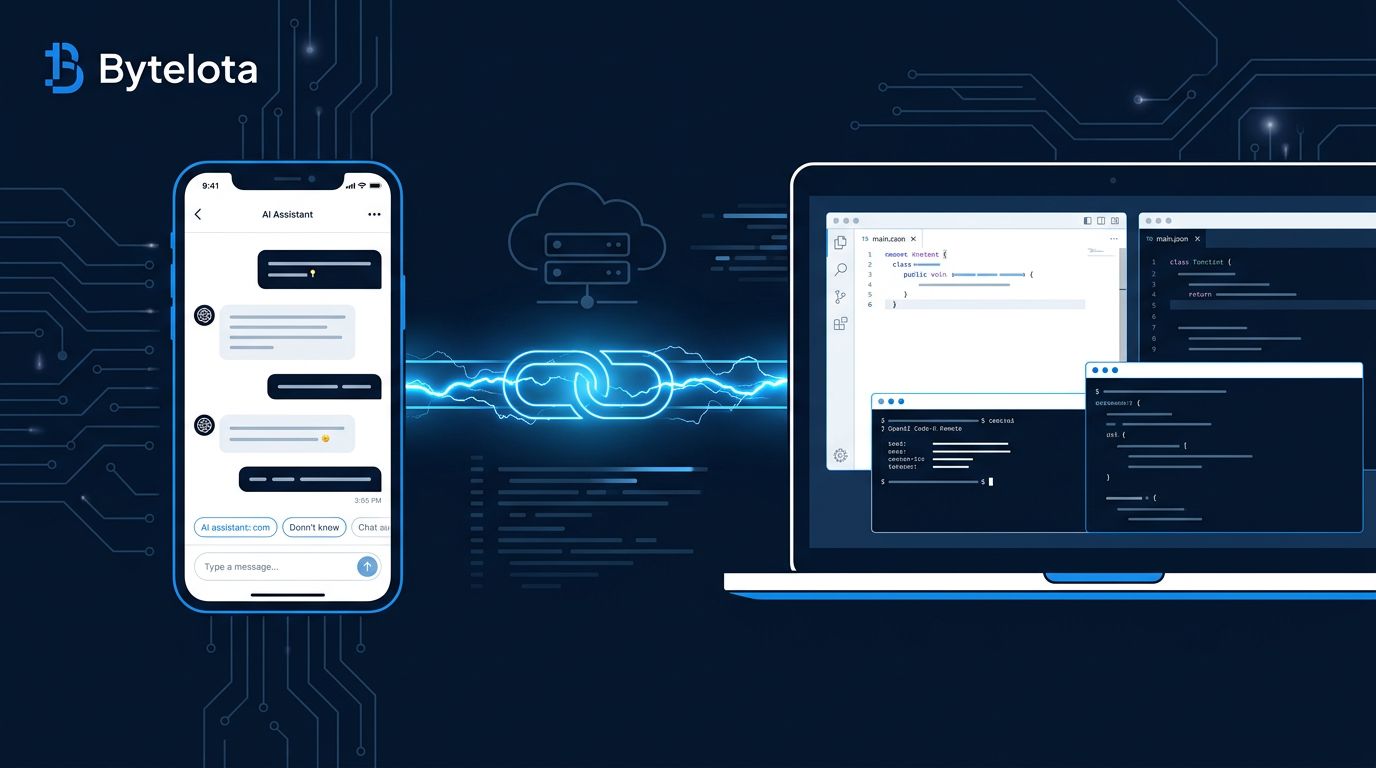
OpenAI dropped the preview label from Codex Remote on June 25 — and what shipped alongside it is worth reading carefully. Codex Remote is now generally available on every ChatGPT plan from Free to Enterprise. Windows gets full Computer Use support. A DigitalOcean plugin spins up a persistent cloud dev workspace in one prompt. Record & Replay on macOS turns demonstrated workflows into reusable skills. This isn’t a polish release. It’s a change in where development actually happens.
GA Means the Gates Are Gone #
Until now, Codex Remote was a preview feature with a waitlist feel — available in theory, but with enough friction that most developers hadn’t touched it. GA removes that. If you have a ChatGPT plan, you have Codex Remote.
What changed technically: v0.142.2 shipped alongside the GA announcement on June 25, adding end-to-end encrypted Noise relay channels (introduced in v0.141.0 on June 20), smarter MCP tool search, and improved macOS proxy support. The authentication model also tightened — authenticated one-to-one QR pairing now links each phone to a specific host. If you had a remote connection before June 8, you need to re-pair.
Setup is three steps: install the Codex App on the host machine, open the sidebar and select “Set up Codex mobile,” then scan the QR code from the ChatGPT mobile app. The host needs to be awake, online, and signed into the same account. Full setup details are in the Codex Remote Connections documentation.
Windows Computer Use: Real, With One Big Catch #
Codex can now see and operate Windows desktop apps — clicking, typing, reading screen state, and moving through menus. That matters for the majority of enterprise developers on Windows machines. Visual QA, bug reproduction that only surfaces in a GUI, multi-application workflows without APIs — these are now automatable.
Install Codex on Windows:
winget install Codex -s msstore
Then install the Computer Use plugin from Codex settings and keep your target application visible on the active desktop during execution.
The catch: Windows runs in foreground-only mode. While Codex is working, your session is blocked — you cannot use the machine simultaneously. macOS supports background Computer Use and can operate after the screen locks via an authorization plugin. Windows doesn’t have that yet. For background task execution, macOS remains the stronger host. See the full Computer Use documentation for platform-specific guidance.
What Codex cannot do on either platform: automate terminal apps or Codex itself, authenticate as administrator, or approve system permission prompts. These are deliberate security boundaries, not oversights.
The DigitalOcean Plugin Is the Sleeper Feature #
A new plugin provisions a DigitalOcean Droplet, configures SSH, and connects it as a Codex remote workspace — driven entirely through conversation. No doctl, no API tokens, no manual SSH config. You pick region and size. Codex handles the rest: boots the Droplet from the Codex Universal image, mints a unique SSH key, writes your ~/.ssh/config
, probes until cloud-init finishes, and hands off the workspace.
The Droplet bills hourly until you delete it. The plugin code is open source on GitHub.
This quietly solves a problem with no elegant answer: how do you get a persistent, powerful cloud dev environment without either a full DevOps setup or a locked-in cloud IDE subscription? The answer is now one prompt. Compare that to GitHub Codespaces, where you’re billed through GitHub’s pricing structure and locked into that ecosystem — Codex with DigitalOcean gives you an hourly Droplet you control, billed directly to your DigitalOcean account.
Record & Replay: Codify Your Muscle Memory #
Record & Replay is macOS-only for now — not yet available in the EEA, UK, or Switzerland — but worth knowing. Demonstrate a workflow (expense filing, report download, issue creation in a GUI tool) and Codex watches, then generates a reusable skill from it. The skill captures when to use it, what inputs it needs, and how to verify the result.
Instead of re-explaining a repetitive task every time, you do it once. The skill stays available for future sessions. For more complex multi-skill packages, OpenAI recommends creating a dedicated plugin, but for individual workflows, Record & Replay is a fast path to personalized automation.
Who Should Enable This Now #
If you’re on any paid ChatGPT plan and write code regularly, enable Codex Remote today. The setup friction is low and the upside is immediate. Windows developers gain Computer Use access that didn’t exist before. Anyone who’s wanted a throwaway cloud dev environment without DevOps overhead should install the DigitalOcean plugin. macOS developers should try Record & Replay on one repetitive workflow this week.
The direction Codex is moving is remote-first AI development: your phone approves, your cloud executes, your local machine becomes optional. GA on all plans is the inflection point.