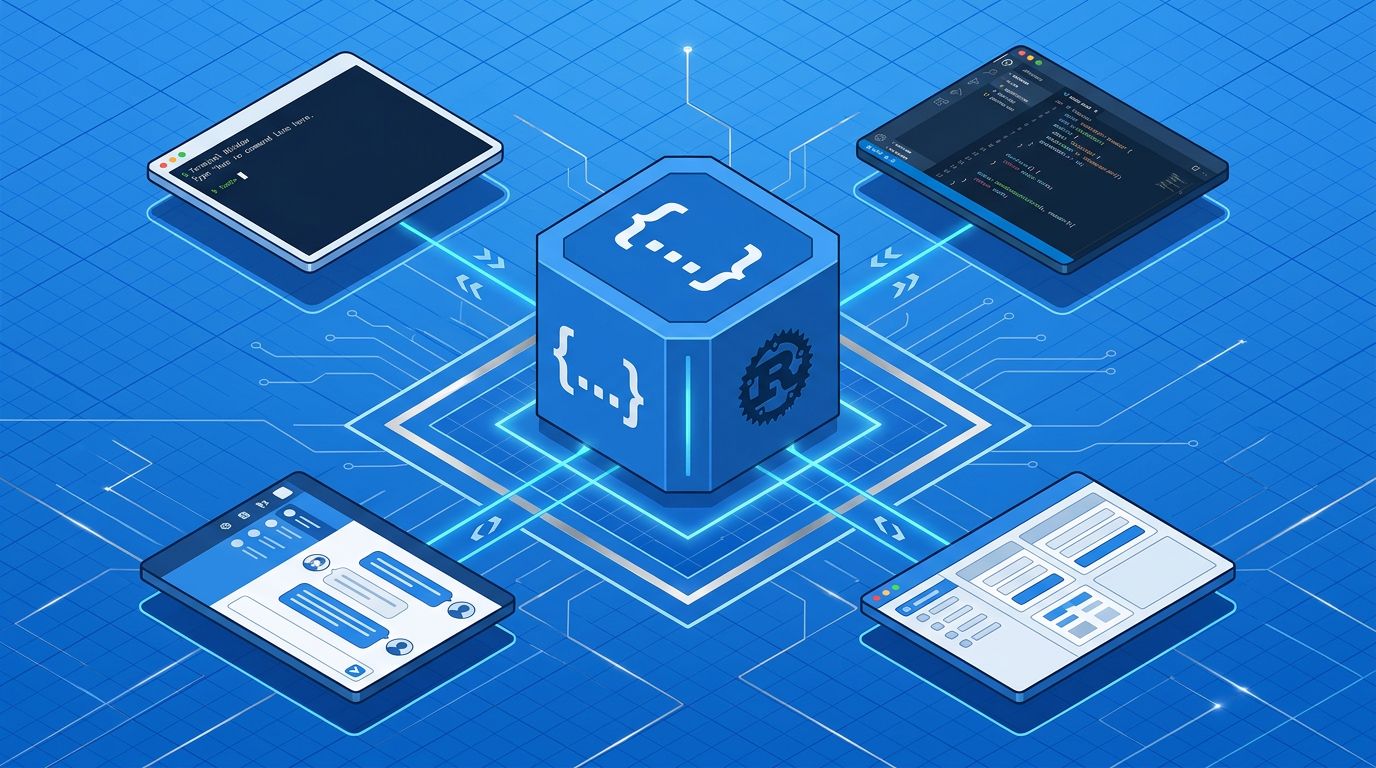
ChatGPT Work, the Codex CLI, the VS Code extension, and the macOS app are four products with one shared engine: the Codex App Server. When you run codex
in your terminal, you’re talking to the same agent loop that powers the web UI and the JetBrains plugin. OpenAI built this bidirectional JSON-RPC layer after rejecting MCP as inadequate for streaming diffs and approval workflows. If you’re building on Codex or designing your own agents, this is the architecture you need to understand.
Why the Codex App Server Exists #
Before the App Server, every Codex surface had its own bespoke implementation. The CLI did things the CLI way; the VS Code extension maintained its own agent loop. That surface fragmentation meant the same harness logic was duplicated across four separate codebases.
OpenAI’s solution mirrors the same insight that standardized language tooling a decade ago. The Language Server Protocol decoupled editors from language intelligence so any editor could work with any language server. The Codex App Server does the same for agent surfaces: one stable protocol, one Rust-based harness runtime, every client just implements the JSON-RPC layer. As OpenAI engineer Celia Chen put it: “One user request can unfold into a structured sequence of actions that the client needs to represent faithfully.”
MCP was the first candidate for this job, and OpenAI rejected it. MCP’s tool-oriented request-response model cannot represent streaming diffs, multi-step approval flows, or persistent session state. So they built their own. MCP and the App Server now coexist: MCP connects external tools to Codex; the App Server connects clients to Codex. Different jobs. (For background on the broader harness engineering paradigm, see Unlocking the Codex Harness.)
Three Protocol Primitives #
The entire Codex App Server protocol rests on three concepts. Understand these and the rest follows.
Thread — A durable session container that survives restarts and tab closures. Threads support start
, resume
, fork
, archive
, and rollback
operations. Threads unload after 30 minutes of inactivity, but their history persists — this is why you can disconnect from a long-running Codex task and pick it back up.
Turn — One complete agent work unit: user input in, agent response out. Each Turn supports steer
(change direction mid-turn) and interrupt
, and it completes with token usage statistics you can use for cost tracking.
Item — The atomic I/O unit. Each Item follows an explicit lifecycle: item/started
→ zero or more item/*/delta
events → item/completed
. Item types include agent messages, reasoning, shell command executions, file changes, and tool calls. This three-stage lifecycle is how streaming works without losing consistency.
The Bidirectional Part Actually Matters #
Most protocols are unidirectional: client asks, server answers. The App Server inverts this for approval workflows. When Codex is about to run a shell command, it sends item/commandExecution/requestApproval
to the client — the server is asking the client for permission.
The client responds with accept
, decline
, cancel
, or acceptWithExecpolicyAmendment
— the last option modifies the allowed permissions going forward. For automated pipelines, you can wire approval to a Guardian subagent that evaluates risk autonomously. For human-in-the-loop workflows, your UI handles the approval prompt.
This is the agentic safety layer. It’s not a feature — it’s the architectural reason the App Server exists as a bidirectional protocol rather than a standard REST API.
Pick Your Integration Path #
Four integration paths exist, each suited to a different context. Choose based on your deployment constraints:
| Path | When to Use |
|---|---|
| stdio App Server | CLI tools, IDE extensions, desktop apps — zero config, single client |
| WebSocket App Server | Multi-client, remote machines, enterprise with JWT auth |
| MCP server mode | Connecting Codex as a tool to the Agents SDK or any MCP client |
| codex exec / Python SDK | CI/CD automation, headless scripting, programmatic control |
For enterprise deployments, the three-tier pattern makes sense: App Server runs locally for low latency, Exec Server runs remotely for compute resources, and clients talk to App Server only. For CI/CD, use codex exec
or the Python SDK with headless approval callbacks. This is also where we covered the ChatGPT Work integration in our ChatGPT Work coverage, which runs this same App Server under the hood.
Quickstart: Python SDK #
The Python SDK spawns the App Server as a child process over stdio — no server setup required. Install codex-app-server
and you’re talking to the same harness that powers the desktop apps:
from codex_app_server import AppServerClient, AppServerConfig

config = AppServerConfig(
    client_name="my-tool",
    experimental_api=True,
)

with AppServerClient(config) as client:
    thread = client.thread_start(
        instructions="You are a helpful coding assistant.",
        sandbox={"type": "workspaceWrite"},
    )
    turn = client.turn_start(
        thread_id=thread.thread_id,
        message="Refactor this function to use async/await",
    )
    for event in client.stream_text(thread_id=thread.thread_id):
        print(event.delta, end="", flush=True)
Additionally, generate TypeScript types or JSON Schema to keep your client synchronized with the runtime version:
codex app-server generate-ts --out ./types
codex app-server generate-json-schema --out ./schemas
One Performance Issue to Know About Now #
The agent loop has an O(n²) byte complexity problem: full conversation history must be included in every request, so long sessions get expensive fast. The fix is placing static content — system instructions, tool definitions — at the beginning of the prompt to maximize cache hits via append-only history.
OpenAI hit a production bug worth knowing about: MCP tool definitions were emitted in non-deterministic order, causing cache misses on every turn. If you wire up MCP tools, enforce deterministic ordering. For very long sessions, the /responses/compact
endpoint returns an encrypted content blob that preserves semantic meaning — more effective than text summarization.
What to Do Now #
-
Read the official App Server documentation— the API surface is large (80+ methods) and schema generation is essential - Generate TypeScript bindings for your project with
codex app-server generate-ts -
Implement exponential backoff with jitter for
-32001
(overload) responses - Decide your approval strategy: human-in-the-loop UI, automated Guardian subagent, or auto-accept for sandboxed CI
- Use OpenAI’s harness engineering guideto structure your AGENTS.md and architectural constraints
The broader pattern here matters beyond Codex. “Agents aren’t hard; the Harness is hard.” OpenAI built one million lines of production code with zero human-written source across five months and seven engineers — and the App Server protocol is the infrastructure that made it possible. It’s open source, documented, and available via the openai/codex repository on GitHub. Build on it.