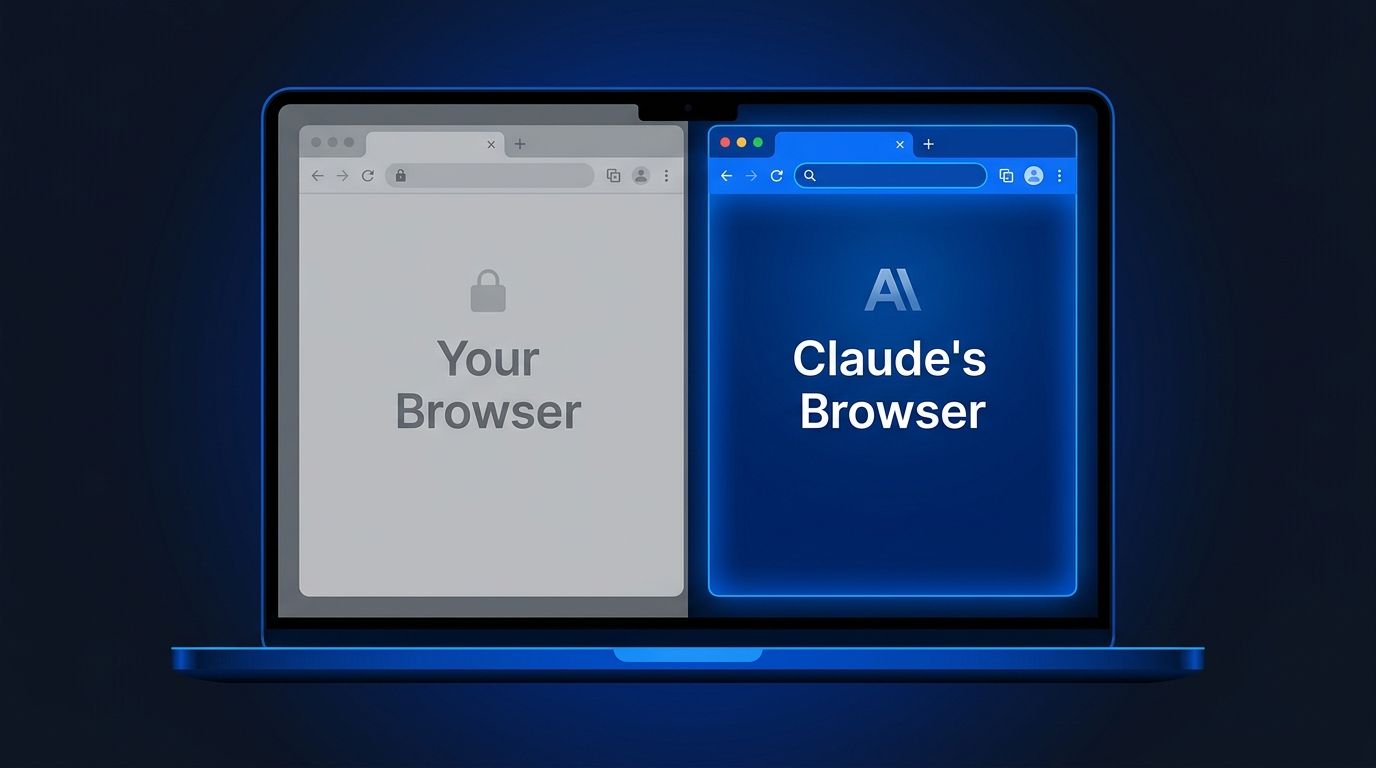
Claude Cowork now ships with its own browser — one that never touches your tabs, bookmarks, or saved passwords. Announced August 26, the built-in browser is rolling out this week to Pro, Max, Team, and Enterprise plans across Claude Desktop, giving Claude a sandboxed Chromium environment to handle web tasks independently. No extension to install. No access to your personal browser session.
What Changed — and Why It Matters #
Until now, giving Claude the ability to interact with the web in Cowork meant installing the Claude in Chrome extension, which gave Claude access to your browser: your tabs, your login sessions, your browsing context. That works fine when you want help on a page you are already looking at. It becomes a liability when you just want Claude to fill out a vendor portal while you work on something else.
The built-in browser solves that. It is a separate, isolated Chromium instance that lives in the Claude Desktop side panel. Claude can open sites, read pages, click, type, and navigate without ever touching your personal browser. Anthropic’s framing is direct: “It’s Claude’s browser, not yours.”
This is a meaningful architectural choice. The extension model is inherently permissive — you are granting an AI access to authenticated sessions you have built up over years. The sandboxed model enforces a hard boundary: Claude gets a fresh browser with no credentials, no history, and no access to anything you have not explicitly handed it.
Who Gets It and When #
The rollout started August 26 and is gradual:
Pro, Max, Team plans: rolling out via Claude Desktop on macOS, Windows, and Linux (Linux in beta)** Enterprise plans**: org admins can enable it now — the org owner controls whether the built-in browser is available to the team
If you are on a supported plan and do not see it yet, check Settings → Cowork → Preferred browser. If the option is missing entirely, either the rollout has not reached you or your Enterprise admin needs to enable it. The Chrome extension is not going away. If you already use Claude in Chrome, it stays your default unless you switch. The two options coexist: use the extension when you want Claude to help on a page you are already viewing; use the built-in browser when you want Claude to handle a web task independently in the background.
What the Browser Use API Means for Developers #
The Cowork built-in browser is the consumer-facing product of something Anthropic shipped on the API side a week earlier. On August 19, browser_toolset_20260801
went general availability on the Claude developer platform — no more beta headers required.
This matters if you are building agents. The browser use tool gives Claude 31 tools for web interaction: DOM-aware operations, structured form control, tab management, and optional JavaScript execution. It reads the page’s accessibility tree with element references, rather than relying on pixel-level screenshots alone. That makes it more reliable for structured interactions than computer_toolset_20260801
, which operates at the screenshot-and-coordinate level.
The practical distinction: if your agent needs to fill a form, extract structured data, or navigate a multi-step web workflow, the browser use tool is the right choice. If it needs to interact with arbitrary desktop applications or software without a proper DOM, computer use is your fallback. Both are now GA and production-ready — check the computer use docs for the migration path if you were on beta headers.
Security: The Honest Picture #
The sandboxed browser does not eliminate prompt injection. Instructions hidden in a webpage can still attempt to redirect Claude, and Anthropic is explicit about this risk in the built-in browser help article: “The built-in browser carries the same prompt injection risks as any AI agent that acts in a browser.” The attack success rate on Claude agents is now around 1% — down significantly from earlier iterations — but it is not zero.
Anthropic’s guidance: start with sites you trust, and be specific in your instructions. The vague-instruction problem is real. There is a documented Reddit case of Cowork deleting 11GB of files after an ambiguous “clean up” request. A browser agent with loose instructions and access to a logged-in portal is a real risk.
The built-in browser does raise the floor. The sandboxed approach limits blast radius when something goes wrong — Claude cannot accidentally leak your banking session to a malicious page because it does not have access to your banking session in the first place. That is the correct privacy model for enterprise AI agents. But it is not a substitute for scoped, precise instructions.
How to Enable It #
If you are on a supported plan and the rollout has reached you, the built-in browser requires no action — Claude uses it by default for web tasks if Claude in Chrome is not installed. To choose explicitly or switch back: **Settings → Cowork → Preferred browser**.

For developers using the API: drop the beta header, update to `browser_toolset_20260801`
, and you are on the GA toolset. The official announcement has the full context on what is included in this rollout.