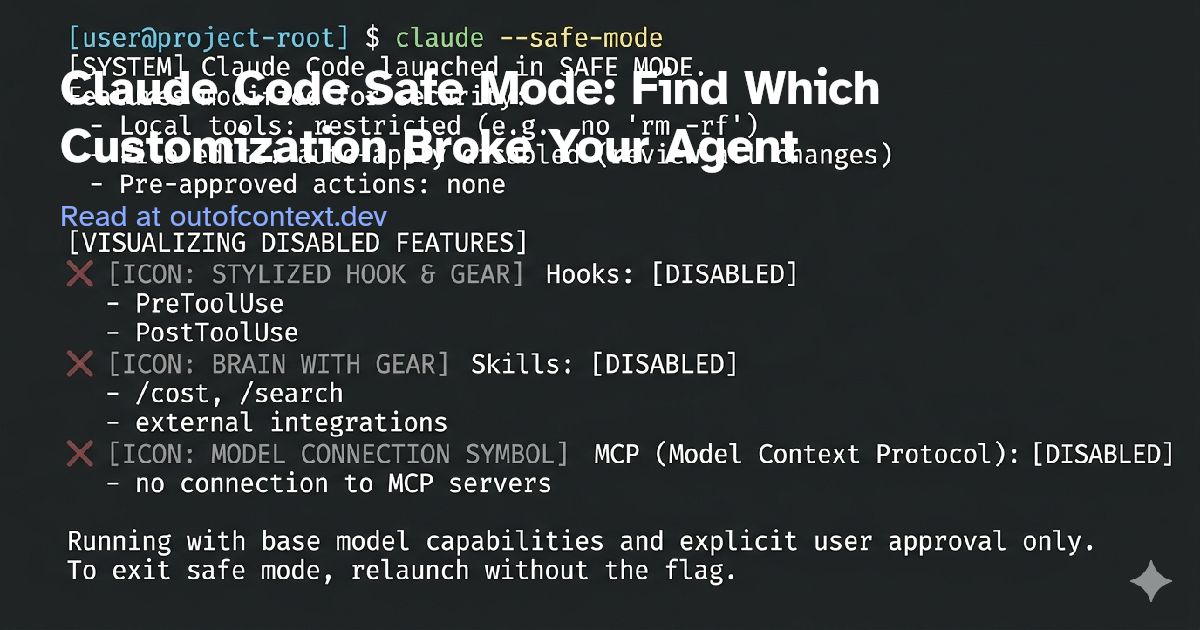
When Claude Code stops following your rules or tools behave unexpectedly, the hard part is knowing whether the model drifted or your customization stack broke. Anthropic added --safe-mode
in v2.1.169 to answer that question with one flag: strip every customization layer and get a clean baseline.
One flag. Clean baseline. Re-enable layers one at a time until the symptom returns.
What “broken” looks like #
These symptoms show up once a repo has a real customization stack — not day-one setup, but weeks of hooks, skills, and MCP servers layered on:
Ignored instructions.CLAUDE.md
says “run tests before commit.” Claude commits anyway. Or a subdirectory rule never loads when you expect it to.Wrong tool behavior. A PreToolUse hook fires on every save instead of every commit. A deny rule doesn’t block the variant you actually typed.Mystery MCP failures. A server shows connected in/mcp
but returns zero tools. Or a relative path in.mcp.json
works from one directory and fails from another.Runaway resource use. High CPU or memory that doesn’t match the task size — often a plugin or hook loop, not the model.
The common thread: you can’t tell which layer owns the failure. Model? Permissions? A stale plugin? A hook matcher typo?
Safe mode answers the first question: is this your customization stack, or something else?
What safe mode actually disables #
As of June 2026, start Claude Code with:
claude --safe-mode
Or set the environment variable for scripts and CI:
CLAUDE_CODE_SAFE_MODE=1 claude
Both were added in v2.1.169 (Week 24, June 8–12). The CLI reference lists the full disable surface:
| Disabled in safe mode | Still works |
|---|---|
CLAUDE.md and rules / auto-memory |
Authentication |
| Skills (project, user, plugin) | Model selection |
| Plugins | Built-in tools |
| Hooks (user/project) | Permissions (your allow/deny rules) |
| MCP servers (user/project) | Managed settings policy (partial — see below) |
| Custom commands and agents | |
| Output styles, workflows, custom themes, keybindings | |
| Status line and file-suggestion commands (unless policy-configured) | |
| LSP servers |
Important nuance from the docs: safe mode is not --bare
. Managed settings deployed by your org still partially apply. Policy-configured hooks, status line, and file-suggestion commands can run even in safe mode. Managed plugins, managed skills, managed CLAUDE.md
, and policy-configured MCP servers do not load. If you’re on Enterprise with org-managed config, a symptom that survives safe mode may still be policy — run /status
to see what’s in effect.
If the problem disappears in safe mode, the cause is in one of the disabled surfaces. If it persists, look elsewhere: model behavior, rate limits, upstream outages, or environment variables outside your usual ~/.claude
tree.
The isolation playbook #
The order below matches Anthropic’s debug guide and common troubleshooting practice: start with surfaces that change behavior without obvious errors, then work toward integrations that are harder to inspect.
Step 0: Confirm the baseline
claude --safe-mode
Reproduce the symptom. Same repo, same prompt, same task.
Fixed? Your stack is the suspect. Continue.Not fixed? Skip toWhen safe mode isn’t the answer.
For comparison, run /context
and /memory
in a normal session later. Safe mode should show a stripped context — no skills, no MCP tools from your config.
Step 1: Re-enable one surface at a time
Exit safe mode. Restart a normal session and add layers back in this order:
— Often involved when “Claude ignores my conventions.” CheckCLAUDE.md
/ rules/memory
to confirm what loaded. SubdirectoryCLAUDE.md
files load on demand when Claude reads a file in that directory, not at session start.Skills— Run/skills
. A skill can appear but never invoke if the description doesn’t match how you phrase the request, or ifdisable-model-invocation
is set.Hooks— Run/hooks
. Matcher typos fail silently: tool names are capitalized (Bash
, notbash
), andmatcher
must be a string with|
, not a JSON array. If the hook shows but doesn’t fire, restart withclaude --debug hooks
and trigger the tool call.Plugins— Marketplace plugins can drift across updates. Note the version when you isolate one.** MCP servers**— Run/mcp
. Project servers in.mcp.json
at therepo root need one-time approval. Relative paths incommand
resolve from your launch directory, not the config file location.
After each layer, reproduce the symptom. Stop when it returns. The last layer you added is your failure receipt — write down the file, the version, and the exact behavior.
Step 2: Quarantine before you fix
Don’t patch in place while you’re still guessing. Rename the suspect hook entry, move a plugin to a disabled list, or comment out one MCP server block. Confirm the symptom clears. Then fix properly.
Step 3: Deeper clean session (optional)
If safe mode fixed the problem but re-adding everything at once brings it back and you can’t isolate a single layer, Anthropic’s debug guide recommends a fully clean config dir:
cd /tmp && CLAUDE_CONFIG_DIR=/tmp/claude-clean claude
That bypasses everything under ~/.claude
and project .claude
/ .mcp.json
/ CLAUDE.md
. Reintroduce files one at a time. On Linux and Windows you’ll log in again; on macOS credentials live in Keychain and carry over.
Example: hook matcher scope #
This pattern appears often in hook troubleshooting — not a single logged incident, but a documented failure mode from the hooks docs and debug guide.
Symptom: A PreToolUse hook intended to gate commits fires on every Edit
and Write
. Sessions feel sluggish; Claude s mid-refactor.
In safe mode: Edits proceed normally. No hook s. Symptom gone.
After re-enabling hooks only: s return. Likely cause: matcher set to "Edit|Write"
when the intent was commit-time checks only. The hook shows up in /hooks
, so the problem is easy to miss. Narrow the matcher or add a commit-specific guard.
Safe mode doesn’t repair the workflow — it identifies which layer to inspect next.
When safe mode isn’t the answer #
Don’t spend a troubleshooting session on config when the problem is upstream:
Model regressions or policy changes. Different reasoning, different refusals, different tool choices with the same config. Compare across models; check release notes.Rate limits and overload.429
,529
, fallback model behavior. Safe mode won’t change API capacity.Outages. Check status and/doctor
before you bisect hooks.Search and discovery. Missing@file
results or incomplete ripgrep on WSL — seeTroubleshooting; that’s not a customization load issue.Performance without a smoking gun. Safe mode helps whenhigh CPU or memorydrops after restart with--safe-mode
. If usage stays high, run/heapdump
next — the cause may be context size, not a hook.
If safe mode and the clean-config session both fail, the cause is outside user and project files. Run /status
for managed settings, then check environment variables and the general troubleshooting page.
Preventing the next mystery regression #
Safe mode is reactive. A few habits reduce how often you need it:
Version-pin plugins you rely on. “Latest from marketplace” and “works on my machine” diverge quietly.Hook smoke tests. After editing hooks, trigger the exact tool call once before trusting a long agent run.claude --debug hooks
surfaces matcher and execution issues early.Document your isolation order in the repo runbook so the next regression doesn’t start from scratch.CI consideration:CLAUDE_CODE_SAFE_MODE=1
can sanity-check that failures aren’t config-dependent before blaming a model change. Open experiment — not verified in a production pipeline here.
For harness design — when to let Claude write orchestration vs when to own it yourself — see When to Let Claude Write the Harness. For permission-mode defaults (auto vs default vs bypass), see Cursor auto-review vs YOLO. Safe mode is the troubleshooting counterpart: strip the harness until you find the broken layer.
Runbook checklist #
Copy this when Claude Code stops behaving:
- Reproduce the symptom once (note exact prompt + tool call)
claude --safe-mode
— same repro - If fixed: exit and re-enable CLAUDE.md → skills → hooks → plugins → MCP, one at a time
- After each layer: repro again; stop when symptom returns
- Quarantine the suspect layer; confirm fix; then patch properly
- If not fixed in safe mode: check model/API/outage; try clean
CLAUDE_CONFIG_DIR
; run/status
for managed policy
What’s your isolation order? And which surface has broken your setup — a hook matcher, a stale plugin, an MCP path that only works from one directory?