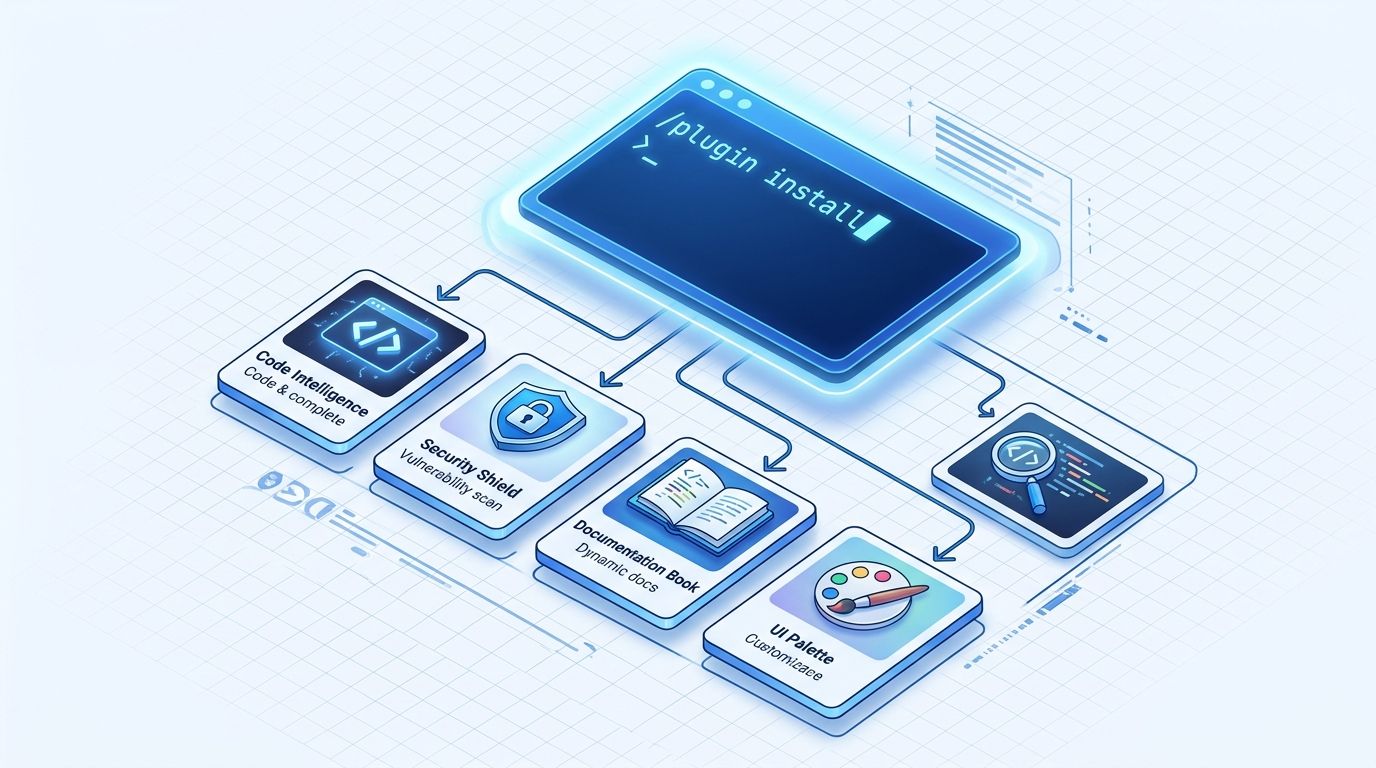
Anthropic’s official Claude Code plugin marketplace hit number one on GitHub Trending this week, pulling 1,475 new stars in a single day and reaching 43,000 total. The same release cycle — Claude Code v2.1.302, shipped October 16 — formalized the --marketplace install flag that makes the whole system work cleanly. The directory now has 255 vetted plugins: first-party Anthropic tools, eleven language servers, and partner integrations for GitHub, Figma, Linear, Supabase, and more. If you’ve been hunting through scattered community repos trying to find reliable Claude Code extensions, that problem is solved. Here’s what to actually install.
You Already Have It #
The official marketplace — claude-plugins-official — registers automatically the first time you launch Claude Code interactively. There is nothing to configure. You can run an install command right now:
/plugin install typescript-lsp@claude-plugins-official
The @claude-plugins-official suffix tells Claude Code to pull from Anthropic’s curated directory specifically. This matters because community marketplaces and third-party sources exist with different vetting standards. For everything recommended in this post, that suffix is what you want.
What a Plugin Actually Is #
Most developers assume a plugin is a slash command. It’s more than that. A Claude Code plugin is a versioned bundle that ships skills, subagents, hooks, and MCP server definitions together as one installable unit. The part most people underestimate is hooks. Unlike prompt instructions that the model can choose to follow or not, hooks are deterministic — they run as shell commands at lifecycle events regardless of what Claude does. A security hook that fires before every commit cannot be reasoned out of. That’s the correct architecture for anything security-related.
Five Plugins to Install First #
These are not a comprehensive list. The marketplace has 255 options; the full ecosystem has over 9,000 plugins across community directories. These are the ones worth starting with based on install counts and practical developer consensus.
1. Your Language Server (LSP)
The TypeScript LSP has 177,136 installs. It feeds real-time type errors, go-to-definition results, and find-references data directly into Claude’s context. This is the highest per-keystroke value plugin in the directory. It activates automatically on install. The same pattern applies for Python (pyright-lsp), Go, Rust, Java, and Swift — eleven language servers are available.
/plugin install typescript-lsp@claude-plugins-official
/plugin install pyright-lsp@claude-plugins-official
2. security-guidance
Runs as a hook before commits. Scans for injection flaws, XSS, SSRF, exposed secrets, IDOR, and auth-bypass patterns. 25,500+ installs. Install this at project scope so everyone on your team gets it on clone:
/plugin install security-guidance@claude-plugins-official --scope project
3. context7
71,800 installs, no API key required. Pulls live, version-specific documentation for React, Next.js, Tailwind, and hundreds of SDKs into Claude’s context. If you find yourself pasting docs into prompts because Claude keeps citing outdated API signatures, this is the fix.
/plugin install context7@claude-plugins-official
4. frontend-design
The most-installed plugin in the directory at 1.13 million installs. If you’ve seen Claude generate a UI that looks like a 2019 Bootstrap template, this is the fix. Worth installing even if you primarily do backend work — the few times you need a component or a mock, the quality difference is real.
/plugin install frontend-design@claude-plugins-official
5. pr-review-toolkit
Six parallel review agents with confidence scoring. Replaces a manual pass on most pull requests. Install at user scope and it applies across every project:
/plugin install pr-review-toolkit@claude-plugins-official
Use Project Scope for Team Quality Tools #
Plugins install at three scopes: user (you, across all projects), project (everyone who clones the repo, committed to .claude/settings.json), or local (you, in this repo, gitignored). Project scope is underused. If your team runs Claude Code, committing security-guidance and code-review to project scope means every new team member gets them automatically on clone. Quality tooling shouldn’t require individual setup steps.
The One Safety Rule #
Everything in the official marketplace is Anthropic-curated and the lowest-risk option. When you pull from community sources or third-party repos, the rule is: read the hooks and the MCP server config before installing. Hooks run as shell commands with your user privileges, outside Claude’s sandbox. That’s powerful and also the part that can cause real damage if the plugin comes from somewhere unverified. The official marketplace exists precisely to avoid making that judgment call every time.
The official install documentation covers marketplace management, plugin validation, and building your own plugins if you want to go further. Start with the five above, get comfortable with scopes, then explore the broader catalog.