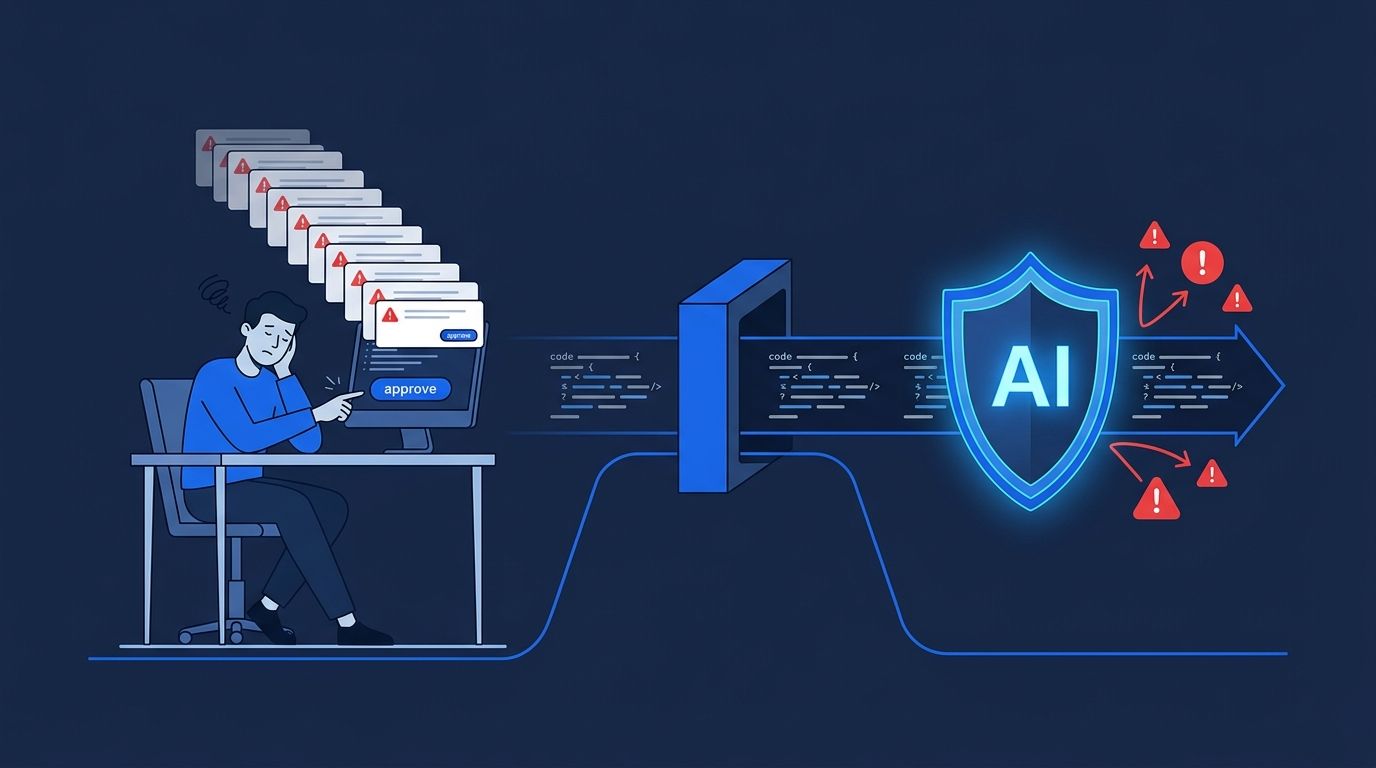
As of August 14, 2026, if you are on Claude Code’s Pro, Max, or Team plan, you are no longer manually approving tool calls by default. Anthropic made auto mode the default permission model — and the reason they cite is not convenience. Their internal study found that human reviewers were catching only 13.6% of dangerous commands while rubber-stamping 97% of all requests. The machine is now in charge of reviewing the machine.
Why Anthropic Pulled the Trigger #
The human-as-approver model has been quietly failing for a while. In a study of 1,053 paid professional testers, Anthropic found that users approved permission requests reflexively rather than through genuine scrutiny. When deliberate dangerous commands were slipped into workflows, humans caught barely one in seven. Auto mode’s classifier, running the same test, caught 89% of threats. An independent evaluation by Trajectory Labs pushed this further: zero out of 720 prompt injection attacks succeeded against Claude models running auto mode.
The implication is uncomfortable but worth sitting with: the click-to-approve UX was providing the feeling of control without much of the substance. Developers were being asked to make fast security decisions in context-switches they did not want, and they were largely checking out.
How the Classifier Works #
Auto mode inserts a two-stage classifier between Claude Code and your environment. A fast initial filter handles the bulk of routine tool calls. Uncertain or potentially risky operations get escalated to a deeper analysis layer. The classifier’s job is to block actions that are irreversible, destructive, or aimed at resources outside your project environment.
The error rates matter here. Anthropic’s engineering post reports a 0.4% false-positive rate on real internal traffic — so legitimate commands getting blocked is rare. The false-negative rate is 17% against an aggressive hand-curated test set, which means the classifier still misses a meaningful slice of adversarially crafted bad actions. Anthropic acknowledges this number and treats it as the main thing to improve in future iterations.
Each tool call check adds roughly 200–400ms. For rapid shell command sequences this is noticeable. For most development work it is not. A quadratic performance bug that made long auto mode sessions exponentially slower was patched in v2.1.216 — update before auto mode hits your sessions if you are on an older version. And if the classifier gets stuck, the safety valve kicks in: three consecutive blocks or twenty total in a session drops you back to manual approvals automatically.
What Actually Requires Your Attention #
The most important thing to understand is that prompts are not policy. If your current safety setup consists of telling Claude “never delete production files” in your system prompt, you need to change that. Auto mode’s classifier does not read your instructions — it evaluates actions against its ruleset. Instructions are not deny rules.
The configuration hierarchy runs: hard_deny
soft_deny
allow
user intent. Hard deny rules are unconditional — they block regardless of allow exceptions or user intent overrides. Soft deny rules are overridable with explicit intent. You configure these in Claude Code’s settings, and enterprise teams can push policies via Organization Settings → Claude Code → Managed settings. Run
claude auto-mode config
to confirm what your effective ruleset actually looks like.
// Example hard_deny rules (via Managed Settings or .claude/settings.json)
{
  "permissions": {
    "hard_deny": [
      "Bash(rm -rf *)",
      "Bash(*:production*)",
      "WebFetch(https://internal.corp/*)"
    ]
  }
}
If you are on an enterprise plan, note that auto mode becomes mandatory for Enterprise, API, and cloud platform accounts within approximately 30 days. Get your deny rules in place now rather than scrambling after the mandate lands.
The Tradeoffs Worth Watching #
There are legitimate concerns beyond the latency numbers. Long-running sessions are harder to audit when you are not approving each step — you are trusting the log after the fact rather than the approval before it. The classifier is also a single point of failure in a way that distributed human attention is not, even if that human attention was largely unreliable.
Keep the MCP workspace trust issue separate in your head. Tenable’s advisory documented how a malicious pull request can exploit previously granted trust to execute code on your machine via .mcp.json
. That is a workspace trust model issue distinct from auto mode — but both are conversations you should be having with your security team if you are running Claude Code on production workflows. The Help Net Security coverage has a useful breakdown of enterprise considerations.
The Bottom Line #
This change is a net positive. The data on human approval behavior is damning, and a well-calibrated classifier outperforms distracted developers on routine threat detection. But “better than rubber-stamping” is not the same as “comprehensive protection.” Configure your deny rules, update to the latest version, and treat your agent’s configuration files with the same care you give your CI secrets. The machine reviewing the machine only works if you have set the rules the reviewer is checking against.